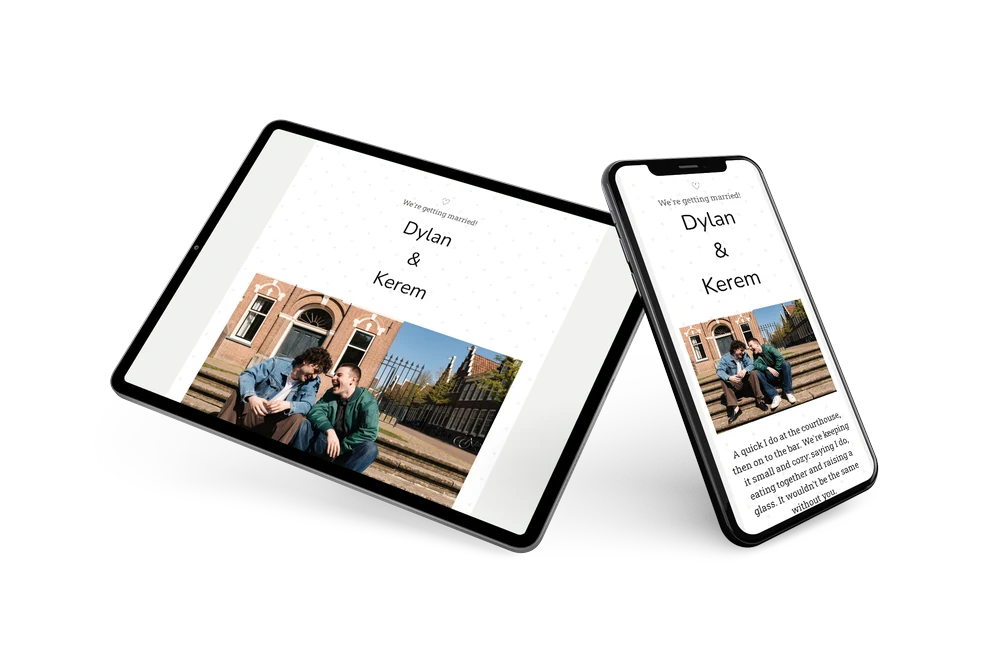
A modern, laid-back wedding invitation
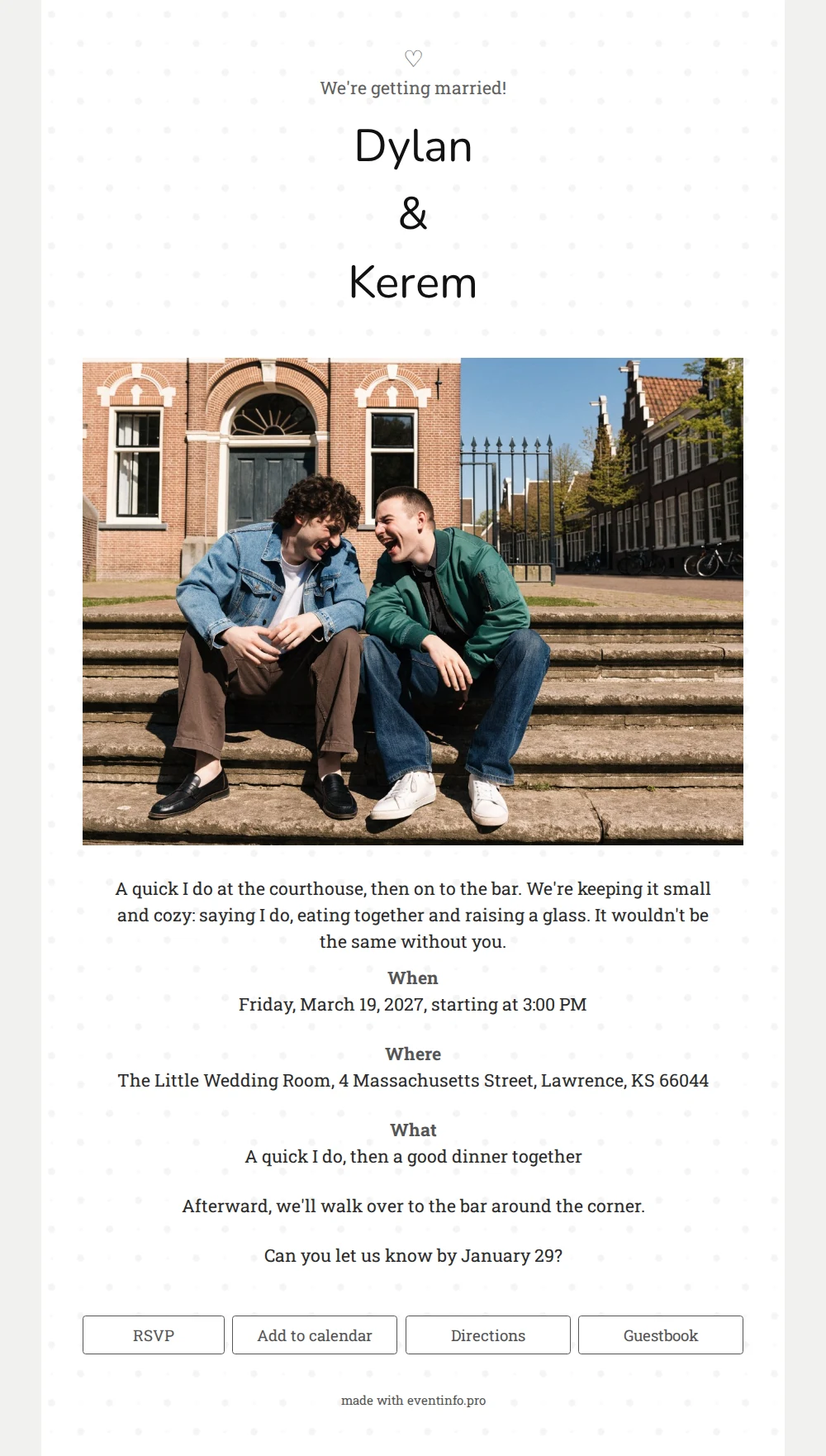
An online wedding invitation replaces the envelope in the mailbox with a link guests can open anywhere, with a reply button and directions built right in. Change something, and everyone sees it immediately. With a photo as the eye-catcher and very little decoration, this design is made for a wedding that stays small and fun.
A gray dot grid on white forms the backdrop, a bit like a page from a notebook. Your names sit in the middle in a soft, rounded typeface, with a heart and the line ‘We’re getting married!’ above them. Underneath comes a sunny, full-width photo, followed by the details in a sturdy slab serif. The result feels current and effortless, as if you were handing over the invitation in person.
Great for a Friday afternoon or weekday wedding with a small crowd. Guests let you know in seconds whether they’re coming, open directions and add the time to their calendar. The guestbook stays online as a memory of the day, filled with notes from friends and family.
Create your own online wedding invitation
Use this design as a starting point and create a fitting wedding invitation within minutes.
Frequently asked questions
Can I send it today?
Yes. Choose a photo, update the names and schedule and share the link right away by text or email. No printer, no mail carrier.
Which buttons do guests see under the card?
RSVP for replies, Add to calendar to save the date, Directions to find the venue and Guestbook for congratulations and kind words.
Can I adjust how the photo is cropped?
Of course. Upload your own photo and choose which part shows. A landscape image with the two of you in the center fits the wide strip best.
How do we make the card feel like us?
Change the text, colors or fonts in the editor and see the result instantly. You can also swap the photo as often as you like. Then let guests leave notes in the online guestbook after the big day.
Does an online invitation really save money?
Usually, yes, since printing and postage disappear, and you can update the details later at no extra effort. The pricing page shows what’s included.
Design details: fonts and colors
Fonts
- Header 1 — Roboto Slab
- Header 2 — Nunito
- Text — Roboto Slab
Colors
- #555555 — Header 1
- #111111 — Header 2
- #2b2b2b — Text
- #ffffff — Card
- #f1f1ef — Background
Use this design
Copy this design to your dashboard to use it as a starting point.