A soft, cheerful birth card
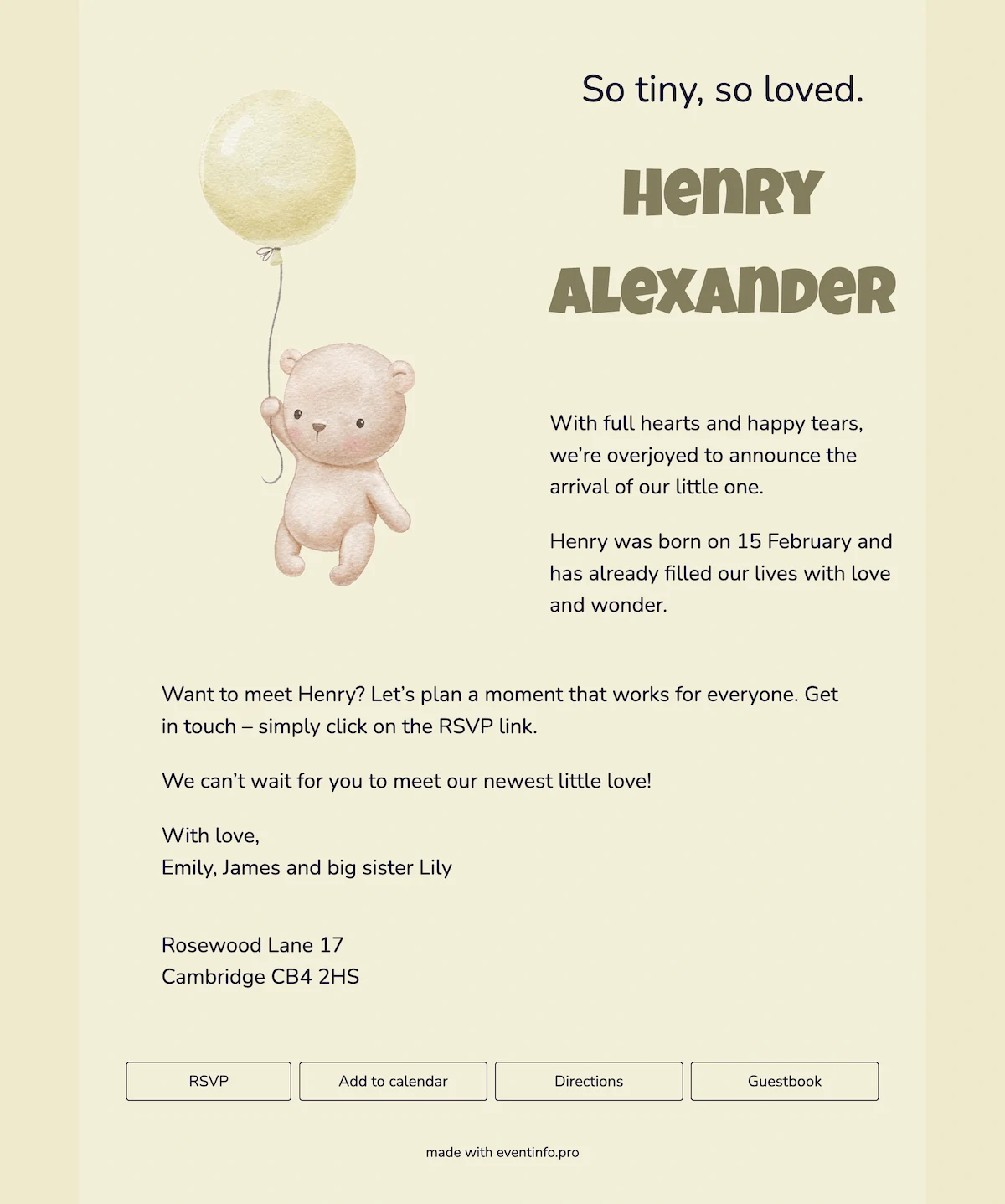
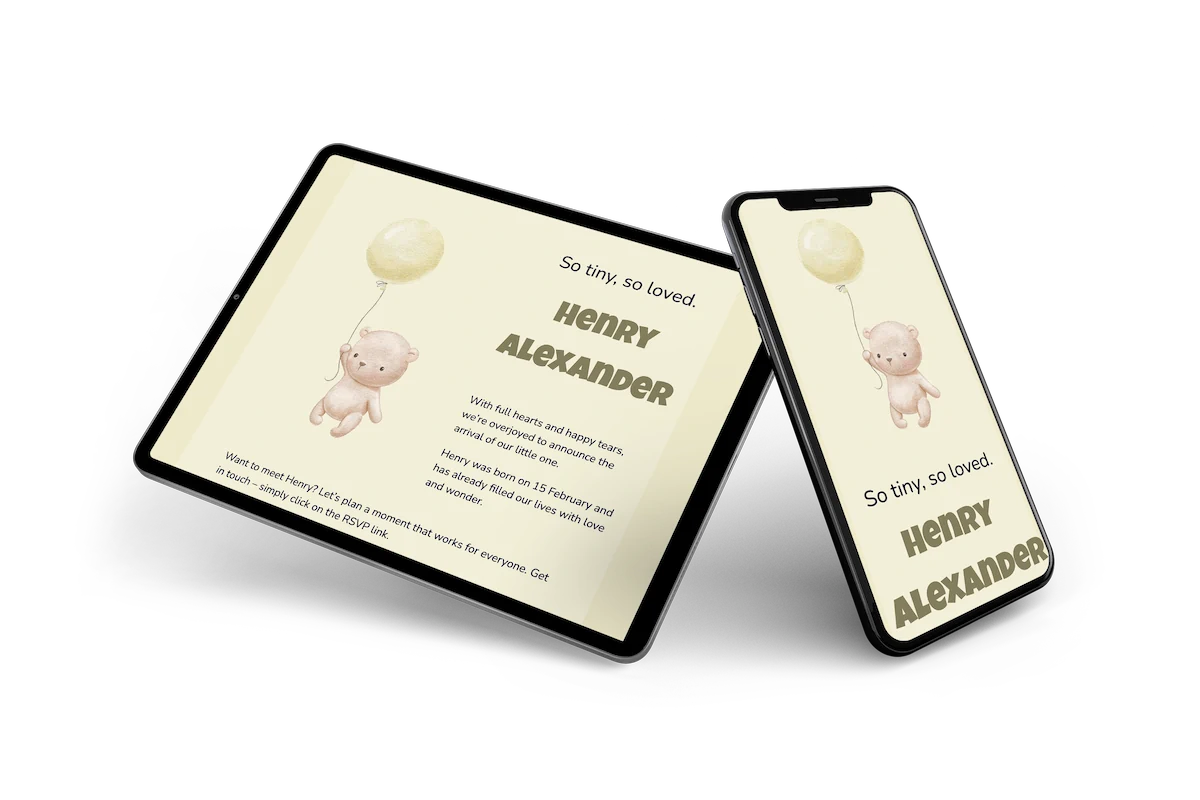
This online birth card does two jobs at once: it tells everyone the baby has arrived, and it invites them to come and meet the little one. A watercolour teddy bear floats up on a pale yellow balloon, soft enough to feel like a nursery picture. The warm cream background keeps it gentle. For the name there is a thick, rounded letter in olive green, which adds a touch of fun without getting loud. Everything else stays calm and easy to read.
Guests use the RSVP button to say when they’d like to visit, and they find the address, directions and date together on the page. That makes planning the first weeks of visitors a lot less chaotic. If the plan shifts, you edit the text while the link stays the same. Want a different look? Browse the other online birth cards.
Create your own online birth card
Use this design as a starting point and create a fitting birth card within minutes.
Frequently asked questions
How quickly can we send it?
Ten minutes. Names, the date, the address and a photograph go in, and the page is ready to share.
What can guests do with it?
They reply to say whether they are coming, open the route to the address and save the date. You watch the numbers arrive instead of counting messages in a thread.
Can we reuse the page after the birth?
A lot of parents do exactly that. You edit the same page into an announcement afterwards, the link stays as it was, and everyone who kept it sees the new version.
Can we change the look?
Colours, typefaces, photographs and every line of text are adjustable. The portfolio shows the designs made purely for announcing a birth.
Is it cheaper than printing?
No print run, no envelopes and no stamps. The bigger help is that a change of address or time costs nothing once the link has gone out.
Design details: fonts and colors
Fonts
- Header 1 — Nunito
- Header 2 — Luckiest Guy
- Text — Nunito
Colors
- #000333 — Header 1
- #837e5d — Header 2
- #000333 — Text
- #f3efd8 — Card
- #efeacc — Background
Use this design
Copy this design to your dashboard to use it as a starting point.
All example invitations are fictional. Photos of people are AI-generated; illustrations are licensed or AI-generated.