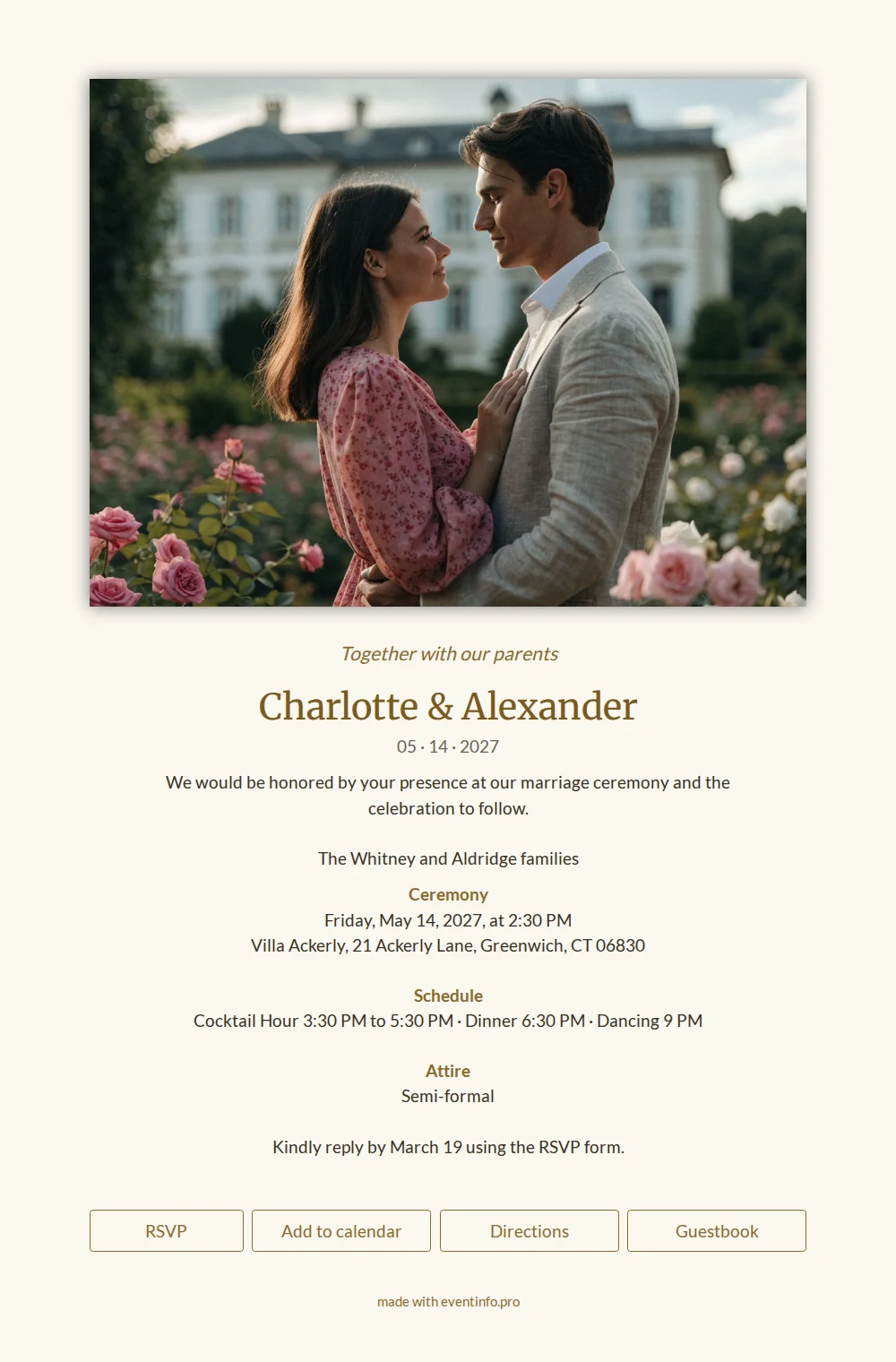
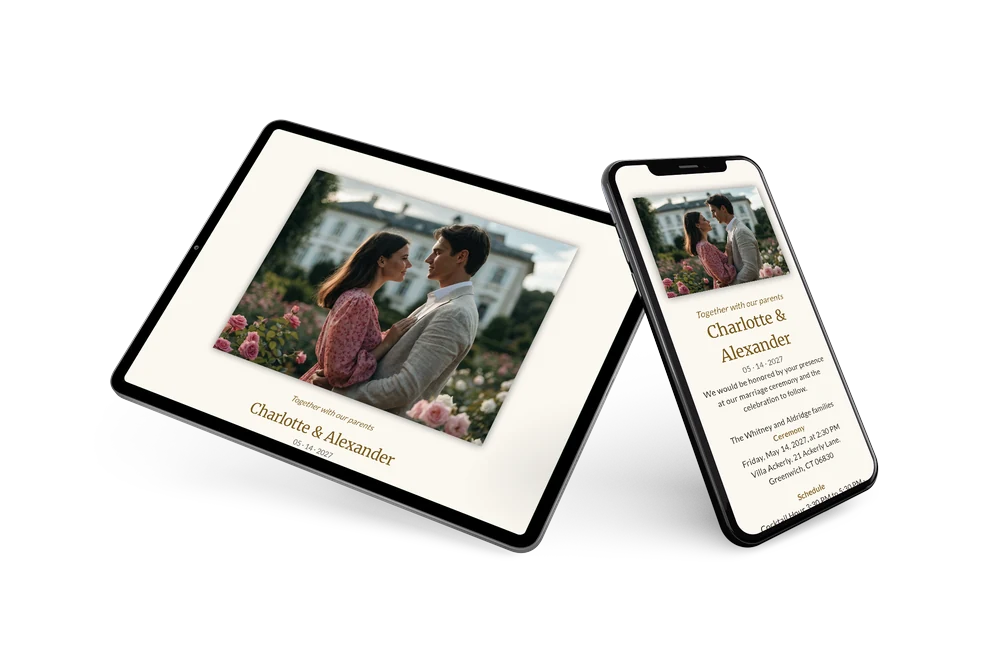
A warm, stately wedding invitation
On EventInfo, an online wedding invitation is a complete invitation page: photo, text, schedule, reply form, directions and guestbook behind a single link. This design belongs to the formal side of the collection and leaves plenty of room for a large photo of the two of you.
The palette is light and warm: a cream background, headings in ochre and golden brown and text in a dark brownish gray. The photo of the couple in a rose garden in front of a white country house sets a romantic mood, while the layout below stays restrained. An italic line opens the card, followed by the names in a serif, the date, a short invitation and the signature of both families. Ceremony, schedule and attire each have their own heading. For a traditional wedding with ceremony, cocktail hour, dinner and dancing, this is a tidy starting point that needs little adjustment.
Send it to guests who are invited for the whole day, or create a second version for evening guests. With the calendar button and add event to calendar, the ceremony lands in their calendar with the right time and place, and the directions button takes them straight to the venue. Replying and leaving congratulations happen on the same page.
Create your own online wedding invitation
Use this design as a starting point and create a fitting online wedding invitation within minutes.
Frequently asked questions
Can I send the invitation today?
Yes. Pick the design, fill in your details, add your photo and share the link right away. There is no printer to wait for.
What do guests see when they open the link?
Your photo, your names and the full schedule, with buttons for RSVP, calendar, directions and guestbook below. More about the guestbook is on the online guestbook page.
Why is the invitation signed by the families?
The example assumes a formal wedding where the couple invites guests together with their parents, as the opening line says. If you are hosting yourselves, replace those lines with your own names or leave them out.
Can I add or remove parts of the schedule?
Certainly. A separate time for evening guests, a second venue or a note about gifts can be added as an extra line, and anything that does not apply can go. Compare packages on the pricing page before you start.
Design details: fonts and colors
Fonts
- Header 1 — Lato
- Header 2 — Merriweather
- Text — Lato
Colors
- #8a6a2e — Header 1
- #7a5a1e — Header 2
- #3a3226 — Text
- #fbf8f1 — Card
- #fbf8f1 — Background
Use this design
Copy this design to your dashboard to use it as a starting point.