Suited to a burial among trees
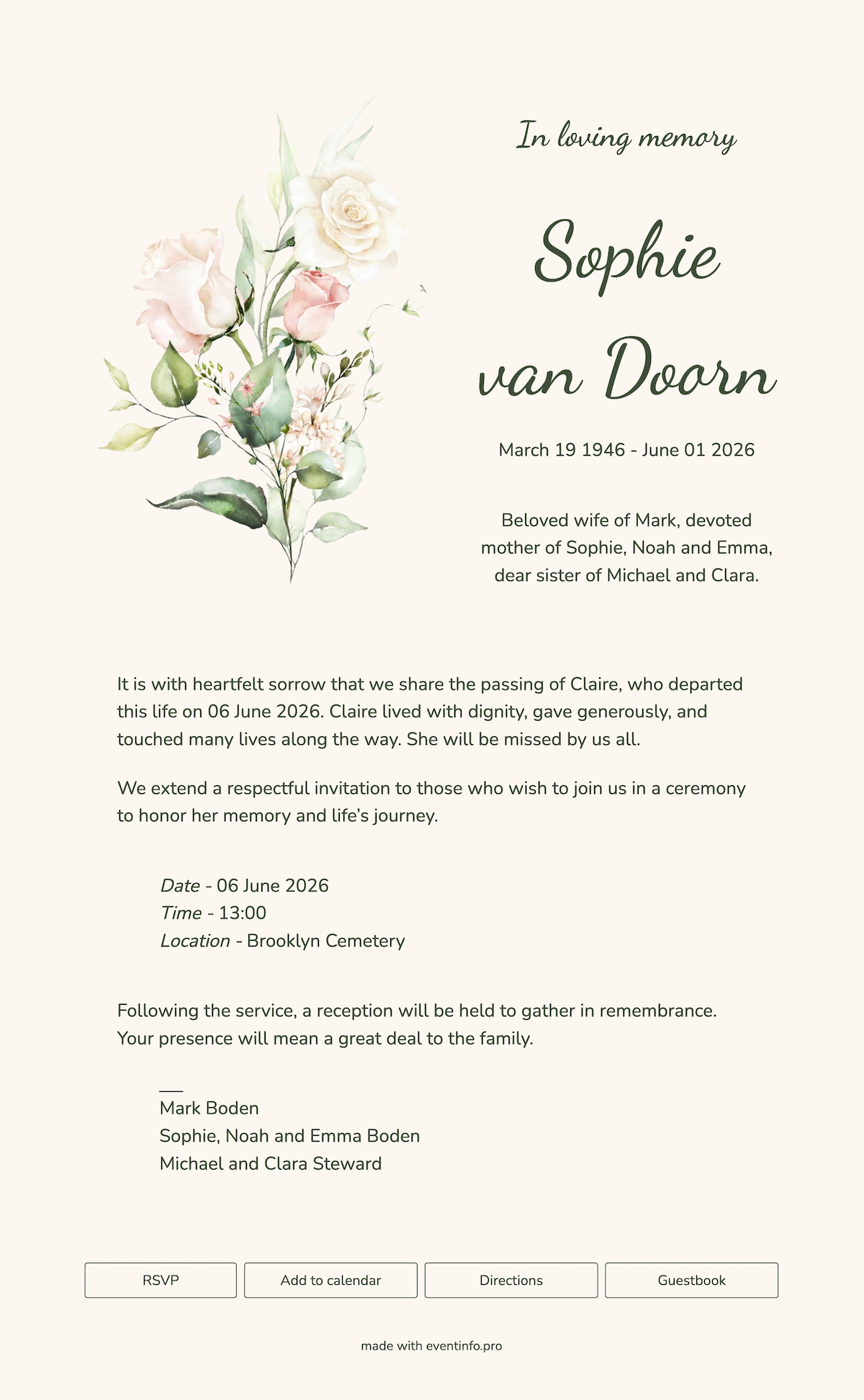
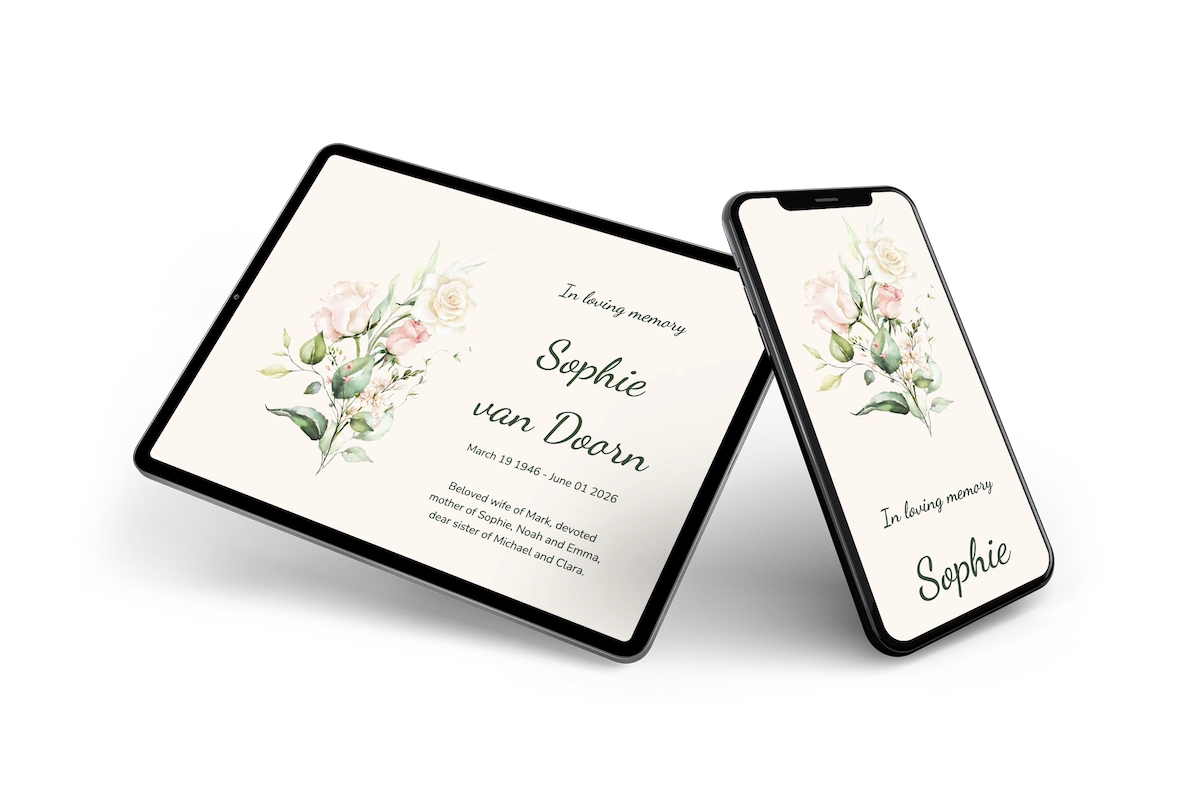
An online funeral card with a garden feel, meant for a farewell close to nature. It suits a natural burial or a service outdoors as well as a chapel. The watercolour roses and leaves at the top left take the place of a photo, which can be a relief when choosing a picture feels like too much. Dark green lettering follows the colour of the leaves, on a warm cream background with a calm, open text letter.
Guests say whether they will come to the gathering afterwards, which helps with the coffee and sandwiches. Anyone who cannot attend leaves a few words in the condolence register instead. For a different mood, browse our other online funeral cards.
Create your own online funeral card
Use this design as a starting point and create a fitting funeral card within minutes.
Frequently asked questions
How quickly can it be ready?
Half an hour. Names, dates, the location and a photograph are all it needs, and the rest is already in place.
What can recipients do?
They leave a message of condolence, open directions to the burial ground and note the time. That last part matters more than usual when the site is down a track rather than on a main road.
Does the calligraphy stay legible?
The calligraphic hand is used only for the name, at a generous size, and the practical text below it is set in an open, rounded face. Times and place names stay clear on any screen.
Can we change the design?
Colours, typefaces, the photograph and all text are adjustable. The portfolio shows the plainer and the more formal designs.
Is it less expensive than printing?
No print run, no postage, no reprint. The more practical gain is that a change of location can still be made after the card has gone out.
Design details: fonts and colors
Fonts
- Header 1 — Dancing Script
- Header 2 — Dancing Script
- Text — Nunito
Colors
- #404d3b — Header 1
- #404d3b — Header 2
- #404d3b — Text
- #fcf7f2 — Card
- #fcf7f2 — Background
Use this design
Copy this design to your dashboard to use it as a starting point.
All example invitations are fictional. Photos of people are AI-generated; illustrations are licensed or AI-generated.