Announcing a birth without printing anything
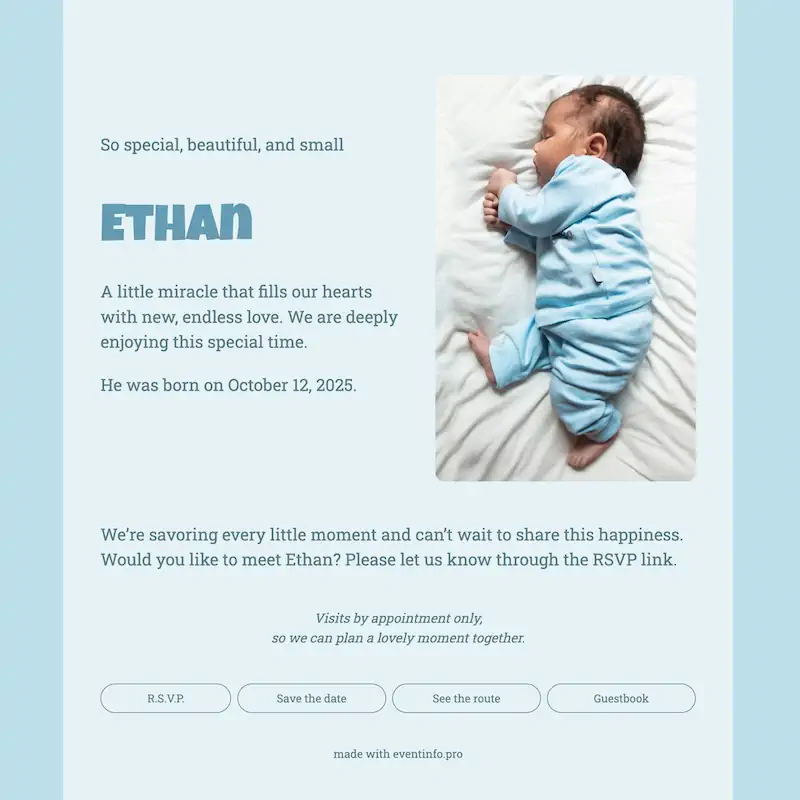
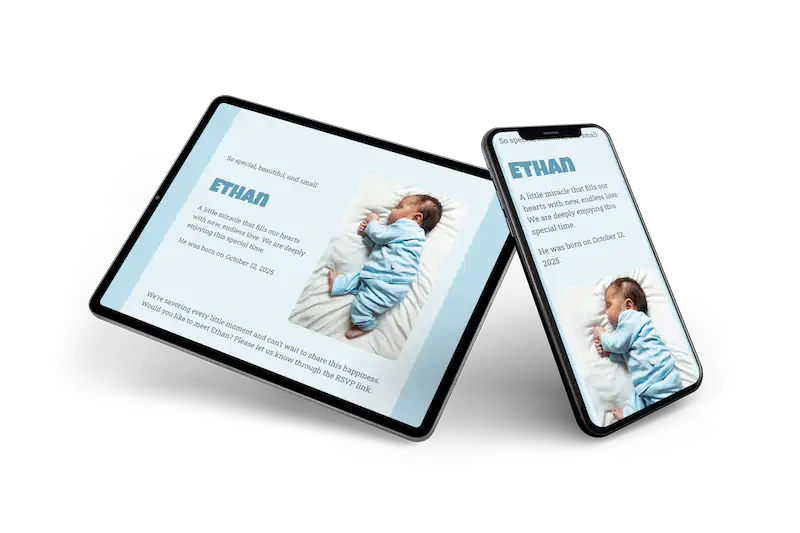
This online birth card is made for the quiet first weeks at home. A photo of a sleeping newborn in a pale blue sleepsuit takes up the right side. The name is set in a thick, rounded blue letter that looks a little playful, almost like building blocks. Around it, soft blue on blue keeps the whole card gentle. The short lines of text use a calm, friendly letter, easy to read on any phone.
Family and friends leave their congratulations in the guestbook, so all the kind words stay together in one place. Visits are by appointment on this card: people use the RSVP button to ask, and you decide what suits you. Looking for more colour? Our other online birth cards go further.
Create your own online birth card
Use this design as a starting point and create a fitting birth card within minutes.
Frequently asked questions
How quickly can we send it?
Ten minutes. Name, date, weight and a photograph go in, and the link is ready to share with everyone at once.
What can family and friends do with it?
They leave a message of congratulation, look at the photos on the page and read when you would like visitors. Their messages collect in one place, which is easier to read back later than a hundred separate texts.
Is the design too quiet for a first child?
Quiet here means uncluttered rather than dull. The colour sits in the background while the name gets the space, so the card carries plenty of warmth without a single cartoon animal.
Can we change the colours?
Colours, typefaces, photographs and every line of text are yours to adjust. Have a look at the portfolio if another design suits you better.
Is it cheaper than printed cards?
You skip the print run, the envelopes and the stamps. What matters more in the first week is that you can add a photograph later without sending anything twice.
Design details: fonts and colors
Fonts
- Header 1 — Roboto Slab
- Header 2 — Luckiest Guy
- Text — Roboto Slab
Colors
- #5d7e89 — Header 1
- #659cb5 — Header 2
- #5d7e8a — Text
- #e6f2f6 — Card
- #bddfec — Background
Use this design
Copy this design to your dashboard to use it as a starting point.
All example invitations are fictional. Photos of people are AI-generated; illustrations are licensed or AI-generated.