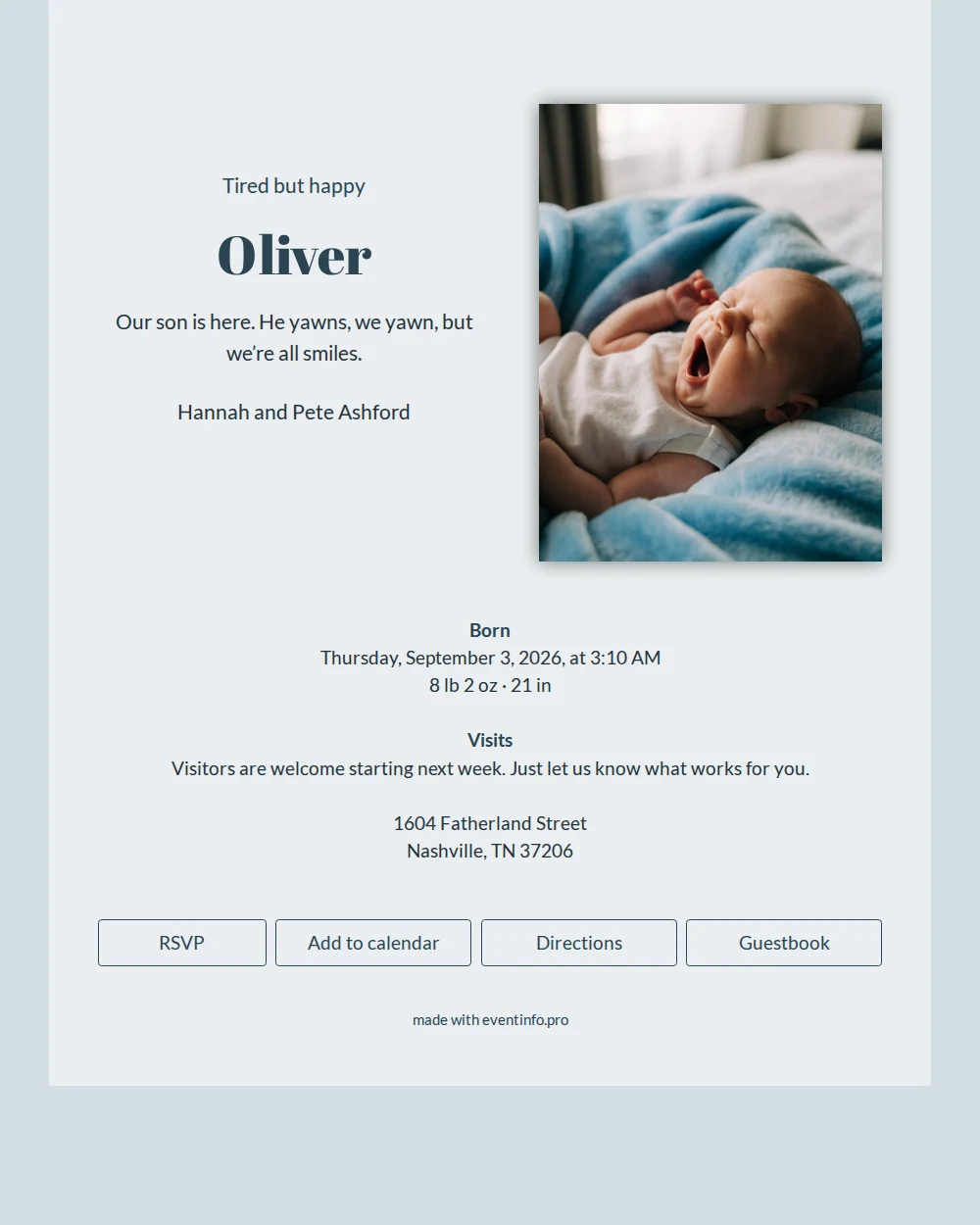
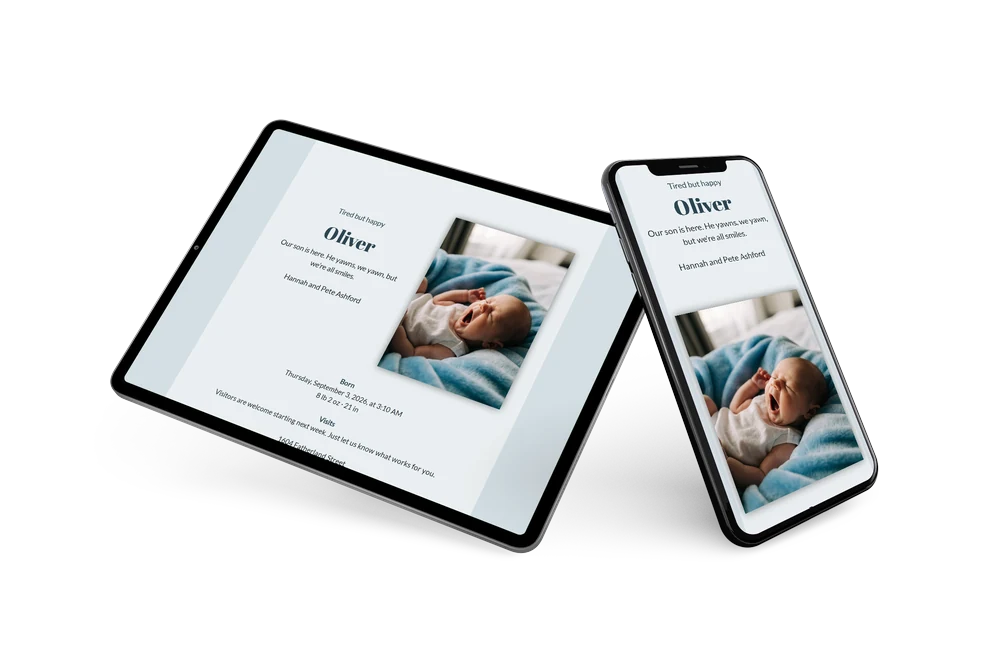
A gentle, slate-blue announcement
The phrase online birth announcement describes exactly what this design offers: a digital card that combines a photo, a short message and the practical details in one place. At its centre is a close-up of a sleepy, yawning newborn wrapped in a blue blanket, shown in soft blue-grey tones. The name Oliver appears in an elegant navy serif, giving the whole card a calm, considered feel that suits a quiet birth announcement.
The layout fits a birth announcement built around calm and clarity rather than bold statements. Anyone who receives the link can congratulate the family straight in the guestbook, admire the photo of Oliver, and plan the visiting days in their own calendar. Looking for something different? Keep browsing through adding an event to your calendar.
Create your own online birth announcement
Use this design as a starting point and create a fitting birth announcement within minutes.
Frequently asked questions
How soon will my birth announcement be online?
Usually within a quarter of an hour: fill in the details, choose a photo, and send.
What can someone who receives the card do?
They can leave a congratulations message in the guestbook, view Oliver’s photo, and add the visiting days to their calendar.
Does this photo style also suit an evening birth?
Yes, the soft blue-grey tone and calm image work at any time of day, whether the birth was early morning or late evening.
Am I free to change the layout and text?
You can adjust everything to your own taste. For more inspiration, see more birth announcements like this one.
Design details: fonts and colors
Fonts
- Header 1 — Lato
- Header 2 — Abril Fatface
- Text — Lato
Colors
- #2c4552 — Header 1
- #2c4552 — Header 2
- #27333a — Text
- #eaeff1 — Card
- #d4dee3 — Background
Use this design
Copy this design to your dashboard to use it as a starting point.