Built for the guests who have known you longest
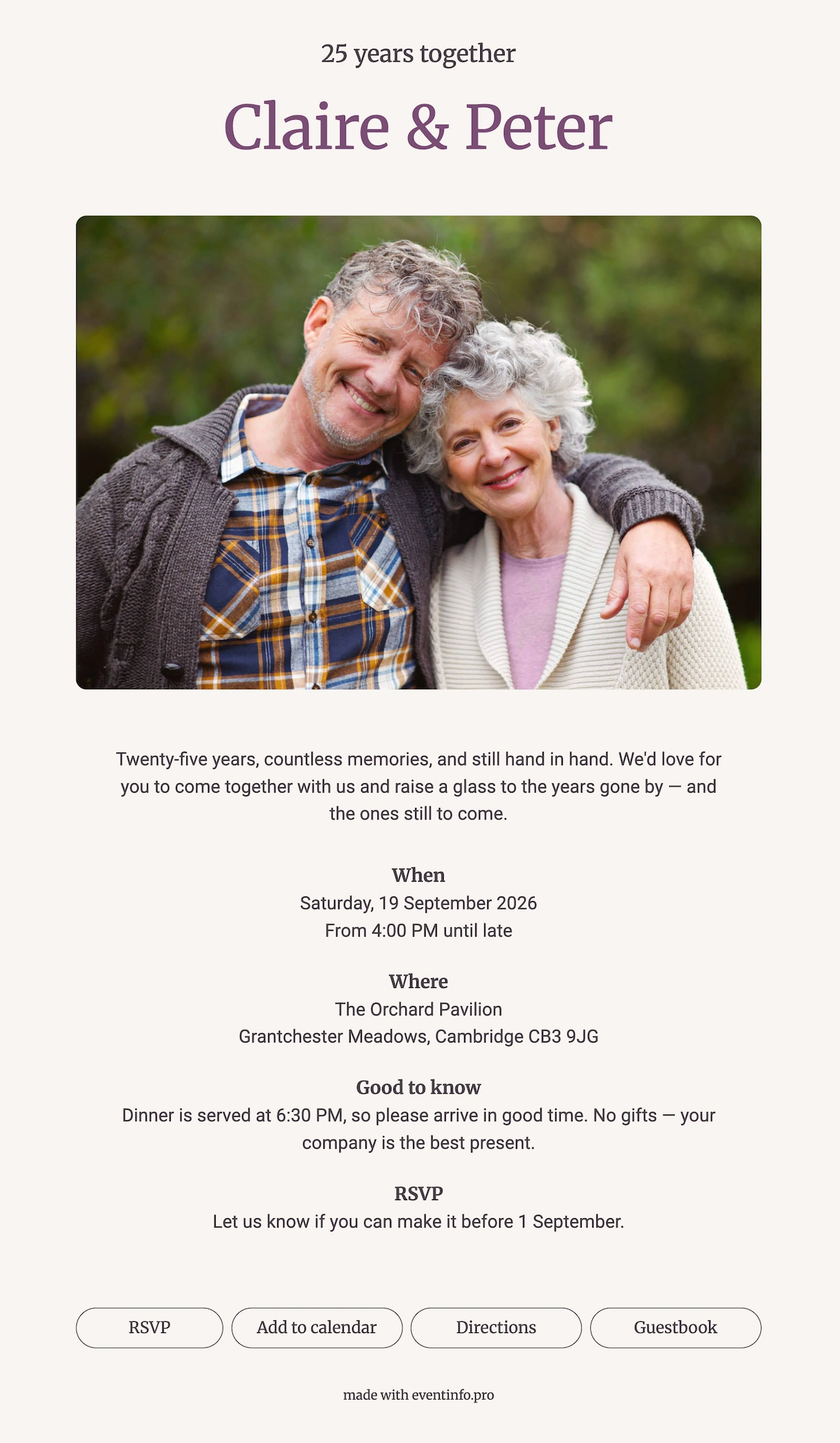
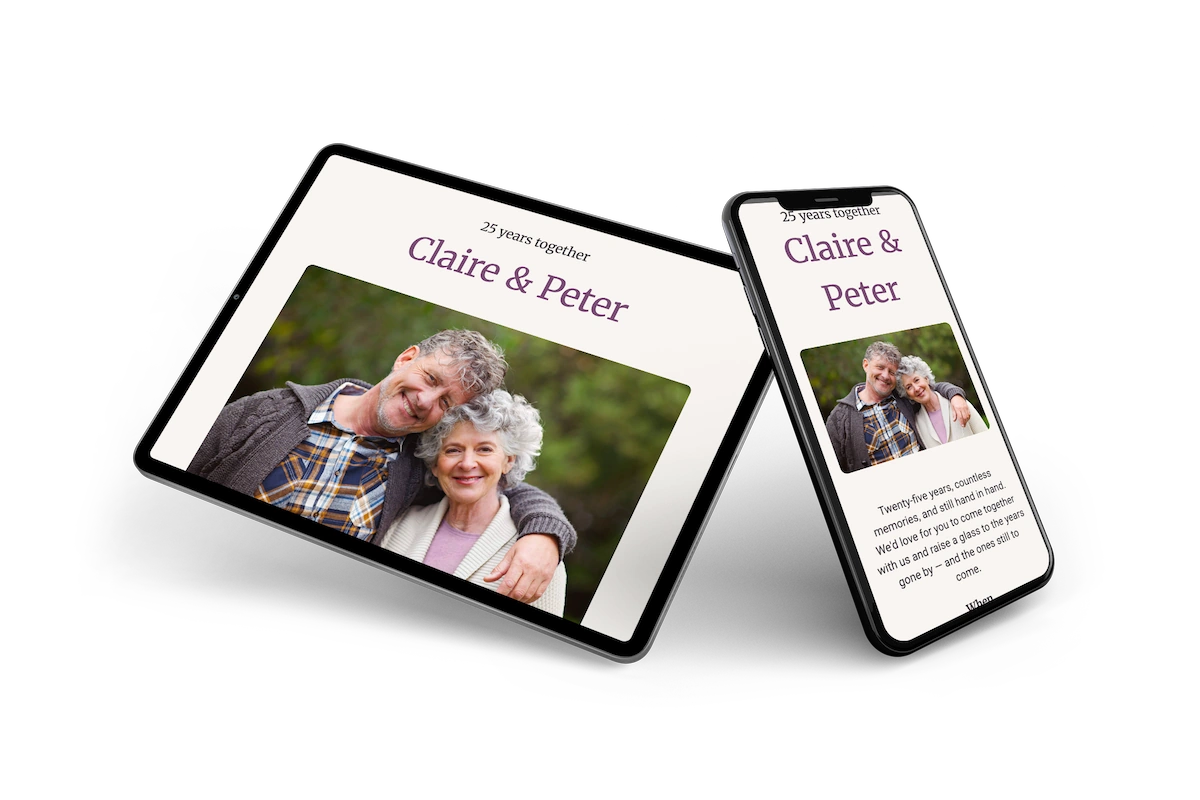
Some celebrations call for a card that feels a little more grown-up, and this online invitation was designed with a long marriage in mind. The photo of the couple is the heart of it, big and central, because at an anniversary people want to see the two of you first. Plum lettering for the names adds a touch of ceremony. Below that, generous white space and a quiet text make it read like a letter from old friends.
Guests who have known you for decades won’t need an app or an account. They open the link, confirm in one tap and save the date straight into their calendar. No printing or stamps are needed either, even for a long guest list. Looking for a different mood? Browse our other online party invitations.
Create your own online party invitation
Use this design as a starting point and create a fitting party invitation within minutes.
Frequently asked questions
How long does it take to prepare?
Ten minutes. Names, dates and the address go in, and the design holds together on its own.
What can guests do once they open it?
They confirm attendance, open directions to the venue and add the date to their calendar. Replies gather in one place, which is a relief when the list runs past sixty people.
Will older guests find this easy to read?
The type sizes are generous and the contrast between text and background is deliberately strong. There are no thin decorative lines to disappear, and the page enlarges cleanly if someone zooms in.
Can I adapt it to our own colours?
Every colour and typeface can change, and so can the photo. Browse the portfolio for other designs in the same register.
How does it compare to printed invitations?
You skip the print run and the postage, and you avoid the reprint if the venue shifts. With guests booking travel, being able to correct a detail after sending is the part that counts.
Design details: fonts and colors
Fonts
- Header 1 — Merriweather
- Header 2 — Merriweather
- Text — Roboto
Colors
- #494248 — Header 1
- #7a4d74 — Header 2
- #494248 — Text
- #f8f5f1 — Card
- #f8f5f1 — Background
Use this design
Copy this design to your dashboard to use it as a starting point.
All example invitations are fictional. Photos of people are AI-generated; illustrations are licensed or AI-generated.