A cheerful pastel afternoon card
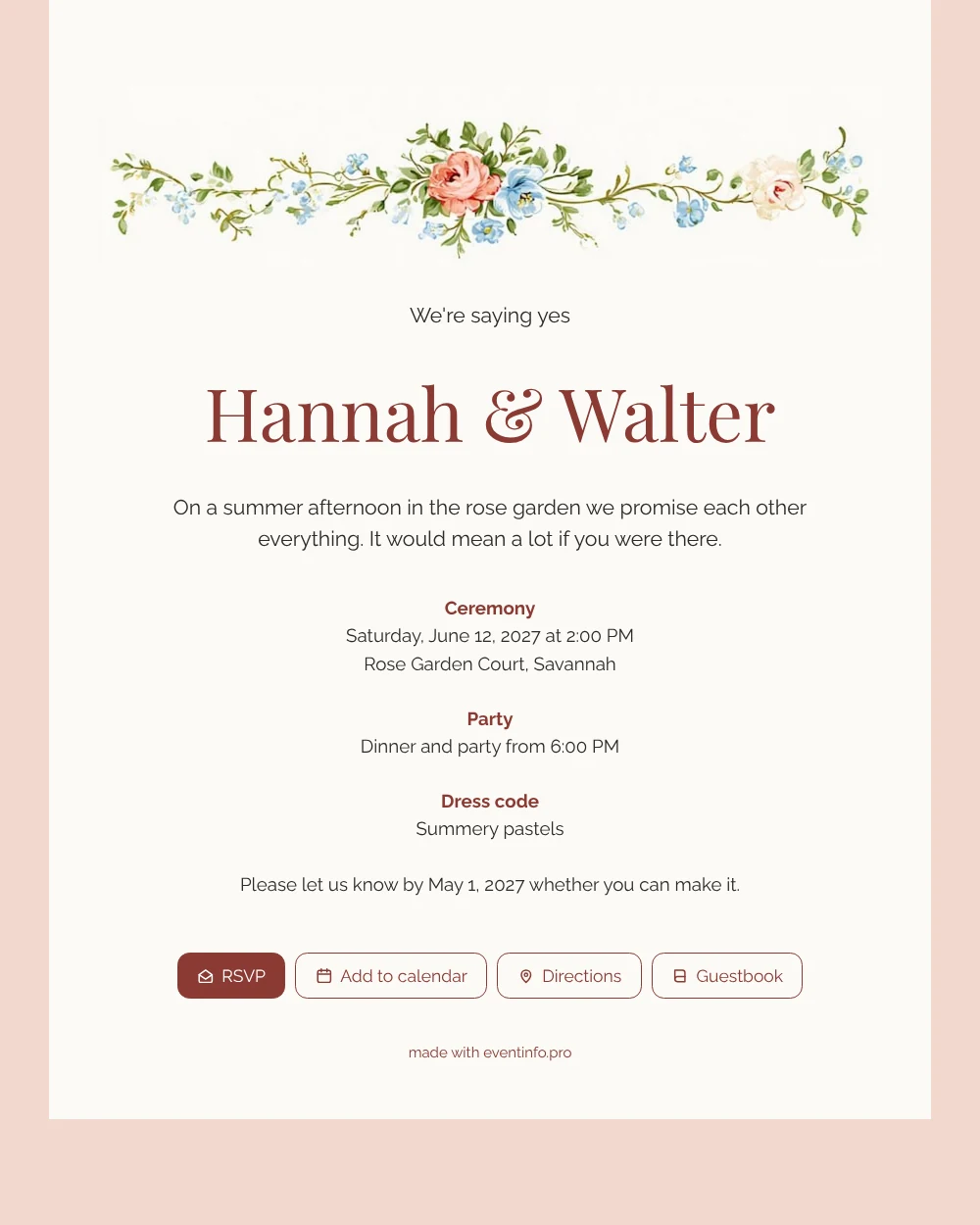
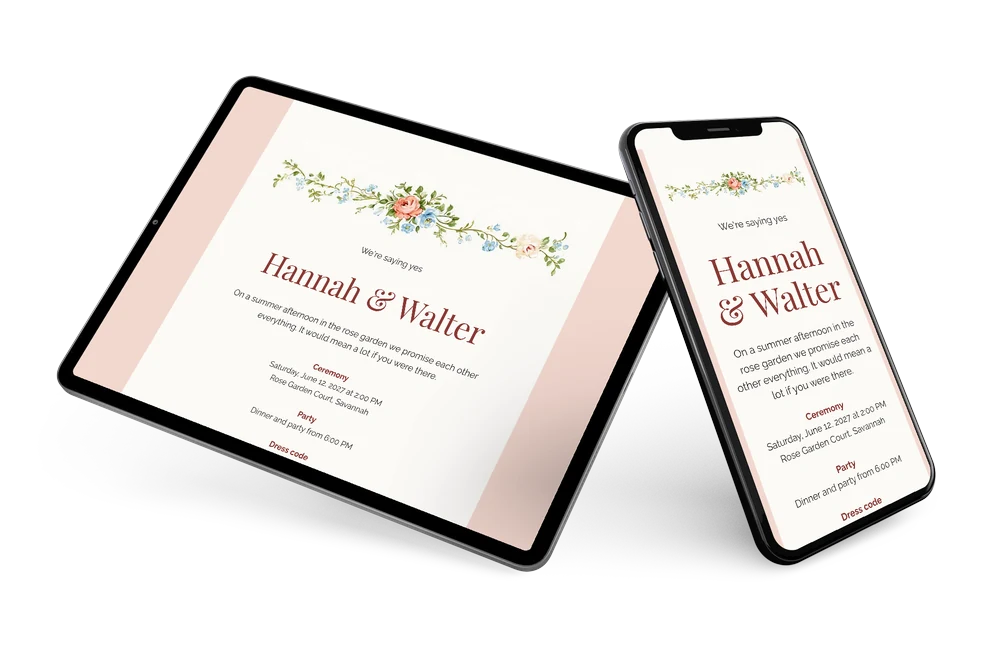
For guests, an online wedding invitation is the easiest kind of card to answer: they open a link on their phone and everything they need is right there. This apricot design greets them with a slim border of peach roses and blue blossoms, a warm white card on a soft apricot background and headings in a deep brick red. It feels light, summery and friendly, perfect for an afternoon wedding with family and friends.
Imagine your neighbour opening it on a sunny morning. She reads “We’re saying yes”, sees the ceremony at two in the rose garden and taps the RSVP button. Below the address she finds directions to the venue, and with the calendar button she can add the event to her calendar before she forgets. She closes the page with a short congratulation in the guestbook.
Create your own online wedding invitation
Use this design as a starting point and create a fitting wedding invitation within minutes.
Frequently asked questions
Is replying quick for guests?
Yes, a reply takes a few seconds and needs no account. You as a couple can set up and share the invitation in a single evening.
What can guests do apart from replying?
Open the route to the rose garden, add the date to their calendar, check the dress code and write a message in the guestbook. You can see in your dashboard who has replied.
Is the apricot background not too strong?
No, it is a soft peachy tone that only frames the card. The text stays dark on warm white, and the deep red headings pick up the colour of the roses, so it reads easily while still feeling summery.
Can I make it suit our own wedding?
Yes. Change the texts, colours and image, or place your own photo or illustration. The guide on how to customise a ready-made design shows you how.
What happens if our plans change?
Edit the details in your account and guests see the update on the same link. If someone has not replied yet, you can send them a reminder.
Design details: fonts and colors
Fonts
- Header 1 — Raleway
- Header 2 — Playfair Display
- Text — Raleway
Colors
- #2E2A28 — Header 1
- #8A3A34 — Header 2
- #2E2A28 — Text
- #FBFAF6 — Card
- #F2D8CF — Background
Use this design
Copy this design to your dashboard to use it as a starting point.
All example invitations are fictional. Photos of people are AI-generated; illustrations are licensed or AI-generated.