A striking, informal invitation
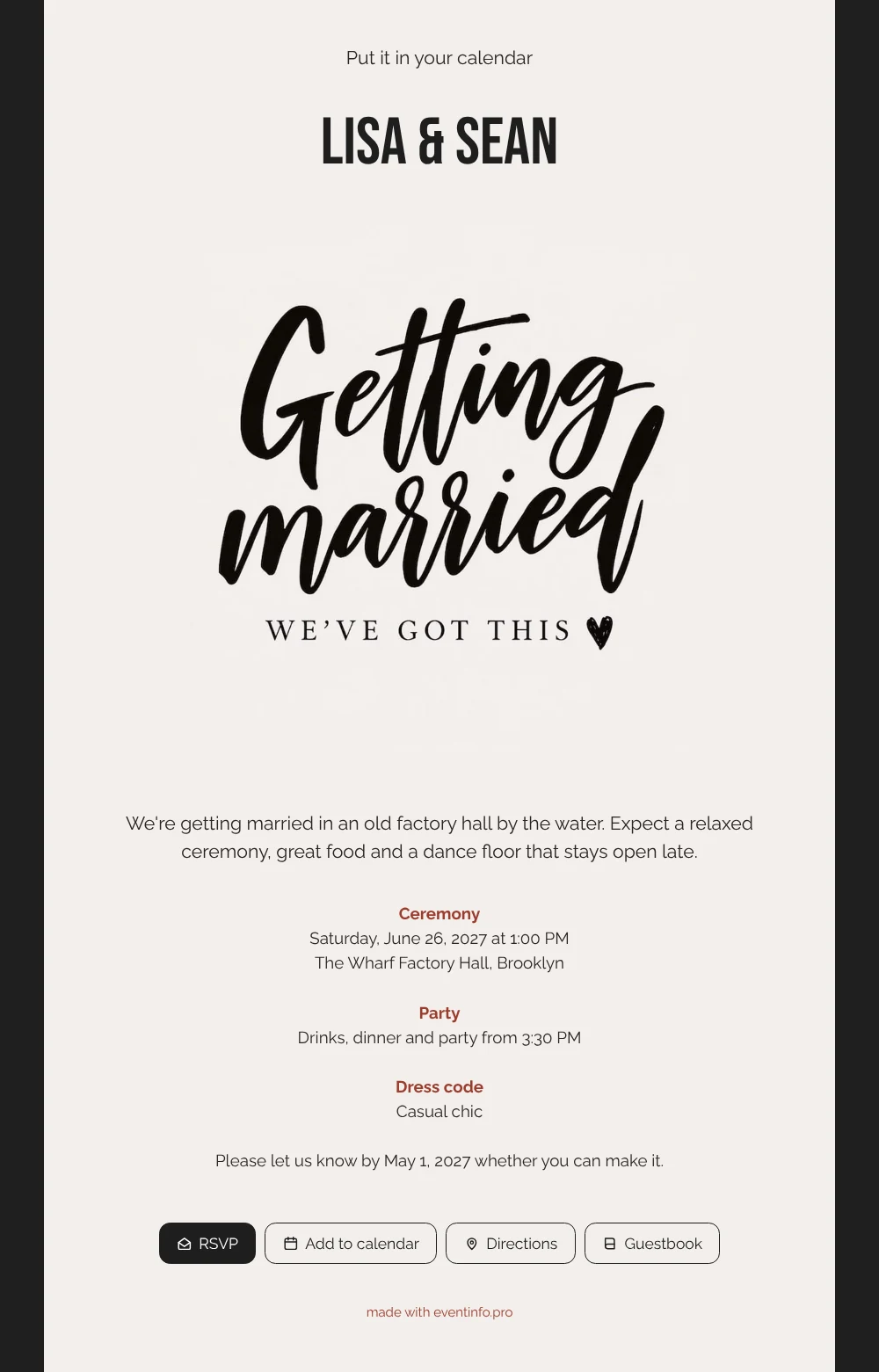
An online wedding invitation puts everything your guests need into one link: date, place, plans and a button to reply. For your guests, this one makes an impression the moment it opens. A deep black frame surrounds a cream card, your names stand at the top and “Getting married” runs across the page in confident brush lettering. It is made for couples whose friends would rather dance in a factory hall than sit through a formal dinner.
Guests see right away when to arrive and what kind of party to expect. A tap on the address opens the route to the venue, which helps when the location is an old hall on a quay rather than a well-known hotel. They reply through the online RSVP and can leave a message in the guestbook, so you know who is coming before you plan the tables.
Create your own online wedding invitation
Use this design as a starting point and create a fitting wedding invitation within minutes.
Frequently asked questions
How fast can I get this to my guests?
On the same day. Fill in your names, date and venue, check the preview and send the link. If you also hand out something printed, add the QR code for your invitation so guests can scan it and land on the right page.
What exactly can guests do?
They read the invitation on their phone, confirm whether they are coming, open directions and add the wedding to their calendar with one tap. Anyone who wants to send good wishes early can use the guestbook.
Does the dark frame work on every phone?
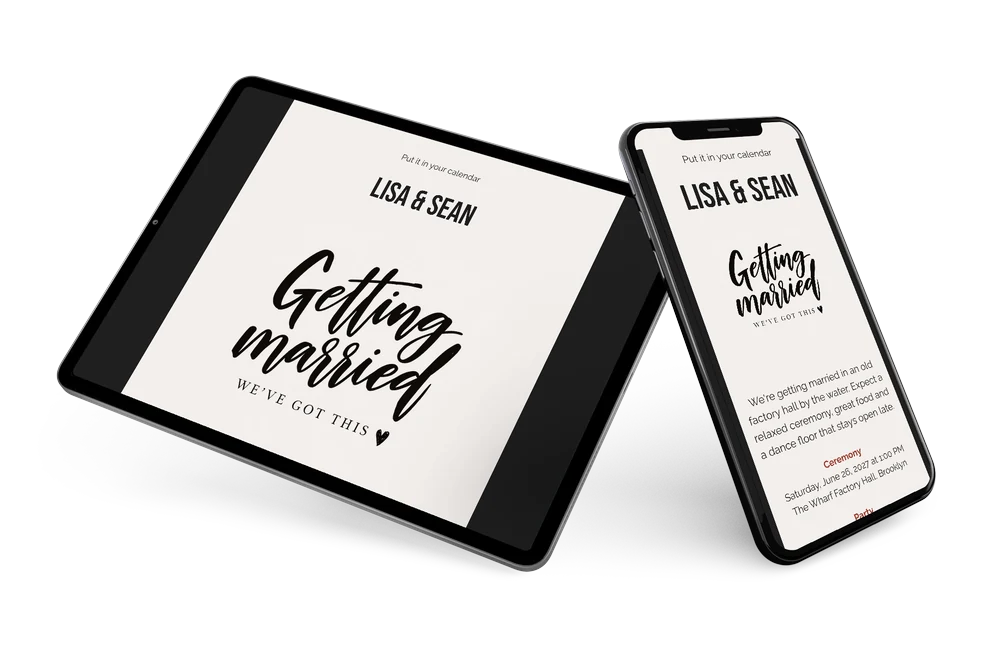
Yes. The black frame keeps the cream card in focus and the text stays easy to read in daylight and at night. The page adapts to the screen, so it looks just as tidy on a small phone as on a laptop.
Can I make it fit my own guests?
Of course. Change the frame colour, rewrite the blocks or replace the lettering with your own photo or illustration. Everything you adjust in the editor appears on the same link.
What if plans change after I have sent it?
Edit the invitation and guests see the update straight away on the same link. Your dashboard keeps showing who has replied, and you can remind those who have not responded yet.
Design details: fonts and colors
Fonts
- Header 1 — Raleway
- Header 2 — Bebas Neue
- Text — Raleway
Colors
- #2A2624 — Header 1
- #1E1E1E — Header 2
- #2A2624 — Text
- #F3EFEC — Card
- #1F1F1F — Background
Use this design
Copy this design to your dashboard to use it as a starting point.
All example invitations are fictional. Photos of people are AI-generated; illustrations are licensed or AI-generated.