A tender, low-key wedding card
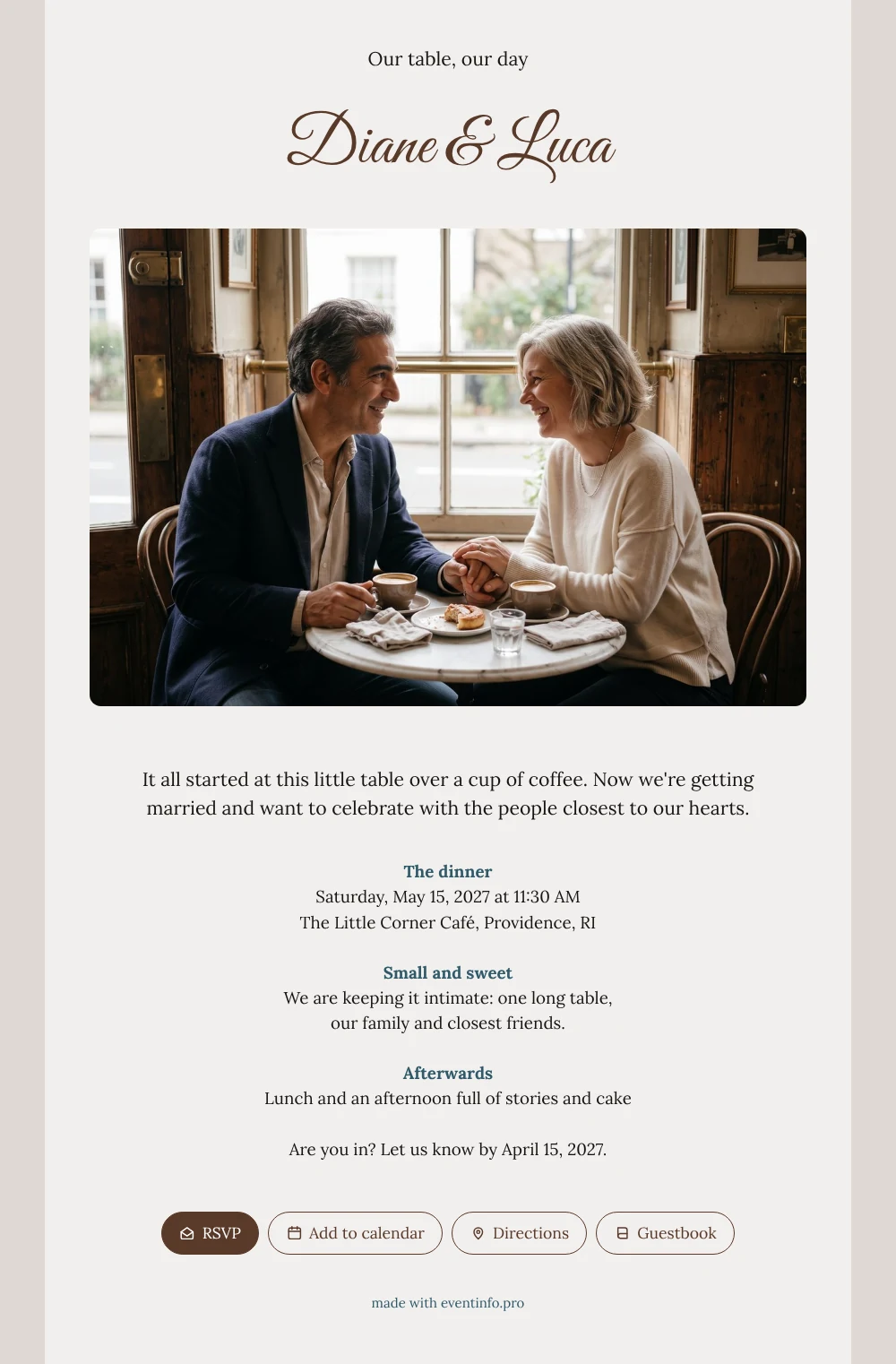
For your guests, an online wedding invitation is a personal link on their phone that tells them they belong to the small circle you want around you. When they open this one, they see your names and a couple laughing softly at a café table, hands entwined. Below that, on a calm off-white card, they read how your story began over a cup of coffee and that you are celebrating with one long table of family and friends.
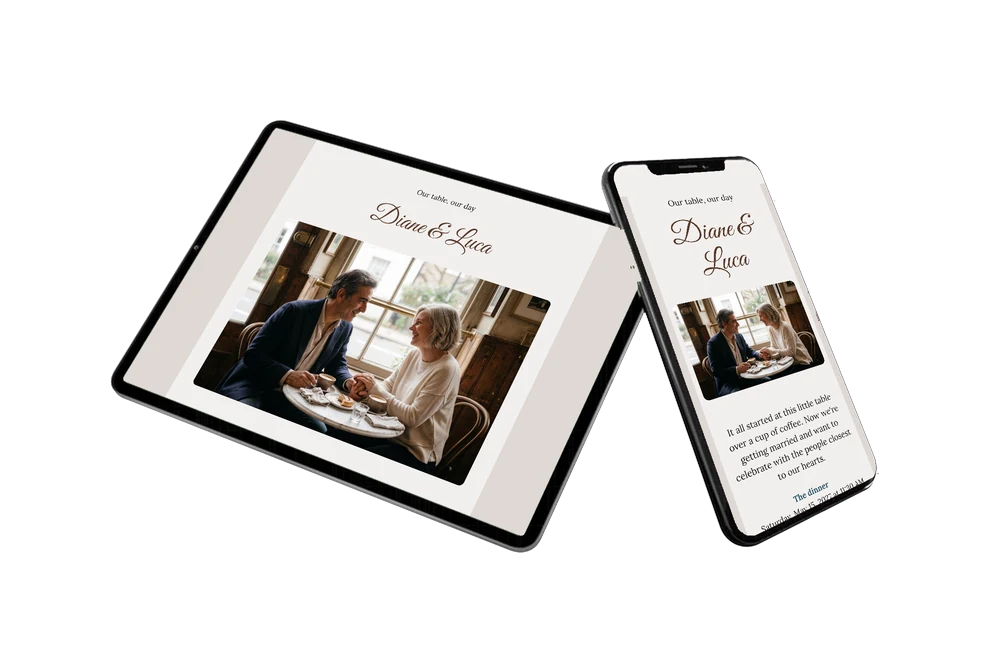
Guests can open the route to the café with one tap and add the date to their calendar straight away. You share the link by message or email, or show a QR code to the friends you see in person, so even guests who are less at home with phones can open the card without typing anything.
Create your own online wedding invitation
Use this design as a starting point and create a fitting wedding invitation within minutes.
Frequently asked questions
How fast can guests have the invitation?
The same day. Once your names, date, venue and own photo are in, you share the link, and guests have it on their phone within seconds.
How do guests reply?
With the RSVP button on the card. They can also open the route, add the date to their calendar and leave a message in the guestbook, which you can read back after the day.
Will older guests find their way?
Yes. The card is calm and easy to read, with only a few blocks and no long program. Guests tap one button to reply and another to see the route. Children or grandchildren can help, but most guests manage on their own.
Can I add more information for guests?
Absolutely. Add blocks about parking, accessibility, a gift tip or a place to stay nearby. Text, colors and photo can all be changed in the editor.
Can I see who is coming?
Yes. Your dashboard lists every reply. With a small group you know at a glance who will be at the table, and you can send a reminder to anyone who has not replied yet.
Design details: fonts and colors
Fonts
- Header 1 — Lora
- Header 2 — Great Vibes
- Text — Lora
Colors
- #171512 — Header 1
- #5A3A2A — Header 2
- #171512 — Text
- #F2EFEE — Card
- #DED8D4 — Background
Use this design
Copy this design to your dashboard to use it as a starting point.
All example invitations are fictional. Photos of people are AI-generated; illustrations are licensed or AI-generated.