A calm, professional reception
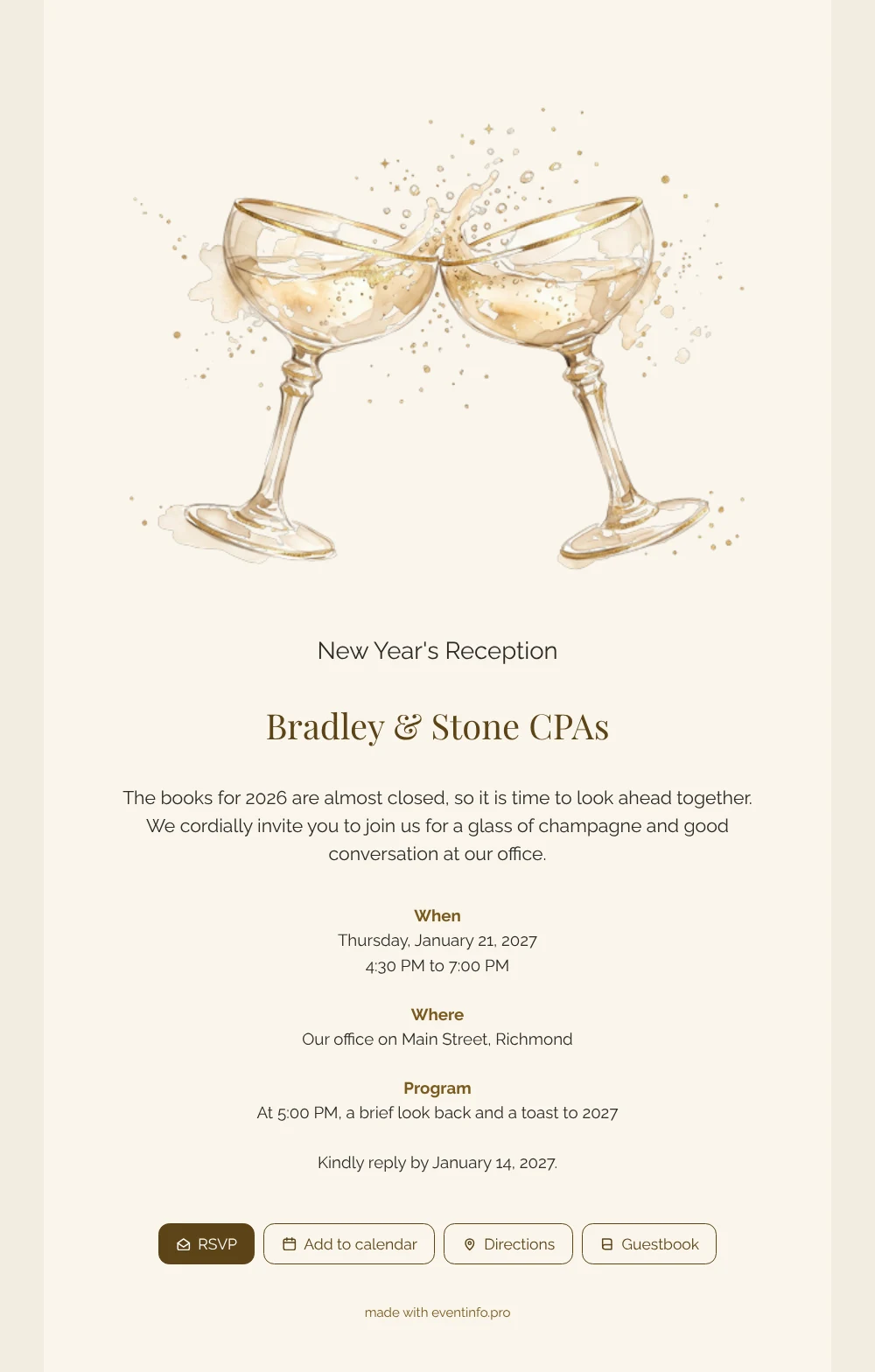
For your guests, an online New Year’s invitation is a link they open on their phone to find everything at once: the day, the time, the address and a button to reply. What they see first is a pair of watercolor champagne coupes touching, with golden drops in the air, above a cream card with a clear title. It feels like being handed a glass at the door.
Clients and relations of an accounting or advisory firm are busy people, so the card keeps it short: a few warm lines about closing the books for 2026, the reception hours, a toast at 5 PM and a reply date. They can reply in seconds, and you can share the details as an online event invitation by email, WhatsApp, text or social media, all with the same link.
Create your own online New Year’s invitation
Use this design as a starting point and create a fitting New Year’s invitation within minutes.
Frequently asked questions
Can guests reply quickly?
Yes. They tap the RSVP button and choose yes or no, which takes less than a minute. Their answer appears right away in your dashboard, so you know early on how many people to expect at the office.
What else can invitees do?
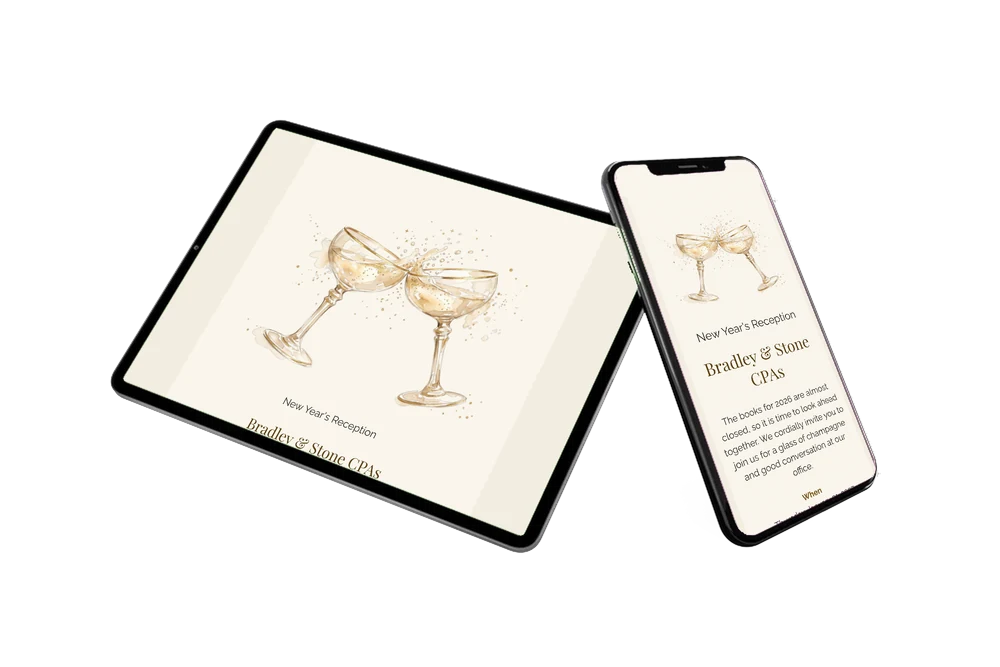
Besides replying, they open the route to your office, save the reception in their calendar and leave a New Year’s message in the guestbook. Nothing needs to be installed; the link works in any browser.
Is this design formal enough for clients?
It is light and refined rather than formal and dark. The cream background and soft gold suit an afternoon reception at the office, and the watercolor coupes show it is a toast, not a seminar.
Can I write my own welcome text?
Certainly. Thank your clients in your own words and follow the guide to replace the example text. You can also change the program, for example to add a short speech by a partner.
Is it cheaper than printed invitations?
Yes. You skip printing, envelopes and postage, and you can still change details after sending. Compare the options on the pricing page.
Design details: fonts and colors
Fonts
- Header 1 — Raleway
- Header 2 — Playfair Display
- Text — Raleway
Colors
- #2E2A26 — Header 1
- #5C4317 — Header 2
- #2E2A26 — Text
- #F9F5EC — Card
- #F3EDE1 — Background
Use this design
Copy this design to your dashboard to use it as a starting point.
All example invitations are fictional. Photos of people are AI-generated; illustrations are licensed or AI-generated.