An intimate, stylish Christmas invitation
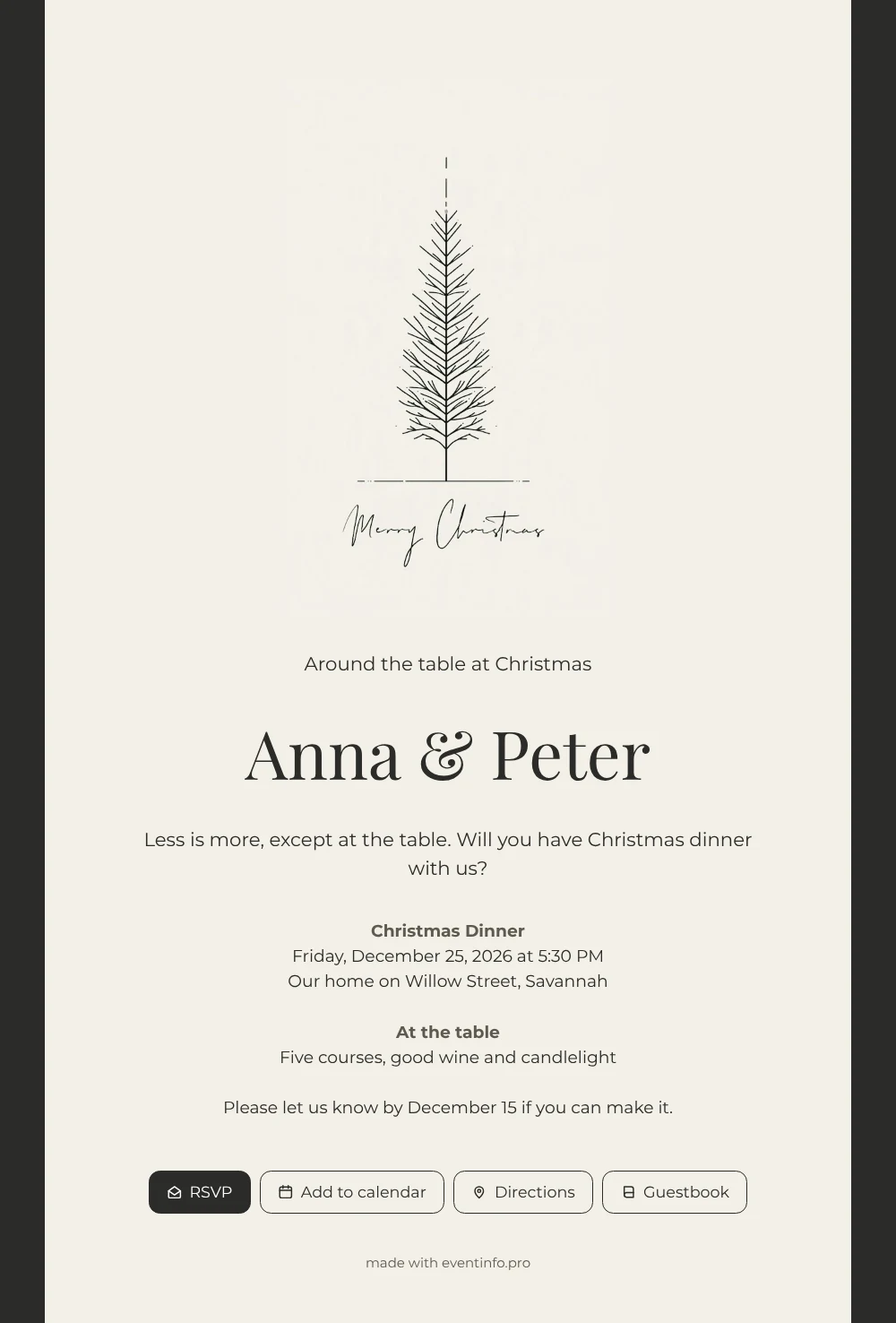
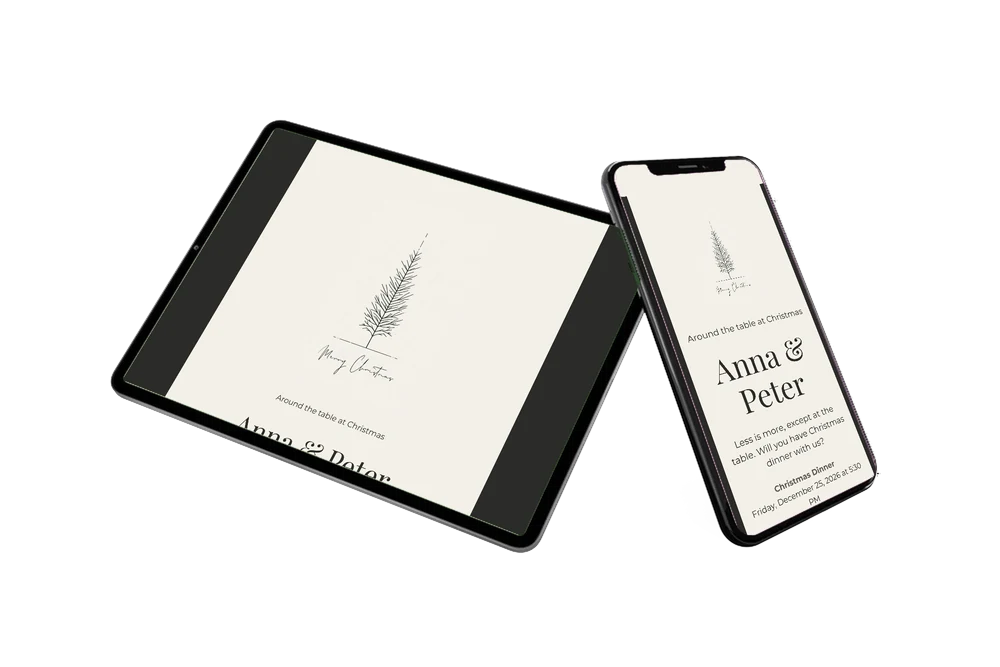
Some guests like a table set with care, and they will recognise it in this card at once. The online Christmas invitation opens on their phone as a dark, framed picture with a black-lined fir on cream in the middle, a few fine dashes and a handwritten greeting. The serif title tells them what to expect: an unhurried dinner, a table of people who know each other and conversation by candlelight.
Guests read the invitation, check the time of 5:30 PM on Christmas Day and tap the address to see Willow Street in Savannah on the map. They tell Anna and Peter whether they are coming with the RSVP button and can pass the link on by WhatsApp if a family member needs it too. The note asks for a reply by December 15, which gives the hosts time to plan. The look is quiet and grown-up, which suits couples, close friends and families who like a calm Christmas evening more than a big party. That way they have everything at hand, even on the way to the shops.
Create your own online Christmas dinner card
Use this design as a starting point and create a fitting Christmas dinner card within minutes.
Frequently asked questions
Do guests need an app?
No. They open the link in the browser on their phone and everything works from there.
What can guests do besides replying?
They can save the date in their agenda, open the route on the map and write a few words in the guestbook.
Can I swap the tree for a photo?
Yes. The editor lets you replace the illustration with a photo of your table or dining room, while the frame, heading and text blocks remain editable.
Can I still change details after sending?
Yes, time, address or menu can be changed on the same link, so there is no need to send a second card.
Does the design suit a bigger table?
Certainly. The card does not mention a guest count, so you can invite a family or a whole circle of friends with the same wording and your own details.
Design details: fonts and colors
Fonts
- Header 1 — Montserrat
- Header 2 — Playfair Display
- Text — Montserrat
Colors
- #2B2B28 — Header 1
- #2B2B28 — Header 2
- #2B2B28 — Text
- #F3F0E8 — Card
- #2B2B28 — Background
Use this design
Copy this design to your dashboard to use it as a starting point.
All example invitations are fictional. Photos of people are AI-generated; illustrations are licensed or AI-generated.