A serene, graceful wedding card
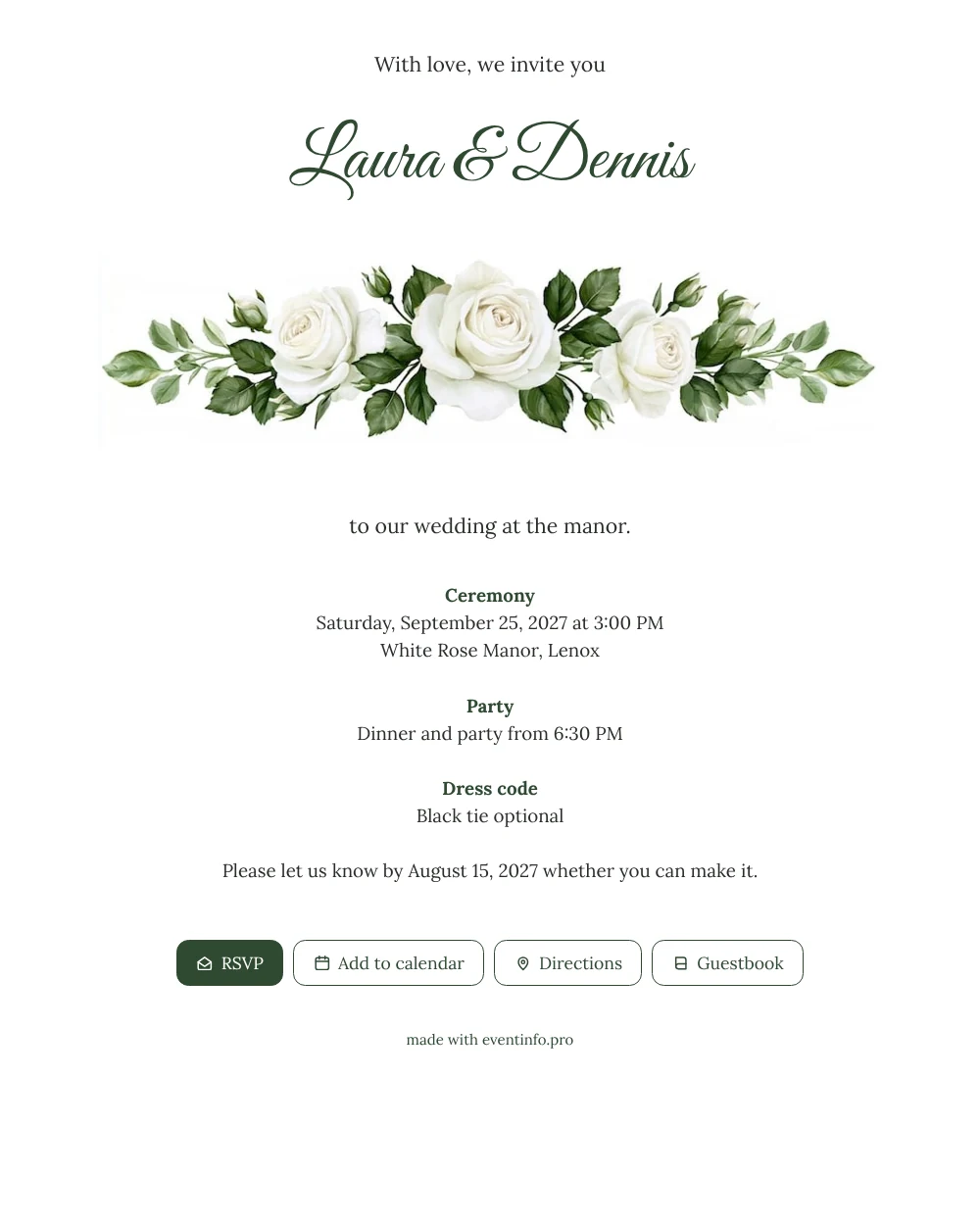
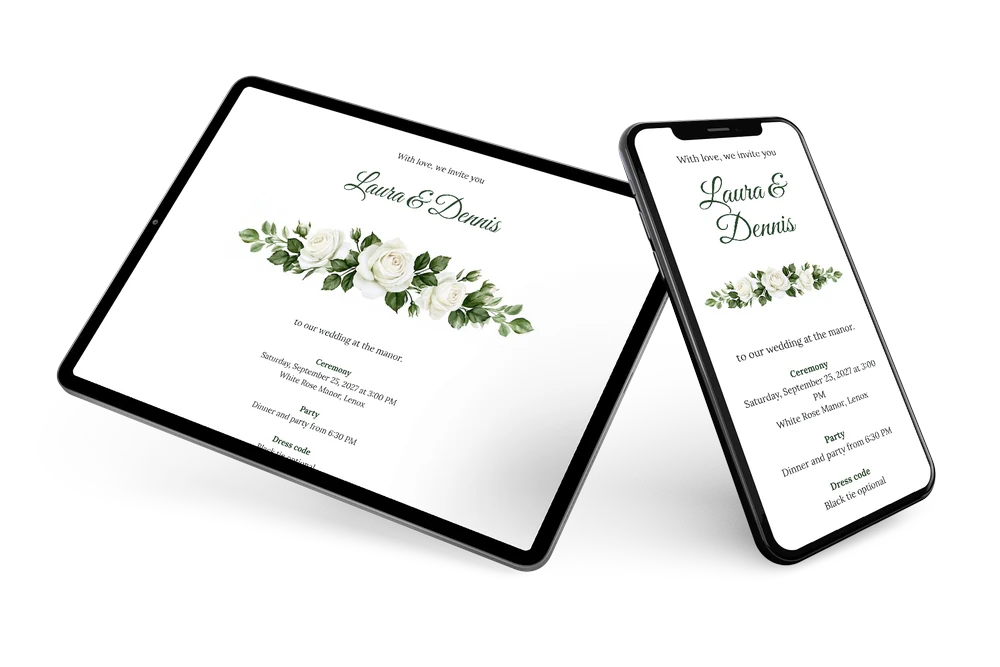
With an online wedding invitation, your guests receive a link instead of an envelope and find everything they need about your big day in one place. What they see first here are your names, then a broad band of white roses and green leaves, then the details on a clean white card. It reads easily on a small screen and feels refined, which makes it a good fit for a wedding with family of all ages and a dress code that asks for a little extra effort.
For guests, the practical part matters most. They tap to confirm, open the directions to the venue and add the wedding to their calendar, so the date never slips their mind. Afterwards they can write a few words in the online guestbook, a lovely keepsake from your wedding.
Create your own online wedding invitation
Use this design as a starting point and create a fitting wedding invitation within minutes.
Frequently asked questions
How soon can my guests receive it?
As soon as you have entered your details, which usually takes about ten minutes. You share the link right away and can still fine-tune things afterwards. The link stays the same, so nobody needs to save anything new.
Do guests need an app or an account?
No. They open the link in the browser on their phone, reply with the RSVP button, view the route and save the date. Leaving a message in the guestbook works the same way.
Is the white rose border easy to see on a phone?
Yes. The roses run across the full width of the card, right under the names, so they stay large and clear on a small screen. The plain white background keeps the text easy to read, also for older guests.
What if some guests haven’t replied yet?
In your dashboard you see who has answered and who hasn’t. With one action you can remind guests who haven’t responded, without having to message everyone yourself.
Can I still change details after sending?
Yes. If the dinner time or the venue changes, you edit it in the editor and guests see the update on the same link.
Design details: fonts and colors
Fonts
- Header 1 — Lora
- Header 2 — Great Vibes
- Text — Lora
Colors
- #2B2E2B — Header 1
- #2F4A32 — Header 2
- #2B2E2B — Text
- #FFFFFF — Card
- #FFFFFF — Background
Use this design
Copy this design to your dashboard to use it as a starting point.
All example invitations are fictional. Photos of people are AI-generated; illustrations are licensed or AI-generated.