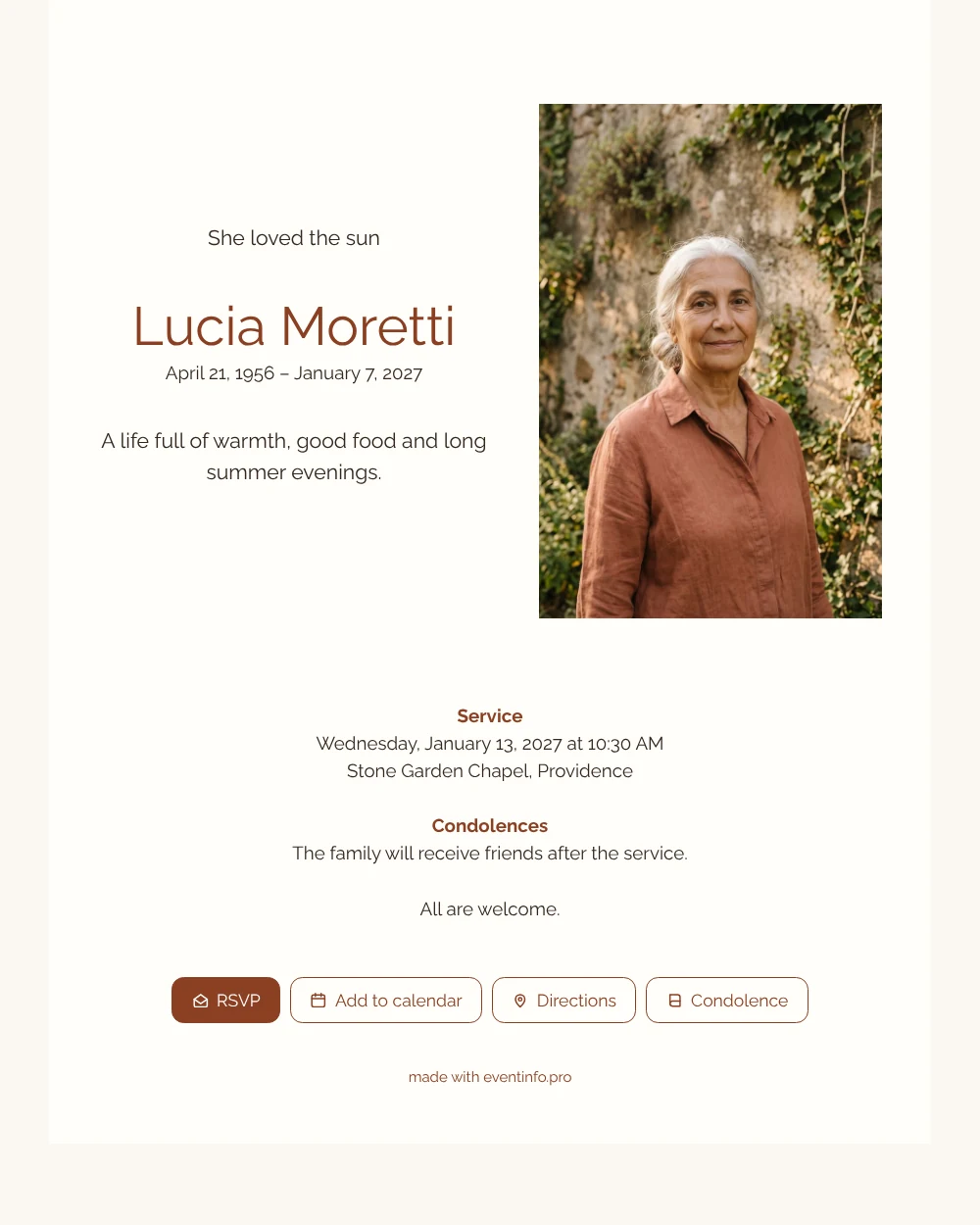
A bright, Mediterranean funeral card
An online funeral card is the digital version of the classic notice: one link with the photo, the name, the dates, the farewell details and space for condolences. This design has a sunny, southern feel. A cream card, a portrait in the golden light of late afternoon against weathered stone and ivy, and a name in terracotta in a clean modern typeface. It is warm without being loud.
Think of the people who will open it: children and grandchildren, neighbours who were often invited to dinner, friends who shared holidays. They see her face, read one line about her life and can add the date to their calendar with a tap. Afterwards they leave a few words that the family can read back later. It is a practical help in the first days, when there is so much to arrange at the same time.
Create your own online funeral card
Use this design as a starting point and create a fitting funeral card within minutes.
Frequently asked questions
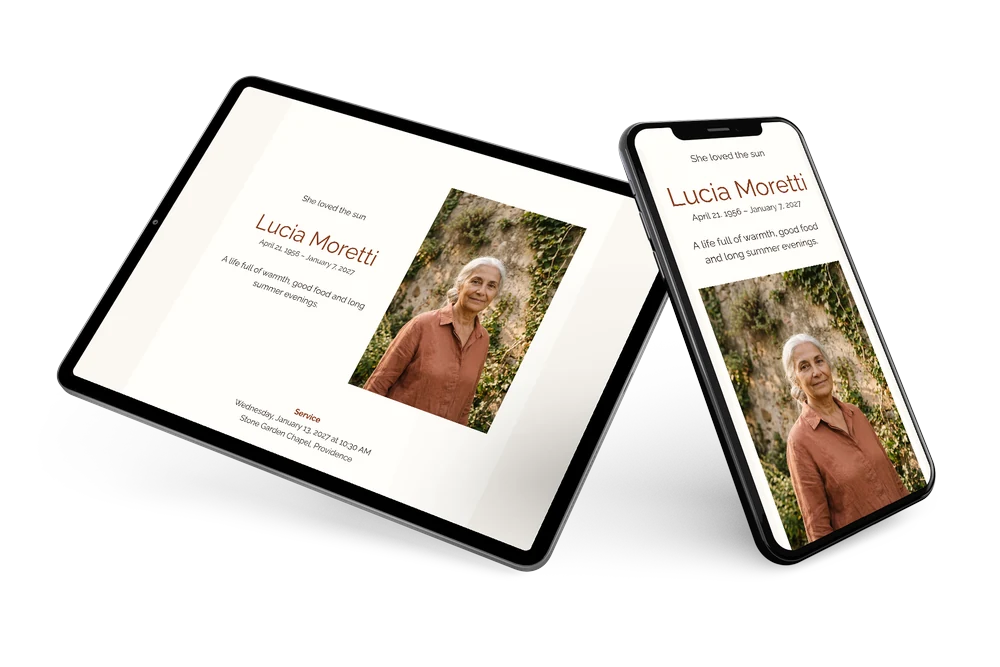
Can I make this card on my phone?
Yes. The editor works on phones, tablets and computers, so you can choose the photo and write the text wherever you are.
Can people respond who live abroad?
Yes. The condolence register is open to everyone with the link, wherever they live. All messages arrive in the same overview.
What kind of photo suits this cream card?
A portrait in warm daylight with earthy colours, such as terracotta, olive or sand. It continues the warmth of the name and keeps the whole card in harmony.
How do I reach everyone?
Share the link in family groups and by email, and remind people who have not opened it yet.
When is the best time to send the card?
As soon as the date and place of the farewell are known, usually two to five days beforehand. If details are still open, you can share the card now and complete the information later on the same link, so nobody receives outdated details.
Design details: fonts and colors
Fonts
- Header 1 — Raleway
- Header 2 — Raleway
- Text — Raleway
Colors
- #33281F — Header 1
- #8A3F22 — Header 2
- #33281F — Text
- #FFFDF9 — Card
- #FBF7F1 — Background
Use this design
Copy this design to your dashboard to use it as a starting point.
All example invitations are fictional. Photos of people are AI-generated; illustrations are licensed or AI-generated.