A proud, festive team party
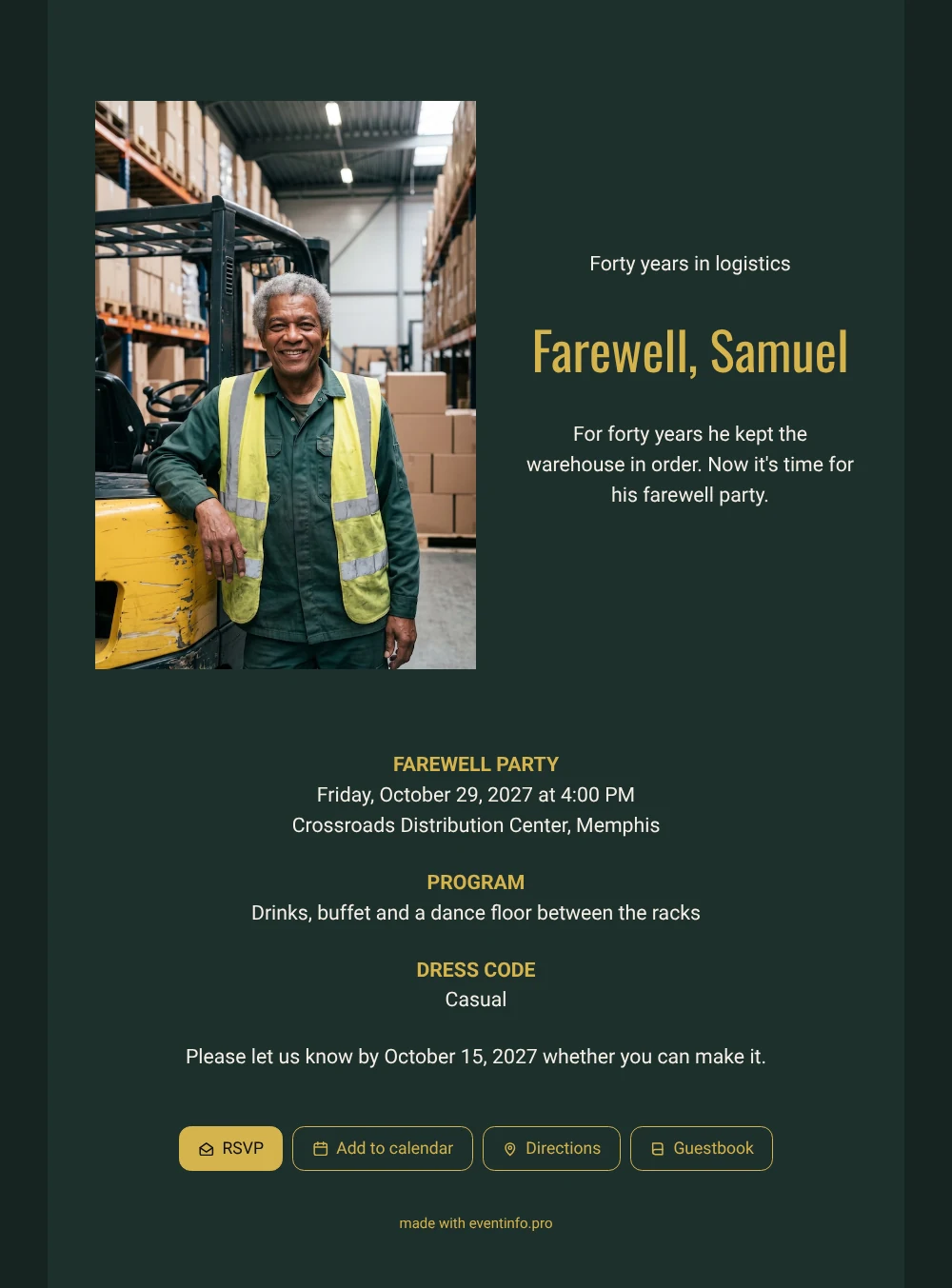
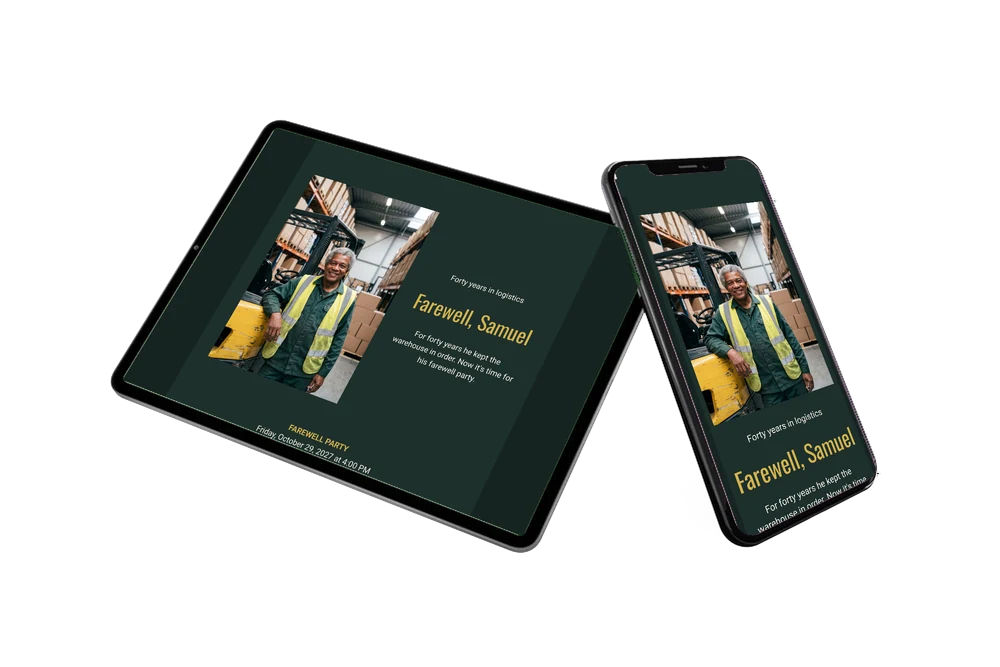
For guests, an online farewell invitation is quick to read: one look tells them who is leaving and when the party is. Here they see Samuel smiling in his yellow vest, leaning on his forklift in a standing photo on the left, next to the words “Forty years in logistics” in gold on dark green. It is a design for the colleagues and drivers who knew him from the loading docks, and for the family who heard his stories at home.
Many guests will remember him from busy days and late deliveries, and they can share those memories in the online guestbook. Family members and former colleagues who don’t know the site can share the event location with one tap and find the right entrance.
Create your own online farewell invitation
Use this design as a starting point and create a fitting farewell invitation within minutes.
Frequently asked questions
Can I send it at short notice?
Yes. Everything is ready, so a few minutes of editing is enough. Share the link and guests can reply straight away.
What do guests do on the invitation?
They say whether they’re coming, open the route, add the date to their calendar and write in the guestbook. Even colleagues who cannot come can leave a message there.
How is this version different from the light one?
This dark green version has a standing photo on the left of the text and a short, punchy message. The light sand-colored version shows a wide photo across the top and a longer story about Samuel parking his forklift.
Can I change the colors and photo?
Yes, you can adjust the colors, the photo and all texts in the editor, and upload your own photo of the colleague. You can even add a day schedule with speeches and music. After sharing, you can still change details on the same link.
Can I remind colleagues who haven’t replied?
Yes. Your dashboard shows who hasn’t responded yet, and you can send them a reminder so you know how many people to expect.
Design details: fonts and colors
Fonts
- Header 1 — Roboto
- Header 2 — Oswald
- Text — Roboto
Colors
- #F4EFE6 — Header 1
- #D5B34D — Header 2
- #F4EFE6 — Text
- #1E302C — Card
- #162421 — Background
Use this design
Copy this design to your dashboard to use it as a starting point.
All example invitations are fictional. Photos of people are AI-generated; illustrations are licensed or AI-generated.