A refined, traditional forest wedding
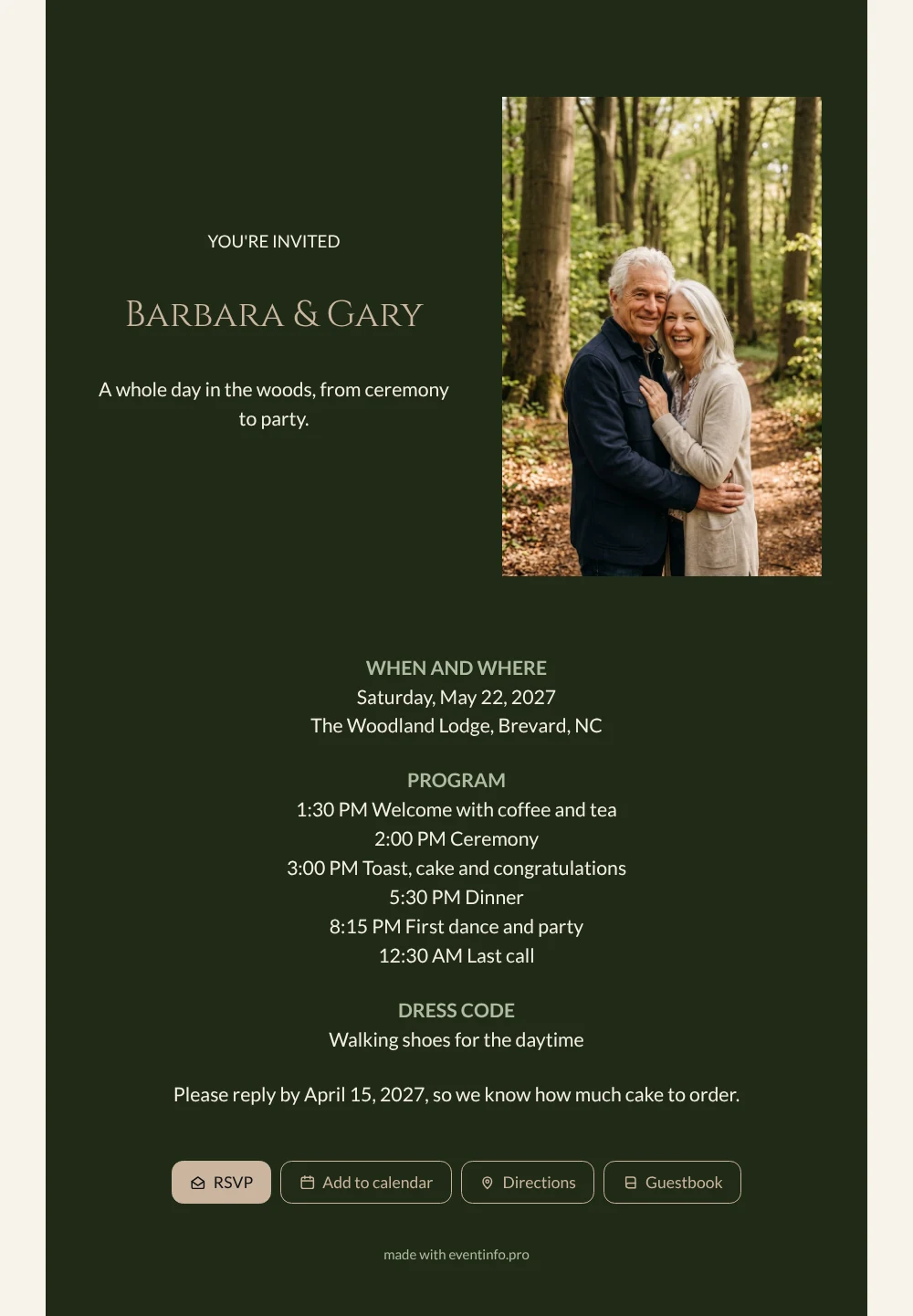
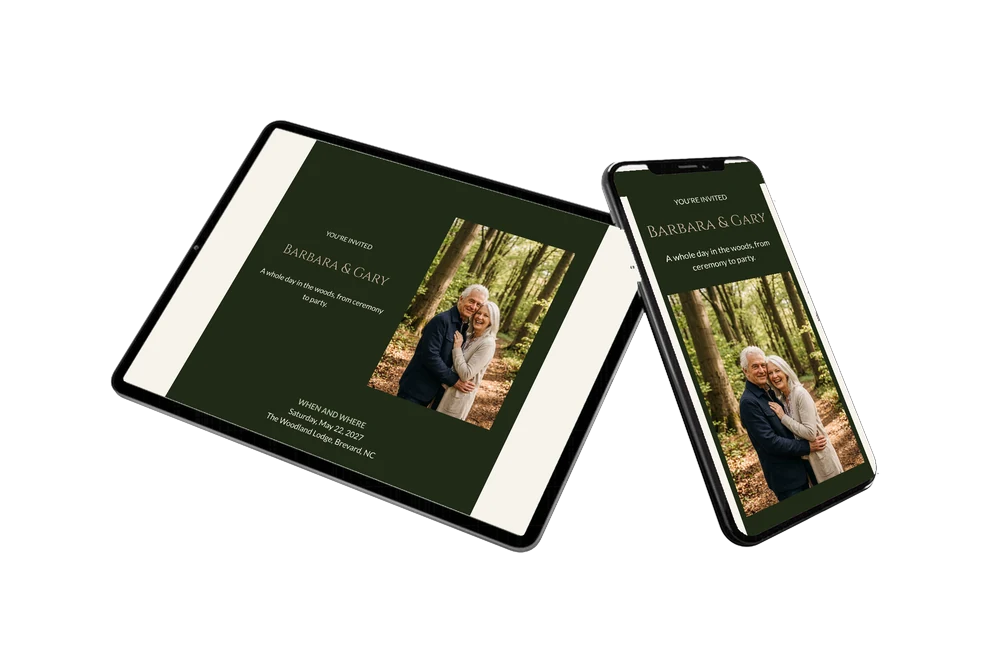
For your guests, an online wedding invitation is a link they keep on their phone and open whenever they want to check the time of the ceremony or the dinner. When they open this one, they see your names beside a tall photo of a happy couple on a sunny forest path, and then a dark green card that reads like a proper invitation. The whole day is there, step by step, in calm sand-colored lettering.
Guests open the route to the location with one tap, so they find the lodge in the woods without trouble. You send the link through WhatsApp or by email, and after the wedding their congratulations remain in the online guestbook for you to read again and again.
Create your own online wedding invitation
Use this design as a starting point and create a fitting wedding invitation within minutes.
Frequently asked questions
How fast can guests have the invitation?
The same day you start. Once your names, date, venue and own photo are in, you share the link and guests receive it on their phone within seconds.
How do guests reply?
With the RSVP button on the card. They can also open the route, add the date to their calendar and leave a congratulation in the guestbook.
Do guests know how long the day will be?
Yes. The program shows every moment from the welcome at half past one to the last round at half past midnight. Guests who prefer to come for part of the day can see exactly when the ceremony or the party starts and plan around it.
Can I add more information for guests?
Absolutely. Add blocks for parking, a place to stay nearby, a gift tip or a note about the forest path. Text, colors and photo can all be changed in the editor, and guests always see the latest version.
When should I send this invitation?
For a spring wedding, many couples share the link two or three months ahead. You can still change details on the same link later, so sending early is no risk.
Design details: fonts and colors
Fonts
- Header 1 — Lato
- Header 2 — Cinzel
- Text — Lato
Colors
- #F4EFE6 — Header 1
- #CAB59F — Header 2
- #F4EFE6 — Text
- #202A16 — Card
- #F7F3EC — Background
Use this design
Copy this design to your dashboard to use it as a starting point.
All example invitations are fictional. Photos of people are AI-generated; illustrations are licensed or AI-generated.