A relaxed, down-to-earth wedding card
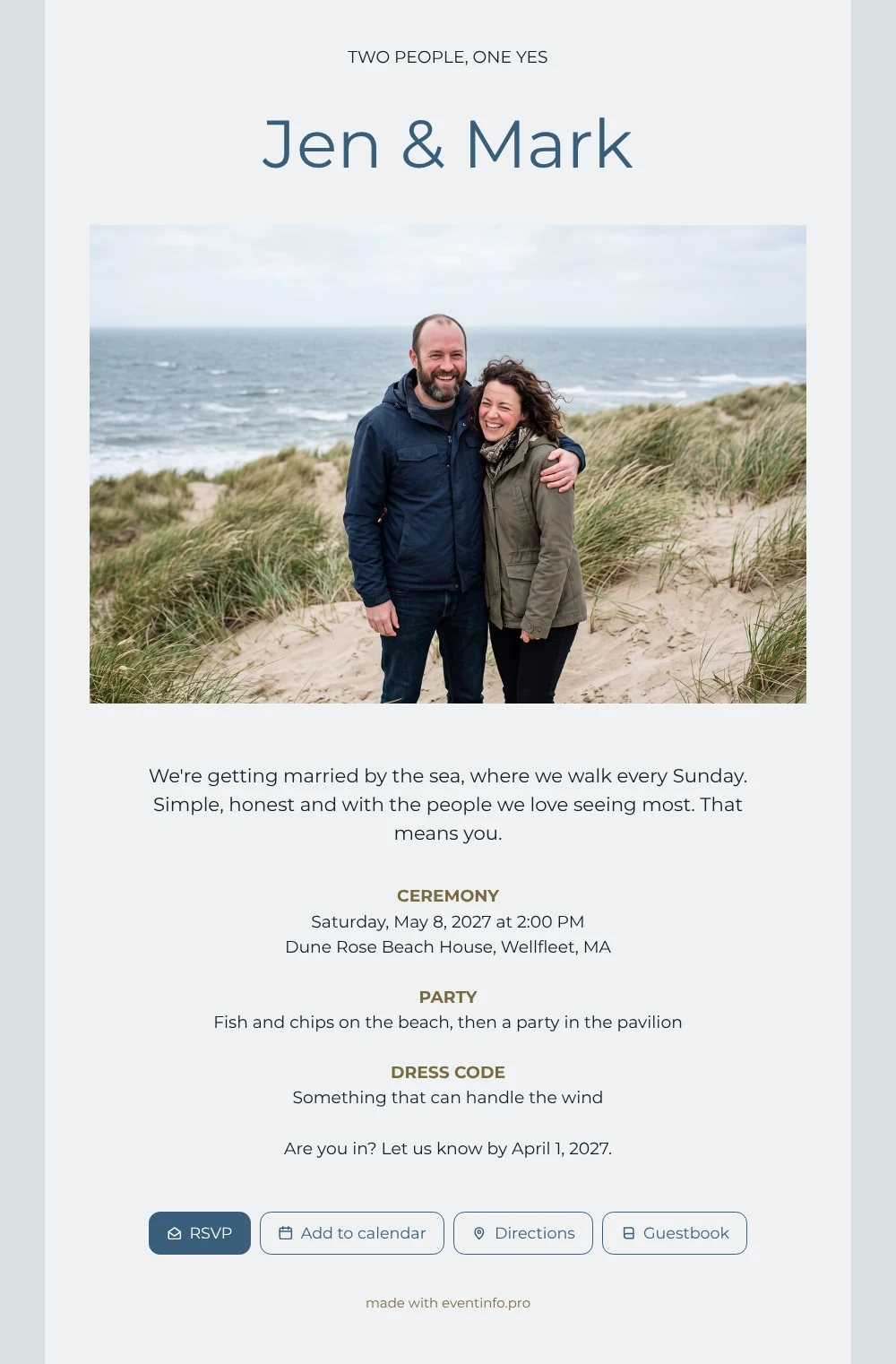
An online wedding invitation is something your guests receive as a link, open on their phone and answer straight away. For the people you invite, this pale blue card reads like a personal message from two people they know well: your names, a photo of a couple laughing in the dunes, and a few honest lines about getting married by the sea, at the place where you walk every Sunday. That means you, it says at the end, and guests feel it.
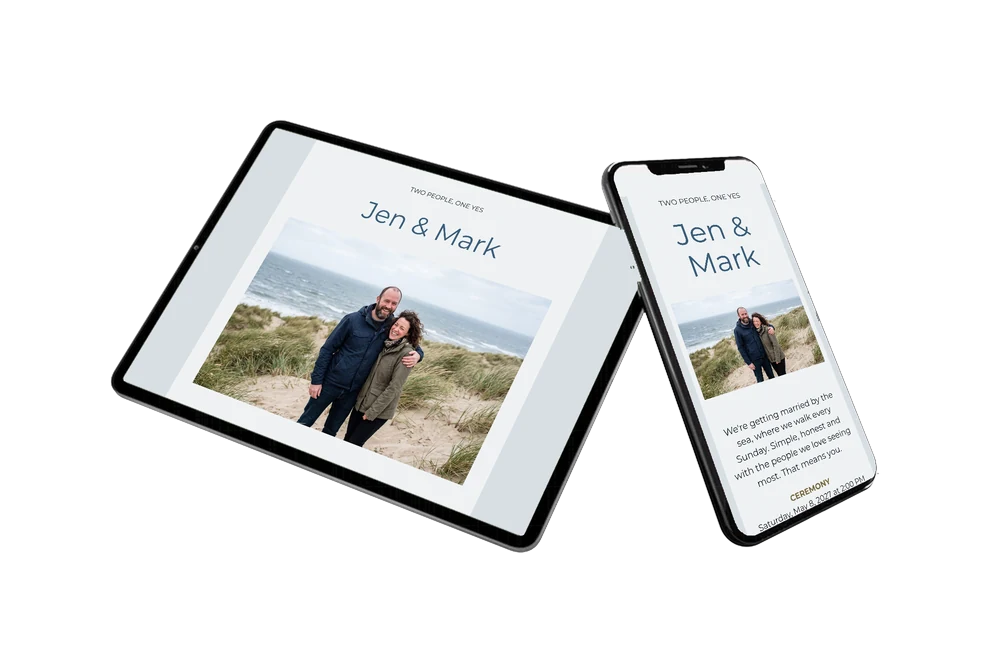
Send it as a message or share it via WhatsApp, so it arrives where your friends already talk. Guests add the date to their calendar with one tap, see what to wear and know there will be fish and chips on the beach. After the day, many like to leave a few words in the online guestbook, a small keepsake of a windy, happy wedding.
Create your own online wedding invitation
Use this design as a starting point and create a fitting wedding invitation within minutes.
Frequently asked questions
How fast is it ready to send?
Within minutes. Keep the layout, type your names and details, add your own photo and look at it once on your phone. Then copy the link.
What can my guests do with the invitation?
Reply via the RSVP button, open the route to the beach, add the wedding to their calendar and congratulate you in the guestbook. You see every answer in your dashboard.
How does this differ from the turquoise version with the same photo?
This one is quiet: pale blue, lots of white space and a classic day with ceremony, party and dress code. The turquoise version is loud and bright, with the photo on top and separate blocks for day guests and evening guests.
Can I change the blue?
Yes. In the editor you change colours, text and photo. Pick a colour from your own photo, such as sand or grey, and the card keeps its calm feel.
Can I change details after sharing?
Yes. If the time or place changes, update it on the same link and every guest sees the new version.
Design details: fonts and colors
Fonts
- Header 1 — Montserrat
- Header 2 — Montserrat
- Text — Montserrat
Colors
- #141E26 — Header 1
- #3A5E7A — Header 2
- #141E26 — Text
- #EFF2F4 — Card
- #D8DFE4 — Background
Use this design
Copy this design to your dashboard to use it as a starting point.
All example invitations are fictional. Photos of people are AI-generated; illustrations are licensed or AI-generated.