An elegant deep green card
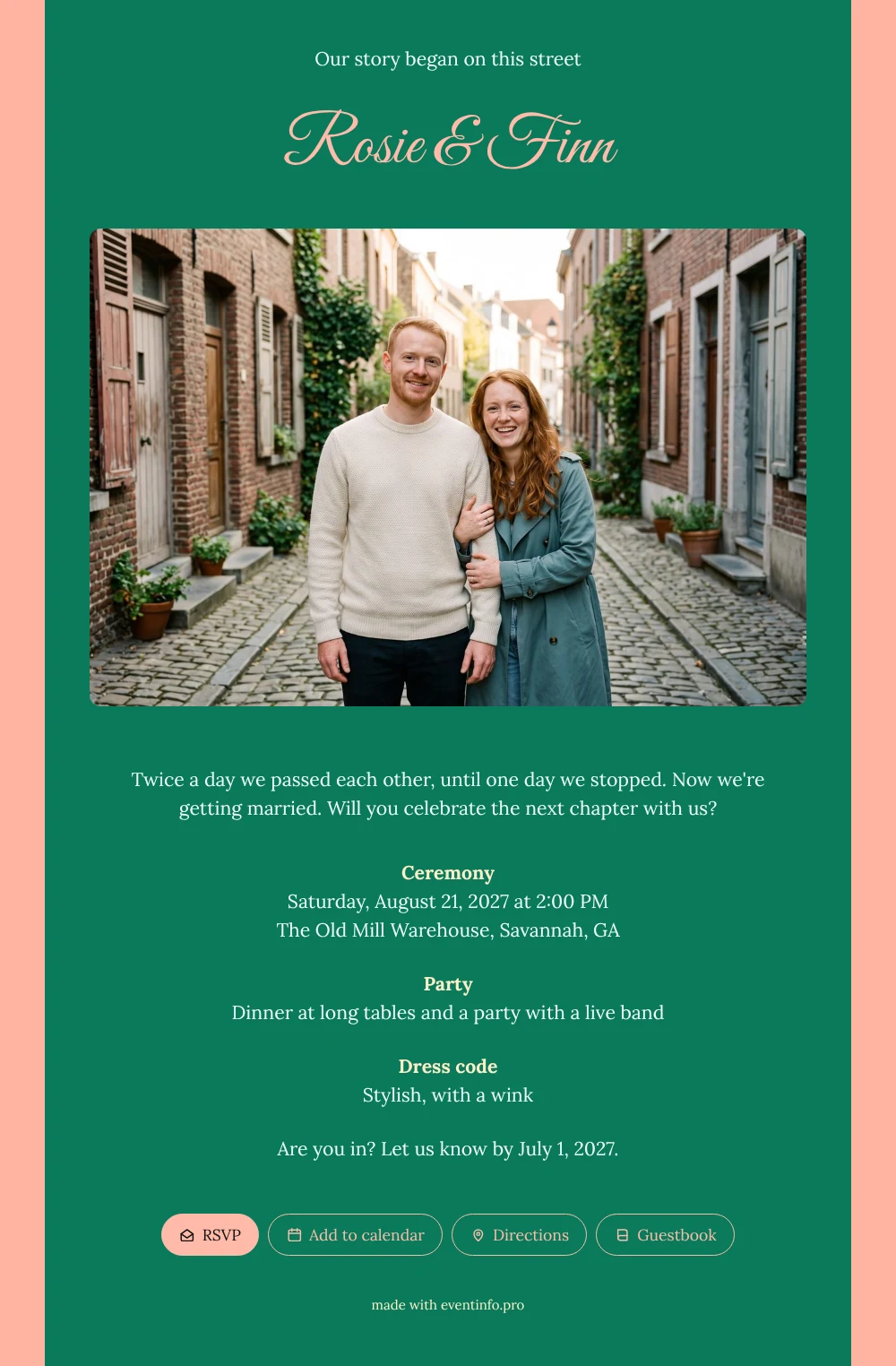
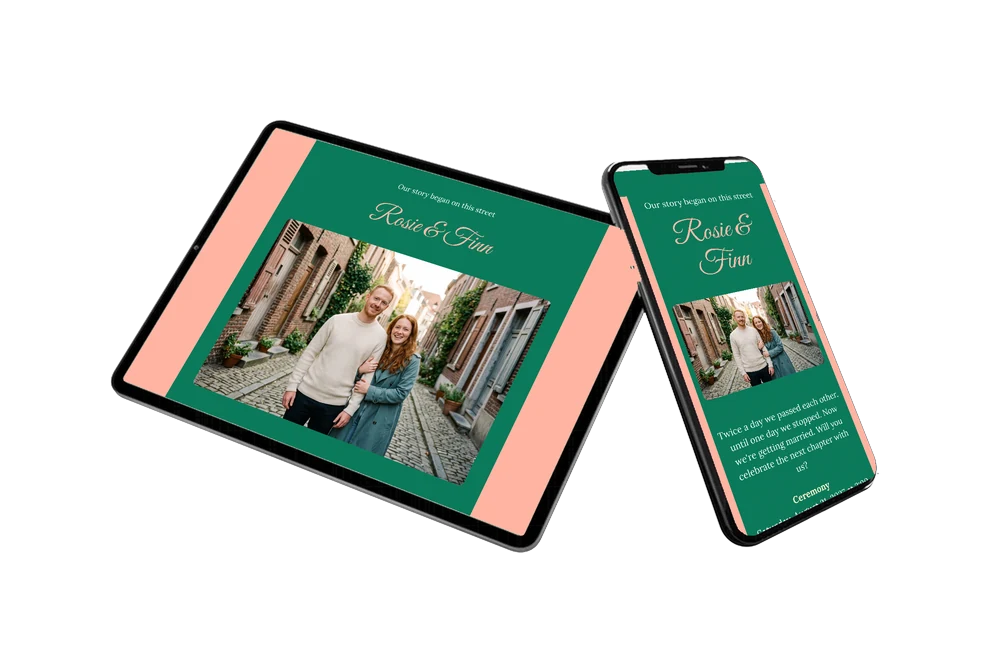
Your guests experience an online wedding invitation as a single link on their phone, with everything they need for the day, always at hand. When they open this one, they meet your names first and then a warm, smiling couple in an old brick lane, framed by ivy and potted plants. Below that, the story, the ceremony, the party and the dress code follow on a deep emerald card that feels festive and grown-up at the same time.
Guests read straight away how the day unfolds and what to wear. One tap on the RSVP button tells you whether they are coming, and another opens the route to the venue. Sending is just as quick: share the link via WhatsApp, by email or with a QR code, and everyone has the same, up-to-date details on their phone.
Create your own online wedding invitation
Use this design as a starting point and create a fitting wedding invitation within minutes.
Frequently asked questions
How fast can guests receive the invitation?
The same day you start. Once your names, date and venue are in place and your own photo is uploaded, you share the link and guests have it on their phone within seconds.
How do guests reply and remember the date?
They tap the RSVP button and choose whether they can make it. They can also add the date to their calendar, open the route and leave a congratulation in the guestbook for the two of you.
Will guests understand the dress code?
The card says stylish, with a wink, which invites guests to dress up with a personal twist. Combined with the bold emerald look and the city photo, it sets the tone for a classic yet relaxed party. You can rephrase the line however you like.
Can I add more information for guests?
Of course. Add blocks for parking, a nearby hotel, a gift tip or a note about the live band. You edit text, colors and photo in the editor, and guests always see the latest version.
Can I see who has not replied yet?
Yes. Your dashboard lists every reply, and you can send a reminder to guests who have not answered, so you know in time how many seats to set at the long tables.
Design details: fonts and colors
Fonts
- Header 1 — Lora
- Header 2 — Great Vibes
- Text — Lora
Colors
- #F2FFF8 — Header 1
- #FFBAA9 — Header 2
- #F2FFF8 — Text
- #0B7A5A — Card
- #FFB4A2 — Background
Use this design
Copy this design to your dashboard to use it as a starting point.
All example invitations are fictional. Photos of people are AI-generated; illustrations are licensed or AI-generated.