A quiet, graceful Christmas invitation
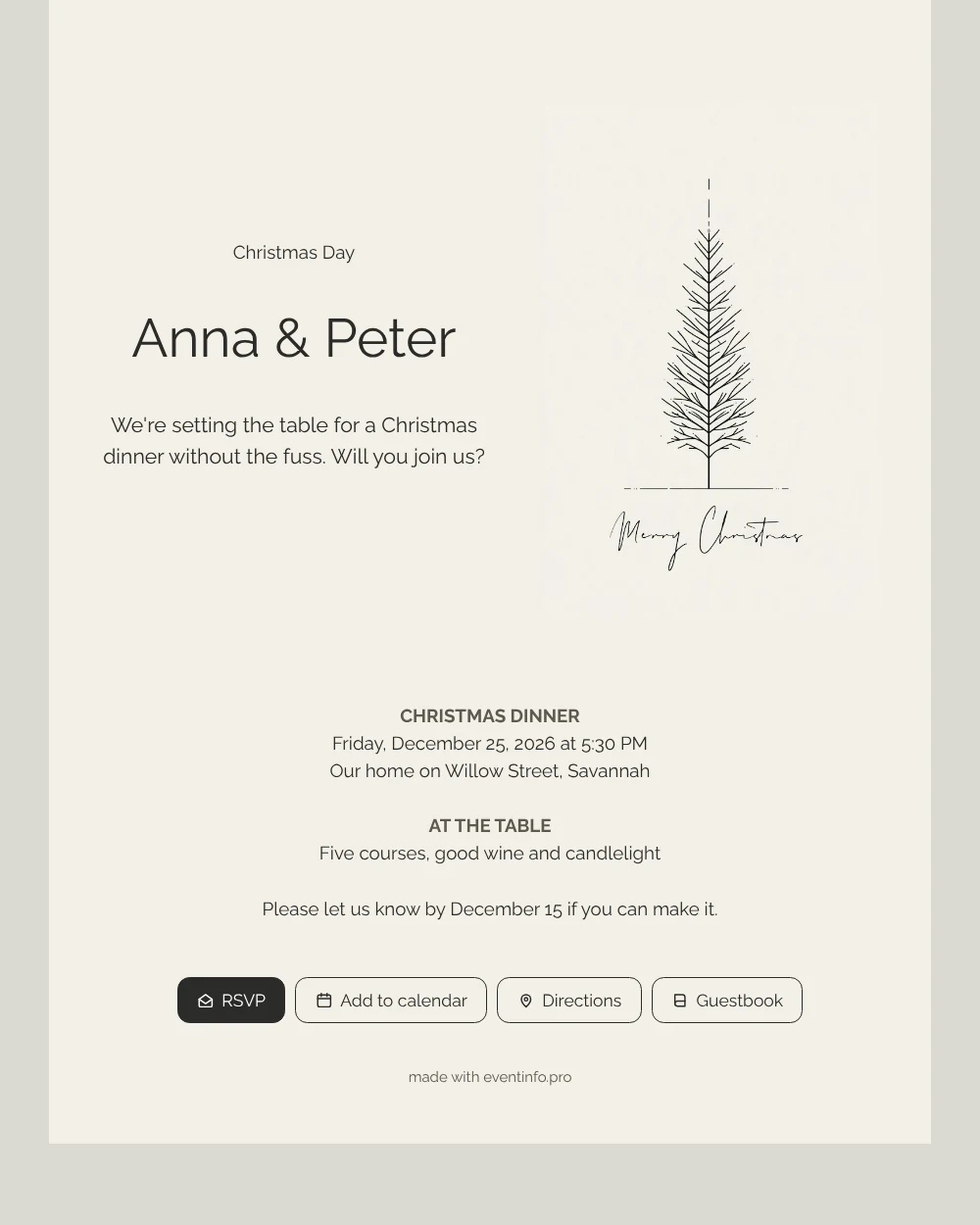
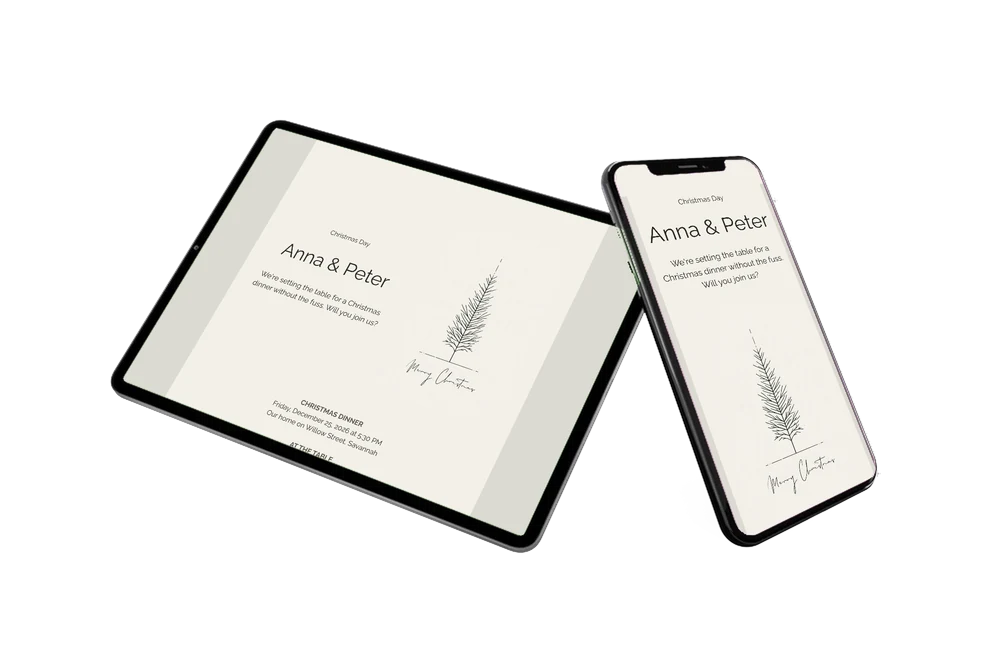
Your guests will open this on a train, in the kitchen or on the sofa, so the first screen has to feel calm and clear. An online Christmas invitation gives them exactly that: a quiet, cream-colored card with a thin-lined fir tree, a handwritten Merry Christmas and, a little further down, the day, time and place of the dinner in neat blocks. Even guests who do not enjoy fuss will appreciate how plain and readable it is.
Each guest sees that dinner starts at 5:30 PM on Christmas Day, that the table is set for five courses with good wine and candlelight, and that a reply is wanted by December 15. They can add the date to their calendar before closing the page, and pass the link on by WhatsApp, text or e-mail to a partner who needs to see the plan as well.
Create your own online Christmas dinner invitation
Use this design as a starting point and create a fitting Christmas dinner invitation within minutes.
Frequently asked questions
Can I send it today?
If you have the guest list and the time ready, yes. Edit the sample text, copy the link and send it by WhatsApp, e-mail, text message or social media.
What do guests see first?
The fir tree and the handwritten greeting, then the dinner details, the RSVP button and the buttons for the map and the calendar.
Is the handwritten Merry Christmas part of the illustration?
Yes, it is drawn into the image, together with the fir tree and the dashed lines. The text of your invitation sits next to it and you can rewrite it freely.
Can I change things after sending?
You can. Adjust the time, the address or the menu line in the editor and the same link shows the new details. Guests do not need a new link.
Can I use my own photo instead of the tree?
Yes. In the editor you can replace the illustration with a photo of your table or home. The card layout and text stay as they are.
Design details: fonts and colors
Fonts
- Header 1 — Raleway
- Header 2 — Raleway
- Text — Raleway
Colors
- #2B2B28 — Header 1
- #2B2B28 — Header 2
- #2B2B28 — Text
- #F3F0E8 — Card
- #DCDAD2 — Background
Use this design
Copy this design to your dashboard to use it as a starting point.
All example invitations are fictional. Photos of people are AI-generated; illustrations are licensed or AI-generated.