A fresh, urban wedding card
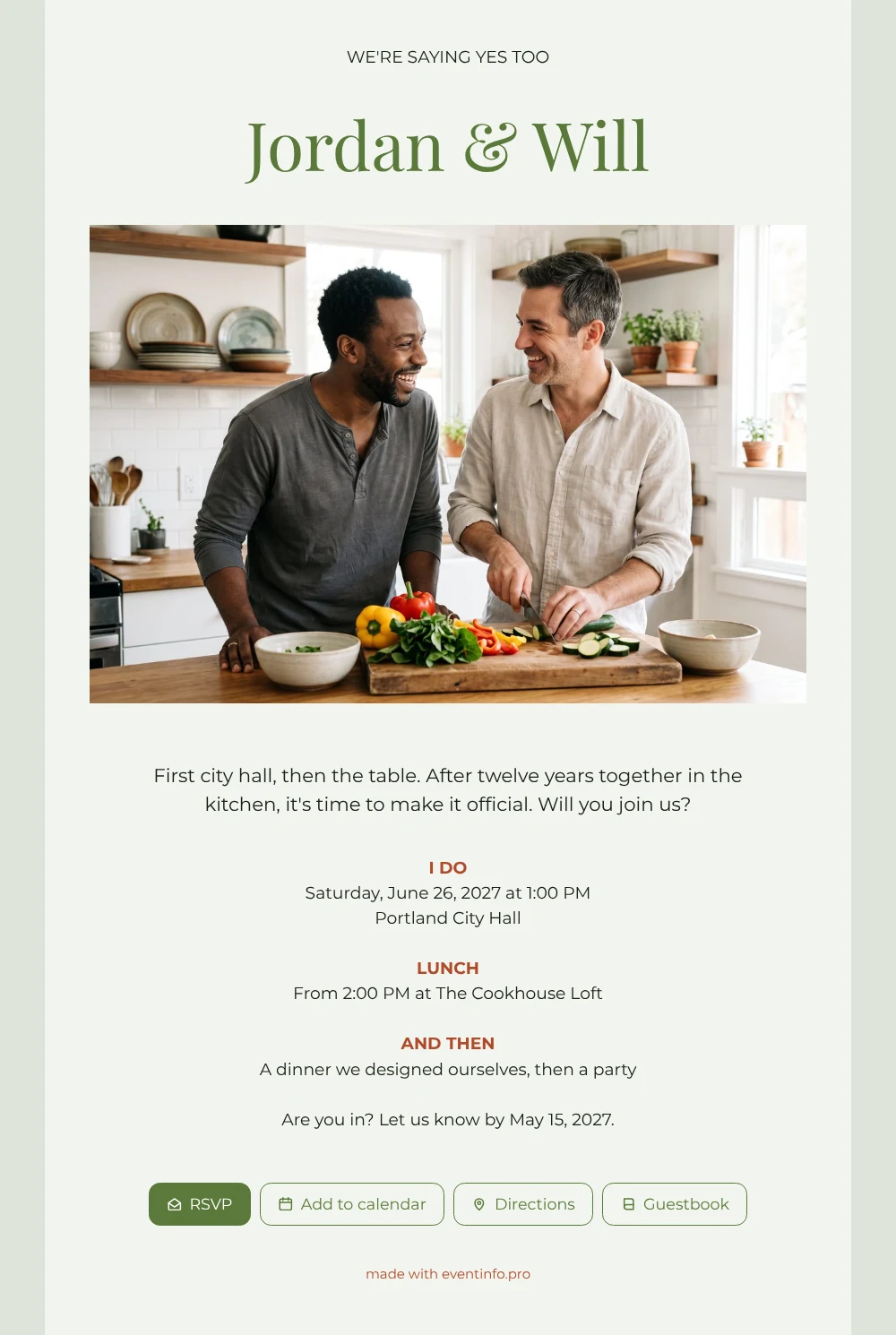
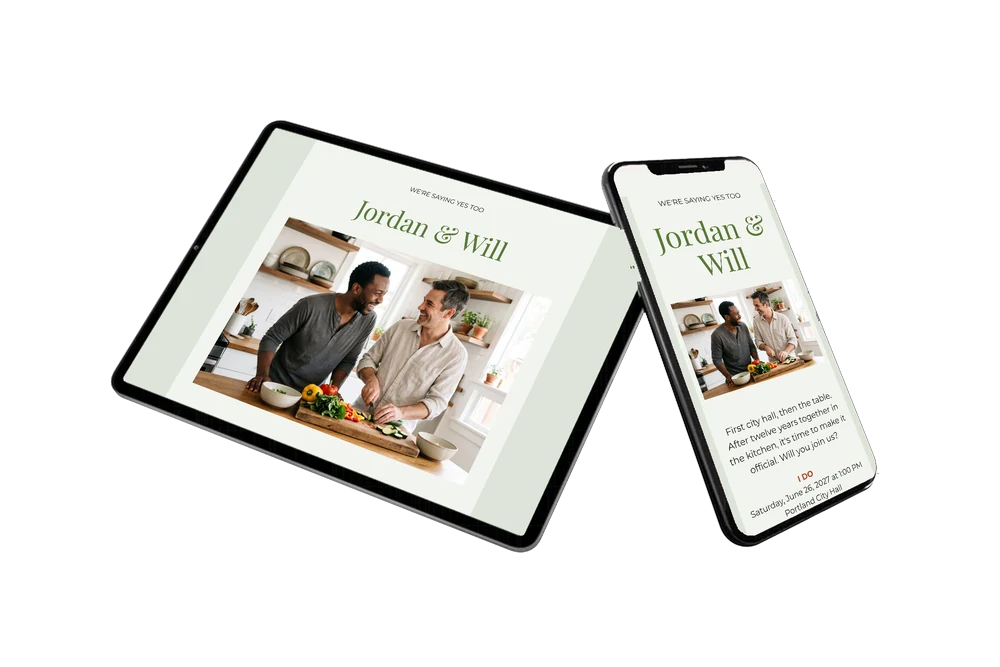
Using an online wedding invitation, you send every guest one link that opens on their phone and shows where to go, when, and how to reply. For guests, this design is easy to read: your names first, then a cheerful photo of two men cooking in a sunny kitchen, then three short blocks telling them about city hall, lunch and the evening. The soft green card with its terracotta touches looks fresh and modern, and it invites them to pull up a chair.
Guests know straight away that the day starts at city hall and moves on to the table, so they can plan travel between the two. One tap opens the route to the location, another adds the event to their calendar. Share it with a QR code on a note at work or send it in a group chat, and it reaches everyone in seconds.
Create your own online wedding invitation
Use this design as a starting point and create a fitting wedding invitation within minutes.
Frequently asked questions
How quickly can guests reply?
In seconds. They tap the RSVP button, enter their name and say whether they’re coming. You see each answer in your dashboard immediately.
What else can guests do?
Open city hall or the lunch venue in their maps app, save the date in their calendar and leave a congratulation in the guestbook, which you can read back later.
How is this different from the white version of the same photo?
The white version is all about one intimate dinner, with the photo at the very top. This herb green version starts with your names, has a modern feel and follows a city hall ceremony, a lunch and an evening party.
Can I use a photo of us?
Yes. Upload your own photo and it replaces the example couple. A kitchen shot fits the story well, but any picture of the two of you works.
What if plans change after sending?
Edit the details on the same link and guests see the new version the next time they open it. There is no need to send a second invitation.
Design details: fonts and colors
Fonts
- Header 1 — Montserrat
- Header 2 — Playfair Display
- Text — Montserrat
Colors
- #171F14 — Header 1
- #5A7A3A — Header 2
- #171F14 — Text
- #F2F4EF — Card
- #DEE4D8 — Background
Use this design
Copy this design to your dashboard to use it as a starting point.
All example invitations are fictional. Photos of people are AI-generated; illustrations are licensed or AI-generated.