A cuddly, playful holiday invitation
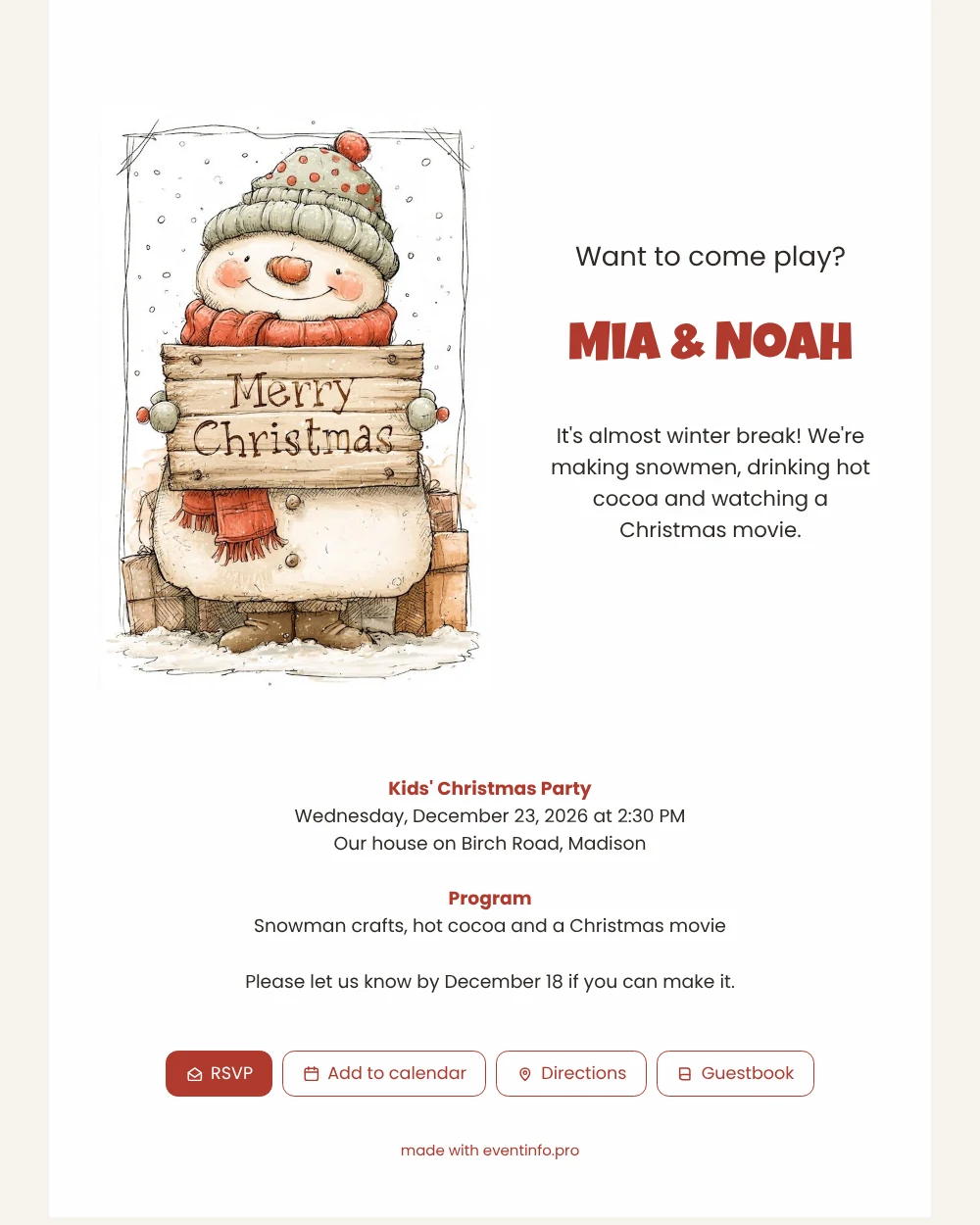
Think about who opens this invitation: usually a parent, standing in a hallway with a phone, deciding whether the afternoon fits. A good Christmas party invitation online gives that parent the date, time and place at a glance, while the picture makes the child say, “Can we go?” This one does both with a big smiling snowman, a sign that says “Merry Christmas” and a pile of presents behind him.
The card sets the scene with warm colours: a soft white background, a red scarf, a grey-green hat and a little orange nose. Guests tap the RSVP button to answer, open the location in their map app and can leave a note in the guestbook if you add one. Send it through WhatsApp to the parents’ group and the replies tend to come in quickly.
The programme is short and sweet: snowman crafts, hot cocoa and a Christmas movie. That tells parents it is a cosy afternoon, not an all-day event.
Because the card is easy to change, you can reuse it for a class party, a neighbourhood get-together or a birthday close to Christmas by editing the text.
Parents also like to know how long the party lasts and whether children should bring anything, so mention it in one line. A card that answers those small questions saves you a dozen messages, and the page stays available if someone wants to check the details again on the day itself.
Create your own online kids’ Christmas party invitation
Use this design as a starting point and create a fitting kids’ Christmas party invitation within minutes.
Frequently asked questions
Is it fast to make?
Yes. Most people only change a few lines of text before sharing it.
How will I know who is coming?
Each guest answers with the RSVP button, so you see all replies together.
Can I use a photo of my own child?
You can replace the illustration with a photo in the editor and keep the rest of the layout.
Can guests leave a message?
If you add a guestbook, parents and children can leave a short greeting for you.
Design details: fonts and colors
Fonts
- Header 1 — Poppins
- Header 2 — Luckiest Guy
- Text — Poppins
Colors
- #2E2A26 — Header 1
- #B03A2E — Header 2
- #2E2A26 — Text
- #FEFEFF — Card
- #F6F3EE — Background
Use this design
Copy this design to your dashboard to use it as a starting point.
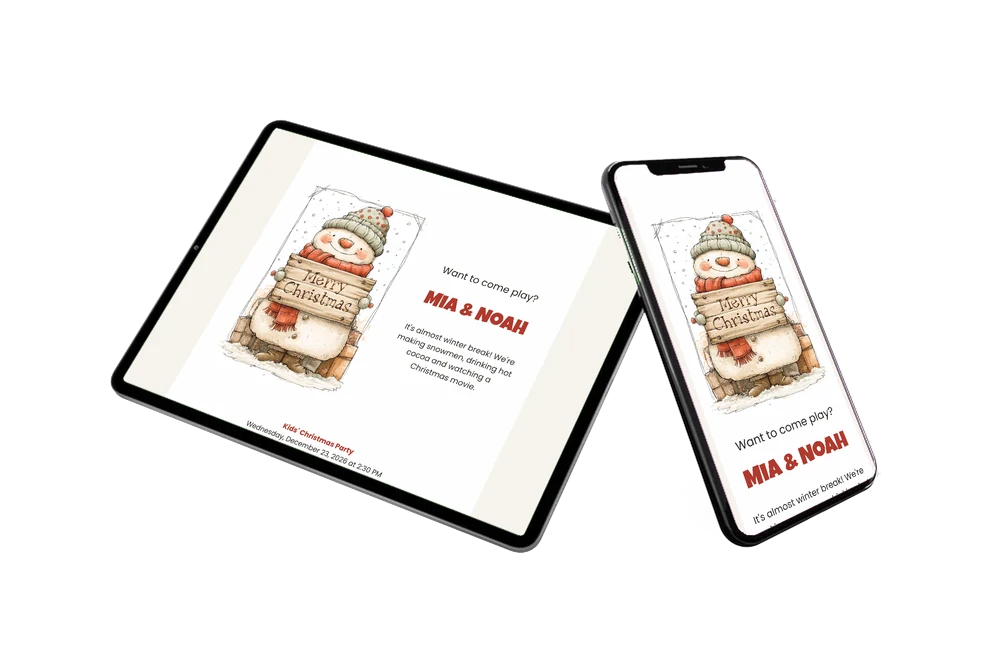
All example invitations are fictional. Photos of people are AI-generated; illustrations are licensed or AI-generated.