A dignified, understated reception
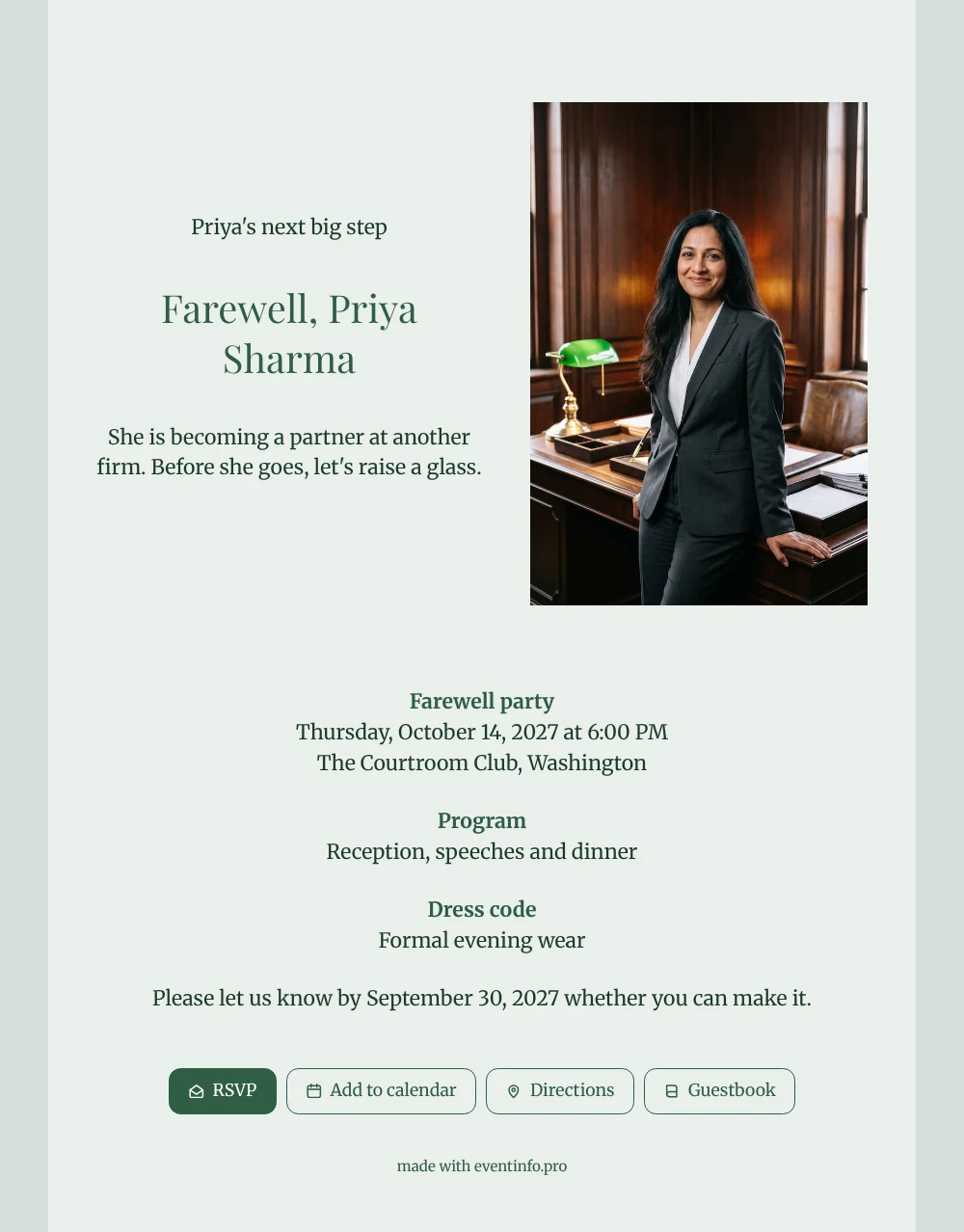
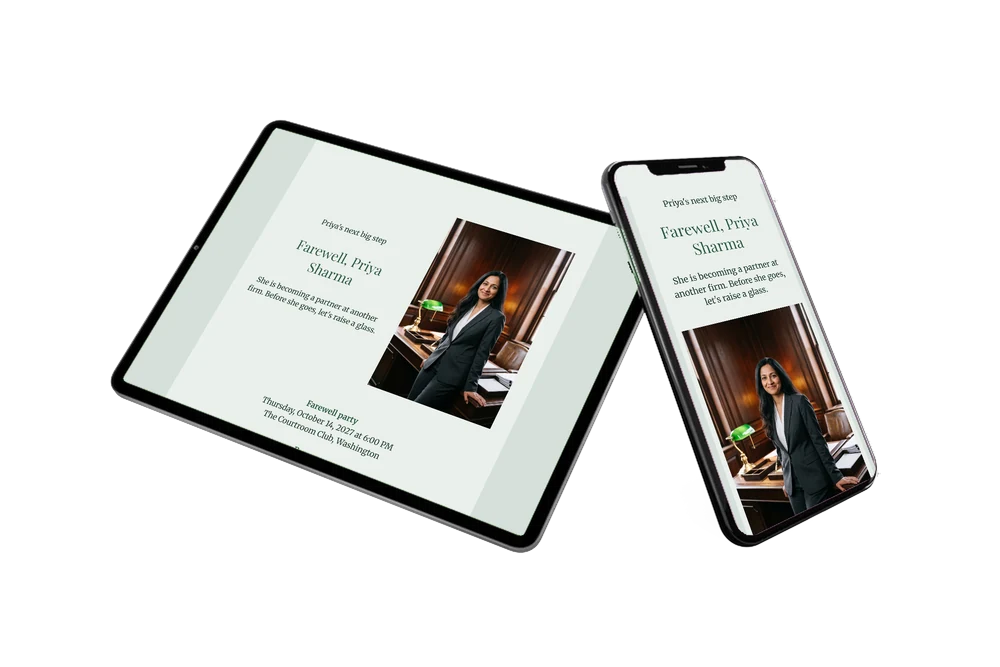
For the people on your guest list, an online farewell invitation is simply a link that opens a card, tells them where and when, and lets them answer in seconds. Think of the trainee she mentored, the partner who hired her, the client who still calls her first. They will see a portrait of a lawyer in a dark grey suit at her wooden desk, followed by a pale grey-green card with forest green headings and calm serif text that suits a firm with a long tradition.
What guests often enjoy most is the guestbook on the invitation. There they share the case that kept them up at night, the advice she gave on day one or simply wish her luck as a new partner. By the evening of the dinner, those messages form a collection she can reread long after the toasts.
Create your own online farewell invitation
Use this design as a starting point and create a fitting farewell invitation within minutes.
Frequently asked questions
Is there still time if the dinner is next week?
Yes. You adjust the name, date and venue in minutes and send the link the same day. Guests receive it instantly on their phone.
What can each guest do on the page?
Reply via RSVP, open the venue in their map app, add the evening to their calendar and write in the guestbook. Nobody needs an account or an app, and you see every answer in your dashboard.
How does this tinted design differ from the white one with the same photo?
Here the card carries a soft grey-green tint and the text is set in a bookish serif, which makes it feel calmer and more traditional. The white version is crisper and more modern, with a clean sans-serif and a bright white background.
Can I add the order of the evening?
Yes. Below the date you can add a day schedule with arrival, speeches, dinner and the moment for a final toast.
Is an online invitation cheaper than printed cards?
Yes, it is cheaper than printing and posting and you reach everyone at once. The current options are on the pricing page.
Design details: fonts and colors
Fonts
- Header 1 — Merriweather
- Header 2 — Playfair Display
- Text — Merriweather
Colors
- #1C3B2A — Header 1
- #2F5E45 — Header 2
- #1C3B2A — Text
- #EAEFEC — Card
- #D5DFDA — Background
Use this design
Copy this design to your dashboard to use it as a starting point.
All example invitations are fictional. Photos of people are AI-generated; illustrations are licensed or AI-generated.