A cheerful, sociable team celebration
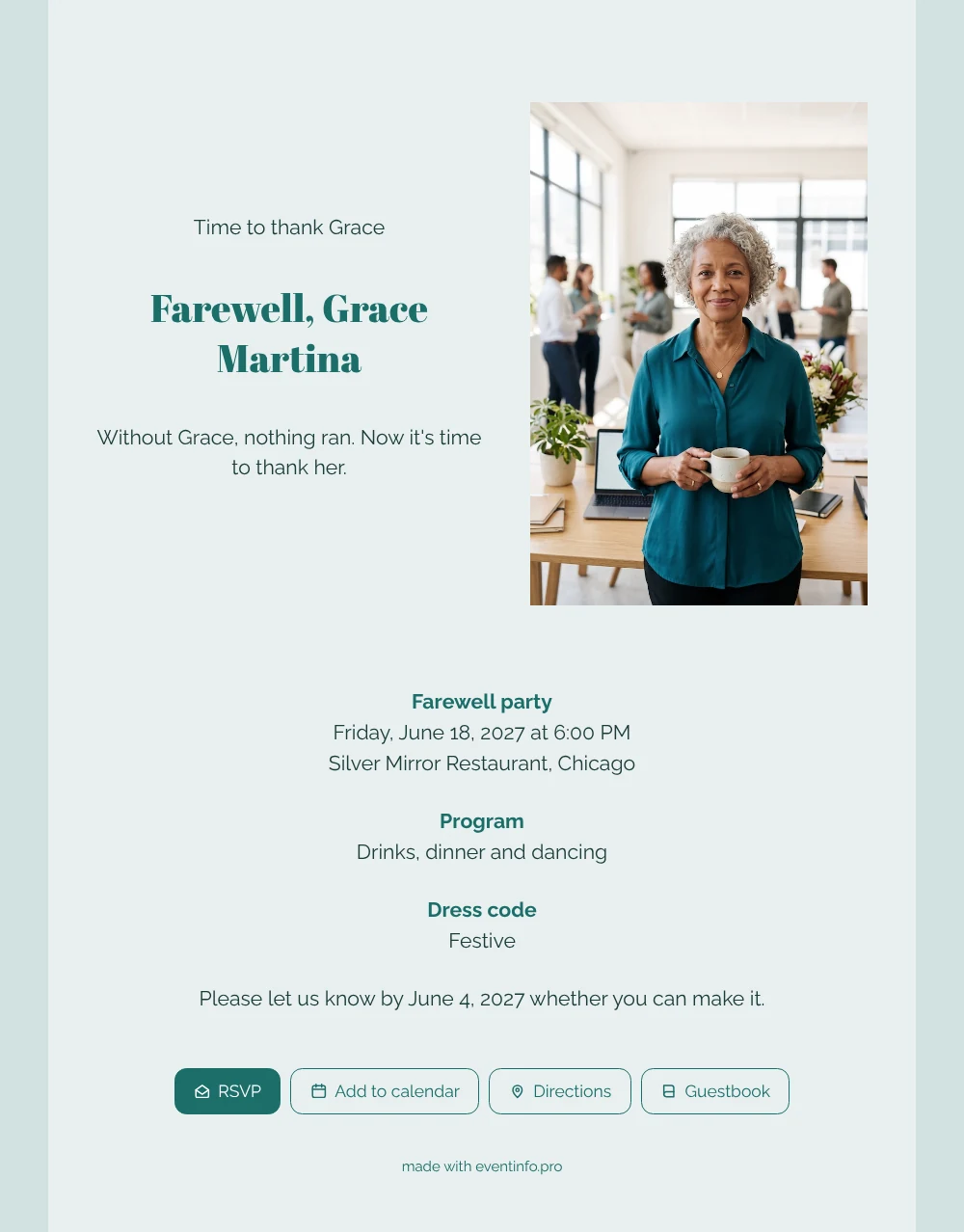
For her colleagues, an online farewell party invitation is the link that pops up in the team chat and tells them when and where they can finally thank Grace, plus the place to reply in seconds. They recognise her straight away: silver curls, teal blouse, coffee mug in hand, standing in the office she kept running. The pale sea green card with dark green headings feels light and friendly, a little like her.
Before the party, everyone can write a message in the online guestbook: the time she saved a client meeting, the cake on every birthday, the calm voice on a stressful Monday. Those memories stay on the page, so Grace can read them again long after the last dance.
Create your own online farewell invitation
Use this design as a starting point and create a fitting farewell invitation within minutes.
Frequently asked questions
How soon can colleagues receive it?
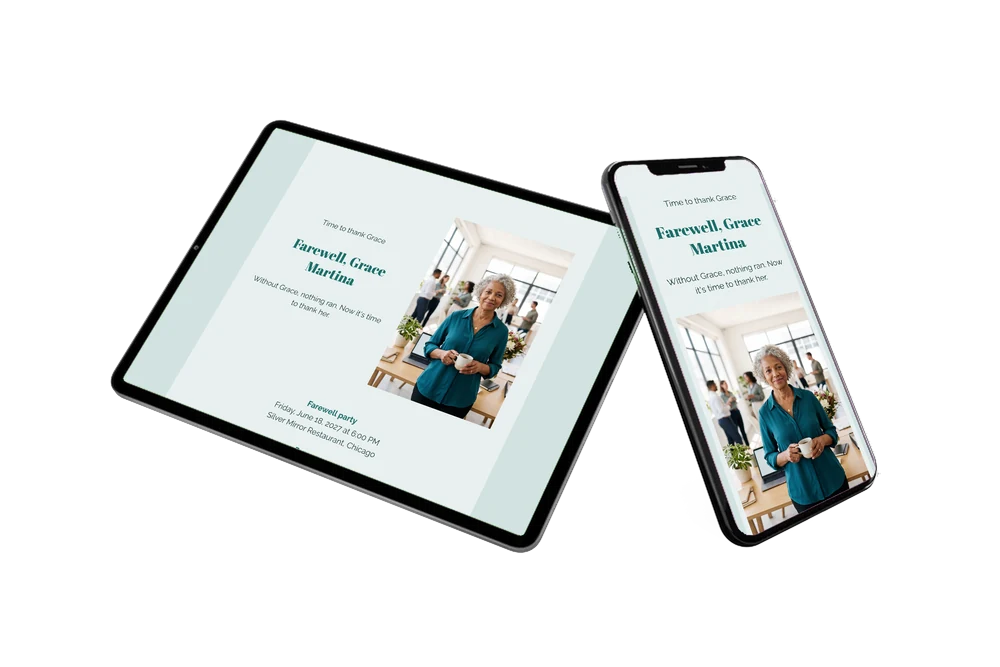
As soon as you have filled in the date and venue. Share the link in the team chat the same day and replies start coming in right away. Guests open it in their phone’s browser.
What can guests do on the page?
They reply with the RSVP button, open the route to the restaurant, add the evening to their calendar and leave a message in the guestbook. Former colleagues who have moved on can join in too.
What does the example text promise?
A short, warm thank you: without Grace, nothing ran, and now it is time to thank her. The blocks below list the farewell party, a program of drinks, dinner and dancing, and a festive dress code.
Can I write a more personal text?
Of course. Mention her years of service, a running joke or a special thank you from the board. See how to replace the example text with your own words.
Is it more affordable than printed invitations?
A digital invitation is more affordable than printing and posting cards to the whole office. Have a look at our pricing page for the current options.
Design details: fonts and colors
Fonts
- Header 1 — Raleway
- Header 2 — Abril Fatface
- Text — Raleway
Colors
- #1C3B39 — Header 1
- #1C6E6A — Header 2
- #1C3B39 — Text
- #E8F0F0 — Card
- #D2E2E1 — Background
Use this design
Copy this design to your dashboard to use it as a starting point.
All example invitations are fictional. Photos of people are AI-generated; illustrations are licensed or AI-generated.