A soft, friendly team celebration
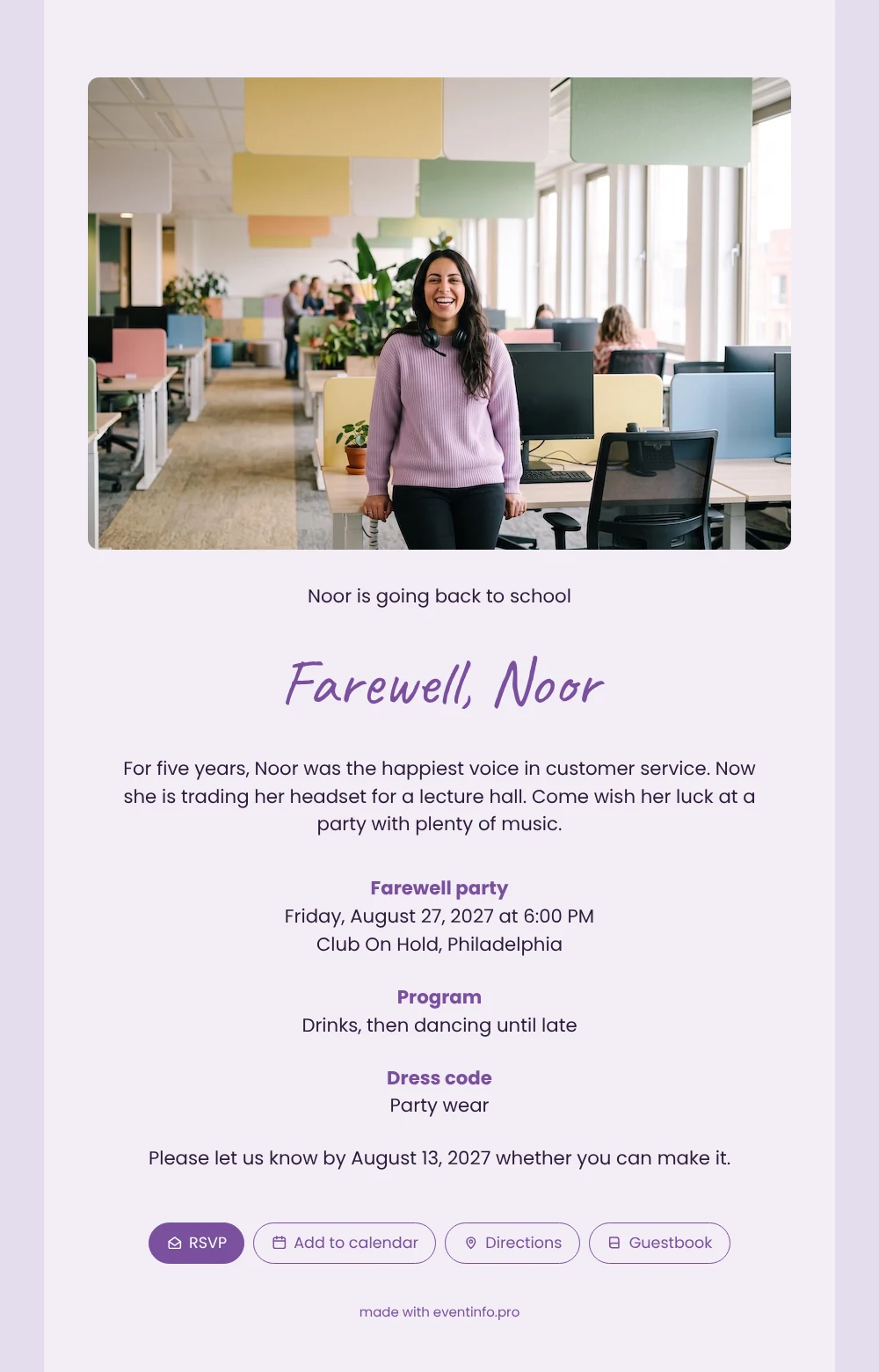
With an online farewell party invitation, everyone who worked alongside the person who is leaving gets the date, place and programme on their phone, and can reply in seconds. Here the guests are greeted by a wide office photo: a young woman in a lilac jumper, laughing, headset around her neck, colleagues working in the background. The pale lilac card and dark text make the details easy to read. It is a good fit for a customer service team, a help desk or any department where one familiar voice is about to leave.
Guests remember the small things: the jokes between calls, the coffee runs, the customer who always asked for her. Give them space to share that in the guestbook, and let them add the party to their calendar straight from the invitation. The card text promises drinks first and dancing until late, so they know what to expect. If you have your own story to tell, the guide on replacing the example text helps you write it in your own words.
Create your own online farewell invitation
Use this design as a starting point and create a fitting farewell invitation within minutes.
Frequently asked questions
How long does it take to finish this invitation?
Not long. The structure is ready, so you mainly change the name, the story and the details of the party. Most people finish in fifteen minutes and share the link the same day.
How do guests reply and find the venue?
They press the RSVP button and answer in a few taps. From the invitation they open the route to the venue in their maps app and save the date in their calendar. Afterwards, many leave a message for the person who is leaving.
What makes this design different from the darker version?
This one is light: a lilac tint on the card, dark text and a wide photo across the top. The deep purple version uses a standing photo next to the text and light letters on a dark background, which feels more like an evening party.
Can I adjust the layout to my own photo?
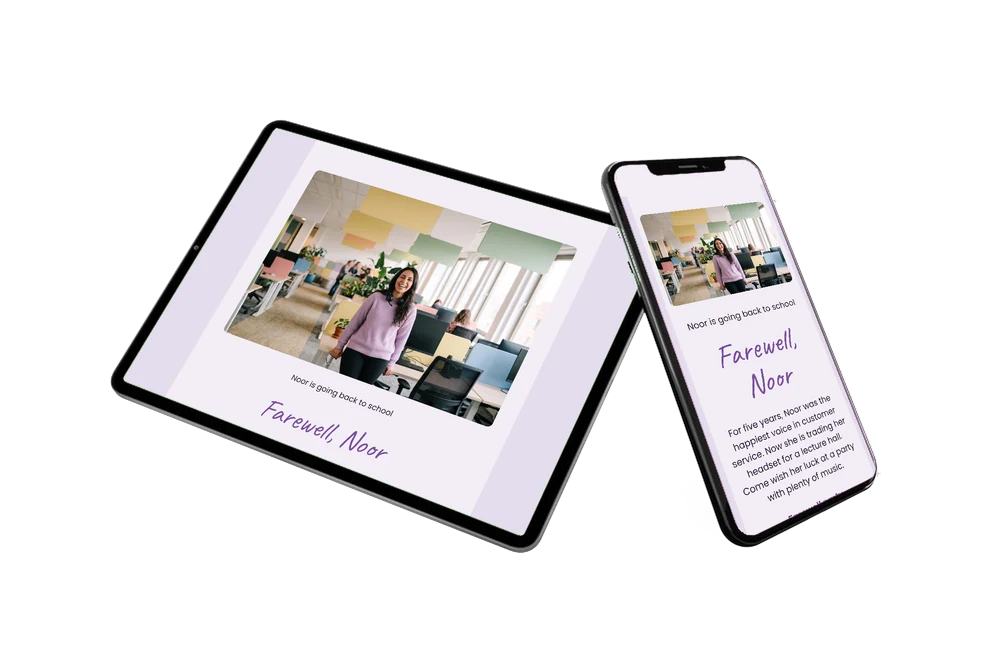
Yes. You can upload a portrait or landscape photo, change the colours to match it and rewrite every block. The layout adapts to the screen of each guest.
Can I remind colleagues who have not replied?
Yes. In your dashboard you see who has responded, and you can send a reminder to the colleagues who have not answered yet.
Design details: fonts and colors
Fonts
- Header 1 — Poppins
- Header 2 — Caveat
- Text — Poppins
Colors
- #2D1C3B — Header 1
- #7A4F9E — Header 2
- #2D1C3B — Text
- #F2EDF5 — Card
- #E4DCEC — Background
Use this design
Copy this design to your dashboard to use it as a starting point.
All example invitations are fictional. Photos of people are AI-generated; illustrations are licensed or AI-generated.