A heartfelt, graceful invitation
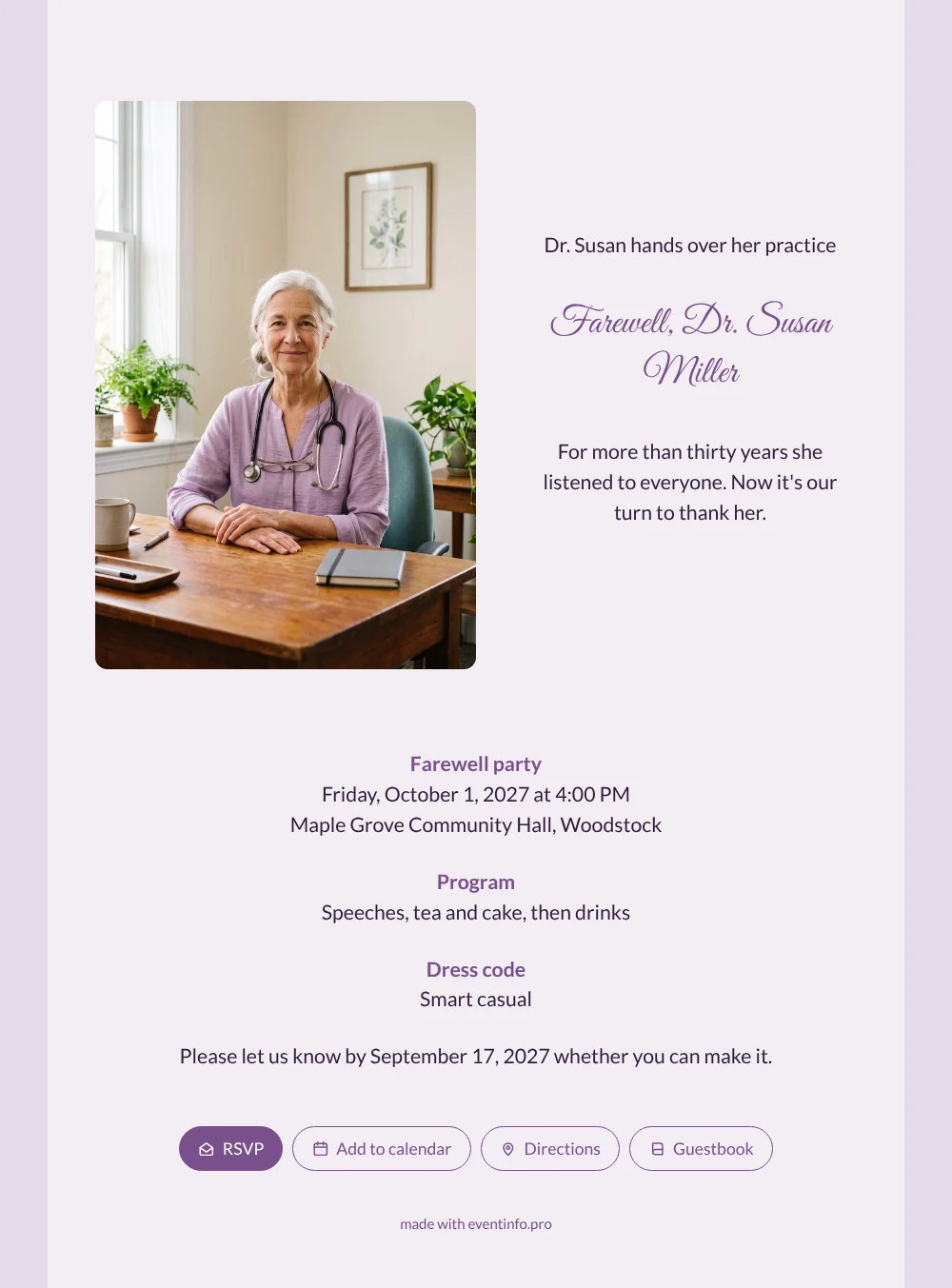
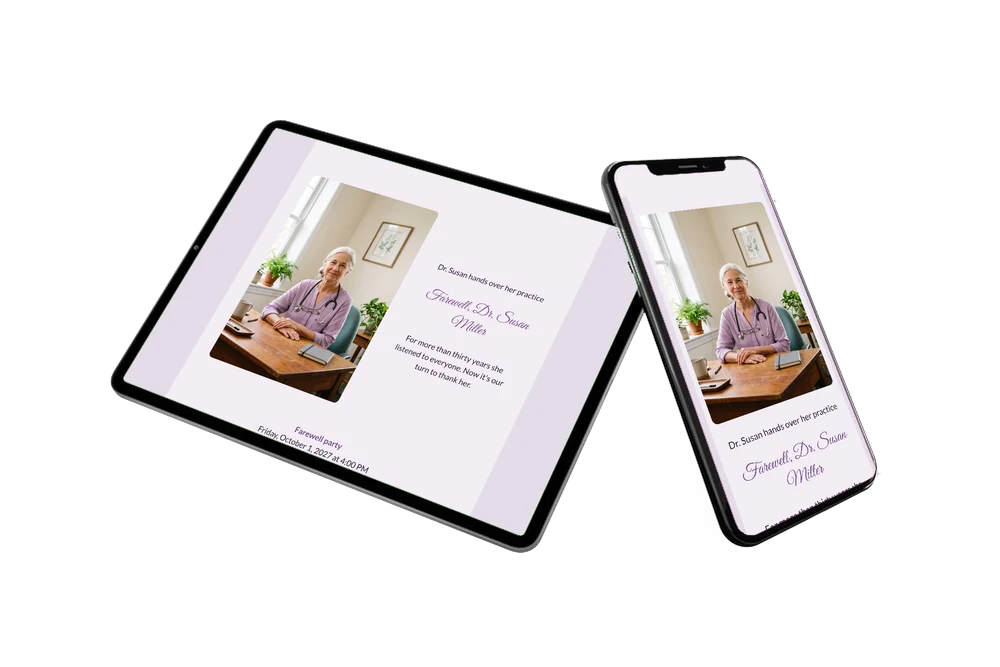
With an online retirement party invitation you invite people by link, and they reply, plan their journey and leave a message straight from their phone. Here a smiling doctor with silver hair and a stethoscope looks up from her desk, on a pale lilac card with a plum heading in flowing script. The design is gentle and personal, a good fit for all the people whose lives she touched: colleagues, assistants, patients and the neighbours who met her in the village shop.
Many of them will want to say something themselves. In the online guestbook they write about the baby she delivered at night, the house calls in the snow or the advice that changed their health. Together those messages form a gift the doctor can read again long after the last surgery hour.
Create your own online farewell invitation
Use this design as a starting point and create a fitting farewell invitation within minutes.
Frequently asked questions
How long does it take to set up?
Most organisers are ready within a quarter of an hour. Change the name and the venue, add your own photo if you like and share the link.
What can guests do besides reading the invitation?
They reply with the RSVP button, open the route on the map, add the date to their calendar and leave a memory or thank-you in the guestbook. You see all replies in your dashboard.
Does this design suit an afternoon with tea and cake?
Very well. The calm lilac card and the friendly portrait match a relaxed gathering with speeches and cake rather than a big night out. The sample text ’For more than thirty years she listened to everyone’ sets exactly that tone.
Can I add a programme with speeches?
Yes. List the speakers, the moment the new doctor is introduced or a short musical piece; read how to add a day schedule in the editor.
Can I change details after sending?
Yes. If the time or the hall changes, you update the same link and every guest sees the new information. In your dashboard you can also remind guests who have not replied yet.
Design details: fonts and colors
Fonts
- Header 1 — Lato
- Header 2 — Great Vibes
- Text — Lato
Colors
- #321C3B — Header 1
- #7A4F8C — Header 2
- #321C3B — Text
- #F2EDF4 — Card
- #E4DCE8 — Background
Use this design
Copy this design to your dashboard to use it as a starting point.
All example invitations are fictional. Photos of people are AI-generated; illustrations are licensed or AI-generated.