A warm, glittering invitation
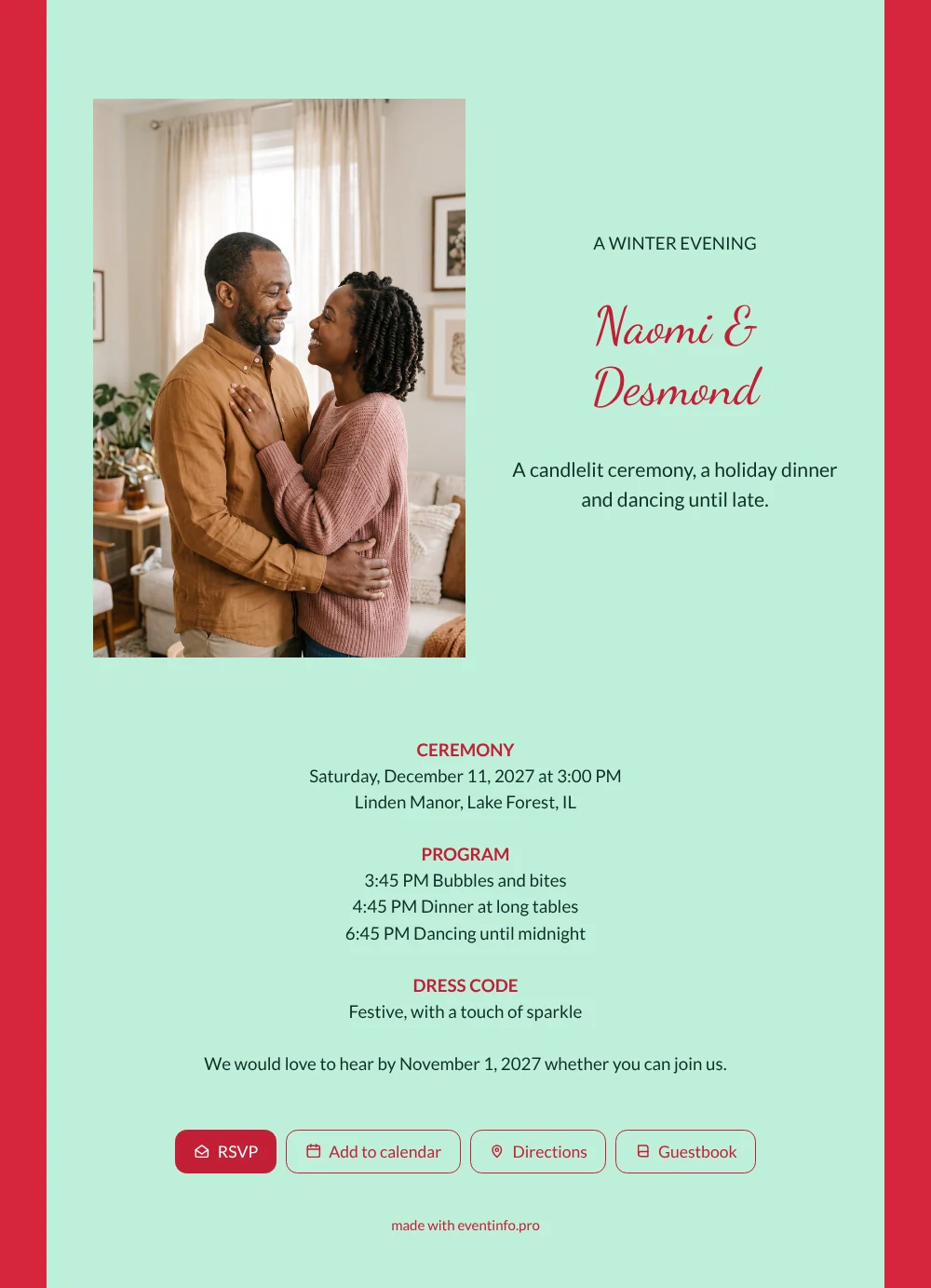
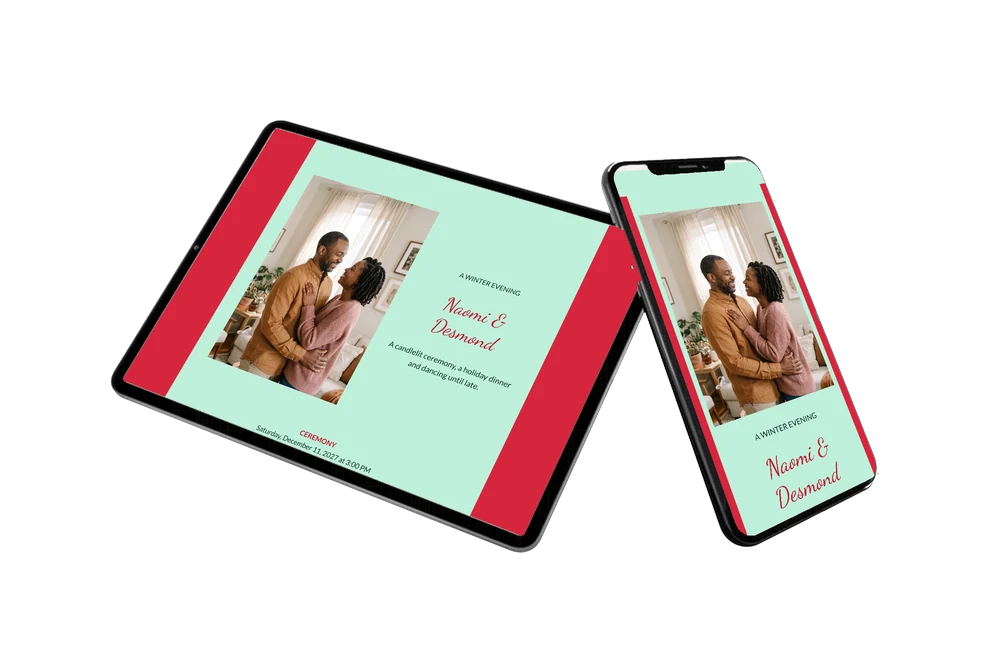
An online wedding invitation gives your guests one link with everything they need for your wedding, right on their phone. For guests, this mint green card answers the big questions at a glance: when the ceremony starts, when dinner is served, how late the dancing goes and what to wear. The red background and red headings make it feel like a festive night out, and the photo of a couple holding each other in their living room makes it personal. A good fit if you invite family and friends to a dressy winter evening.
Guests open the link, tap RSVP and find the route to the venue in their maps app. They save the date in their calendar and know to bring something with sparkle. Afterwards they can leave a message in the guestbook. If someone forgets to reply, you can remind them from your dashboard. Curious how guests find the venue? Read about sharing your event location.
Create your own online wedding invitation
Use this design as a starting point and create a fitting wedding invitation within minutes.
Frequently asked questions
How fast can I send this to my guests?
Today. Change the names, date and venue, upload your own photo and share the link through WhatsApp, email or a text.
What can guests do with the invitation?
RSVP, open the route, add the date to their calendar and write a congratulation in the guestbook. All on the same page, no app to install.
Why is there a dress code on this card?
An evening wedding in winter often comes with a festive outfit, and guests like to know. The example asks for something festive with a touch of sparkle. You can rewrite it or leave the block out.
Can I adjust the design for our wedding?
Yes. Change the colors, the photo and every line of text, or add a block for travel and overnight stays. See how to adapt a ready-made design.
Can I change details after sending?
Yes. If the dinner starts later or the venue changes, update the invitation and everyone sees the change on the same link.
Design details: fonts and colors
Fonts
- Header 1 — Lato
- Header 2 — Dancing Script
- Text — Lato
Colors
- #10302A — Header 1
- #C21F35 — Header 2
- #10302A — Text
- #BFF0DA — Card
- #D7263D — Background
Use this design
Copy this design to your dashboard to use it as a starting point.
All example invitations are fictional. Photos of people are AI-generated; illustrations are licensed or AI-generated.