A gentle, airy September invitation
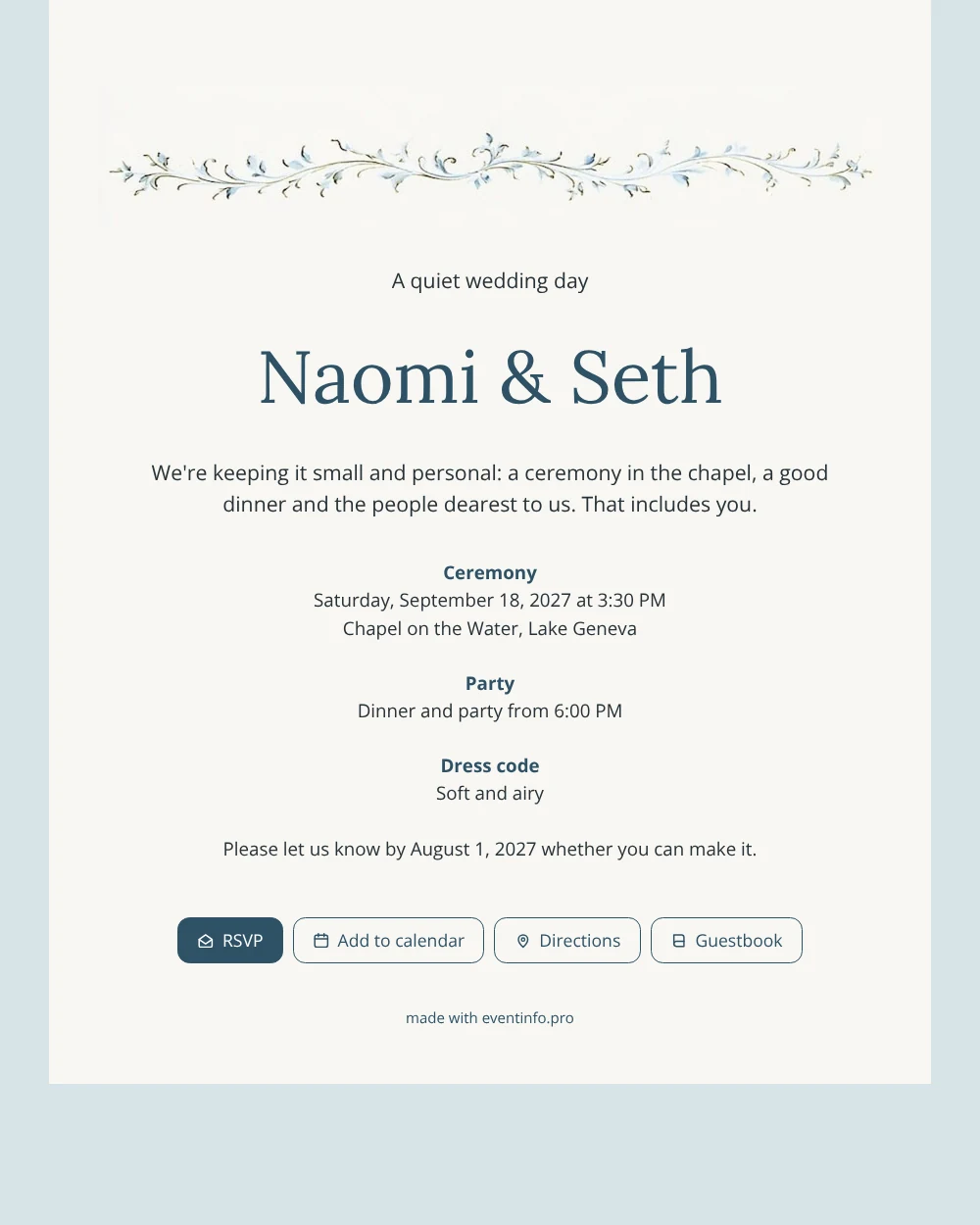
Your guests experience an online wedding invitation as a calm page on their phone: who is getting married, where and when, and a button to say yes or no. With this design that page feels like a quiet letter. The soft off-white card, the fine pale blue vine along the top and the misty blue background are easy on the eyes, and the short text reads in under a minute. It is a good choice when every guest on your list really matters to you.
Send the link to each guest personally or in a small group chat, by WhatsApp, email or text message. Guests answer through the online RSVP and you see all replies in your dashboard. For a small dinner it helps to know exactly who is coming, and if someone forgets, you can remind guests who have not answered yet. Guests can also add the event to their calendar, so the date is never lost.
Create your own online wedding invitation
Use this design as a starting point and create a fitting wedding invitation within minutes.
Frequently asked questions
Can I send this invitation to everyone at once?
Yes. Copy the link and share it in one go, or send it to each guest separately with a personal message. Guests do not need an app or account to open it.
How do guests reply to the invitation?
They tap the RSVP button and let you know in a few seconds whether they are coming. Their answer appears right away in your dashboard, so you can count the seats for dinner.
Is the light blue vine easy to see on a phone?
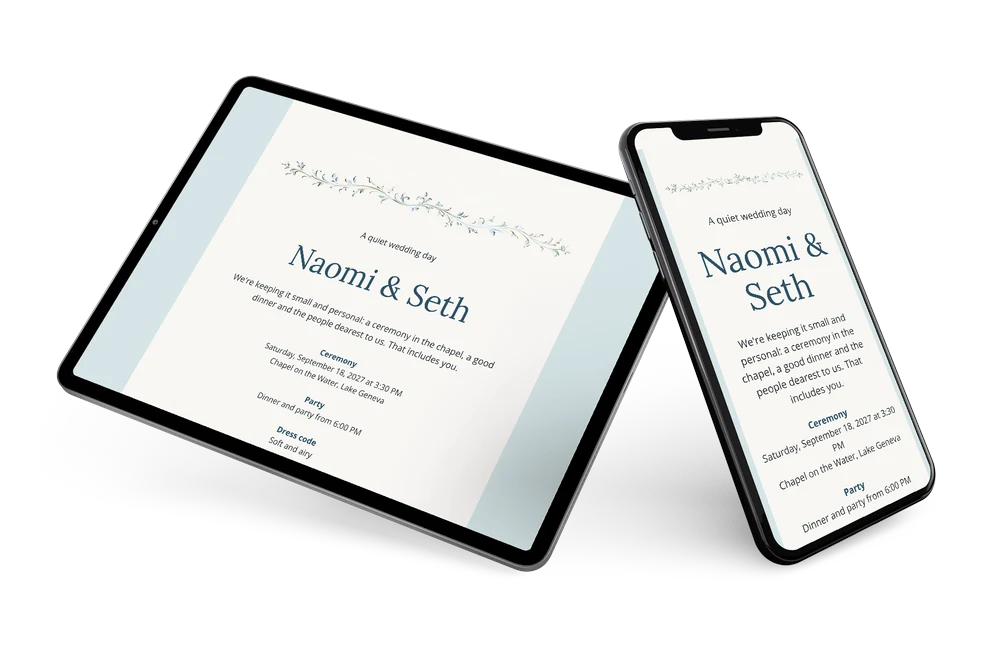
Yes. The vine is fine but clearly visible against the light card, and the text below is set in a dark blue grey that stays readable on small screens. The misty blue background frames the card without distracting from it.
Can guests find the chapel by the water easily?
They can. The address on the card opens the route in their own maps app, which is useful for a venue that is a little off the beaten track.
Can guests leave a message for us?
Yes. The guestbook on the invitation lets guests write a congratulation or a few personal words. For a small wedding these messages often become a lovely keepsake.
Design details: fonts and colors
Fonts
- Header 1 — Open Sans
- Header 2 — Lora
- Text — Open Sans
Colors
- #283238 — Header 1
- #2E5266 — Header 2
- #283238 — Text
- #F8F7F3 — Card
- #D6E4E6 — Background
Use this design
Copy this design to your dashboard to use it as a starting point.
All example invitations are fictional. Photos of people are AI-generated; illustrations are licensed or AI-generated.