A dignified, stately farewell
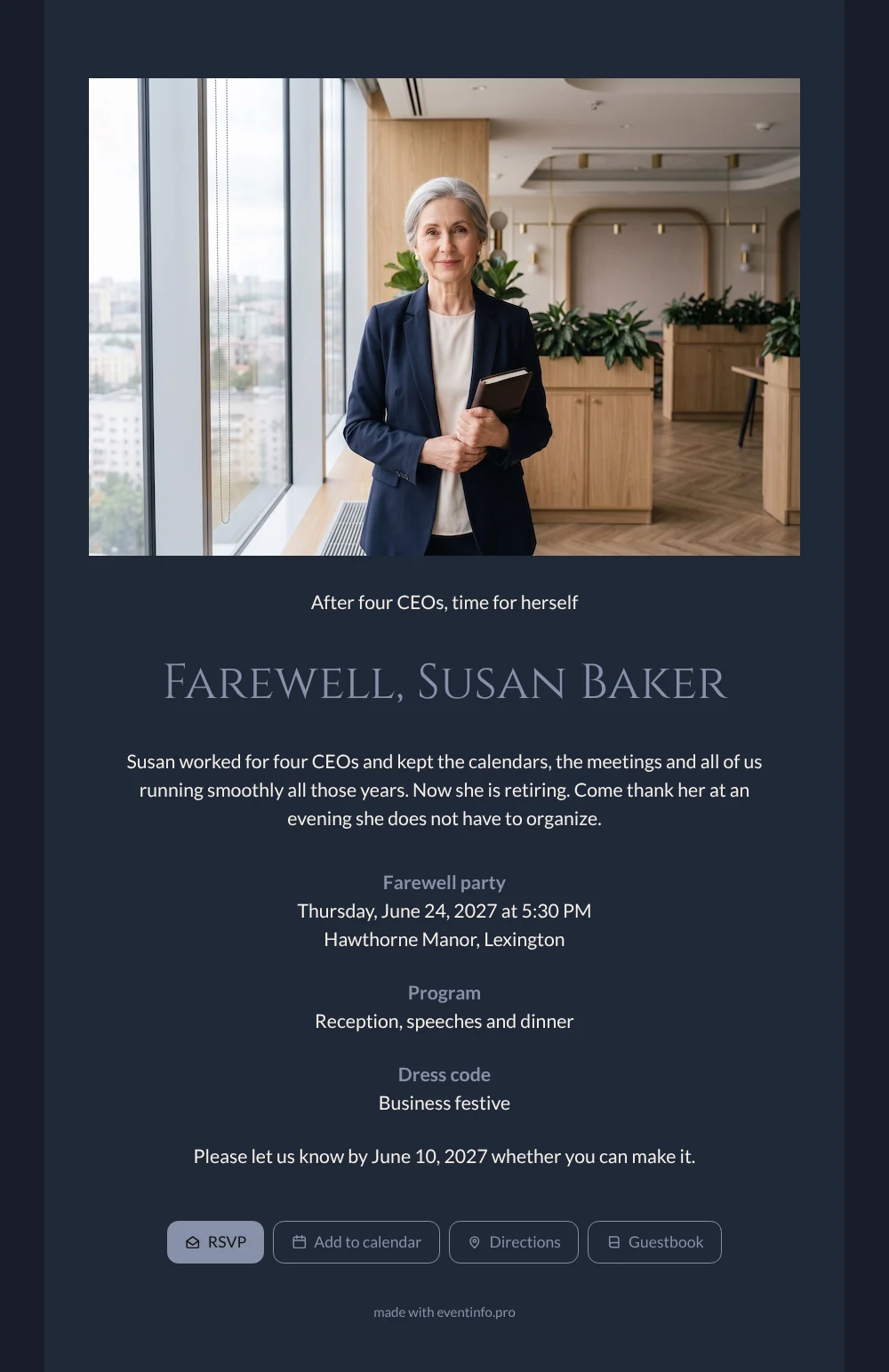
An online farewell party invitation is a digital card guests open on their phone to reply, find the venue and leave a personal message, all on one page. Everyone who ever needed a meeting moved, a train booked or a forgotten document found will want to thank this assistant. The deep navy card with cream text shows her smiling in a light-filled office, and invites them all to an evening in her honour.
The online guestbook is where those thank-yous end up: directors recall the crises she quietly solved, colleagues remember her calm on busy days. After replying, guests can add the evening to their calendar with one tap. Want to rewrite the story in your own words? See replacing the example text.
Create your own online farewell invitation
Use this design as a starting point and create a fitting farewell invitation within minutes.
Frequently asked questions
Can I send it today?
Yes. Fill in the details, upload a photo and share the link straight away. Changes are easy, because the link stays the same.
What do guests do on the page?
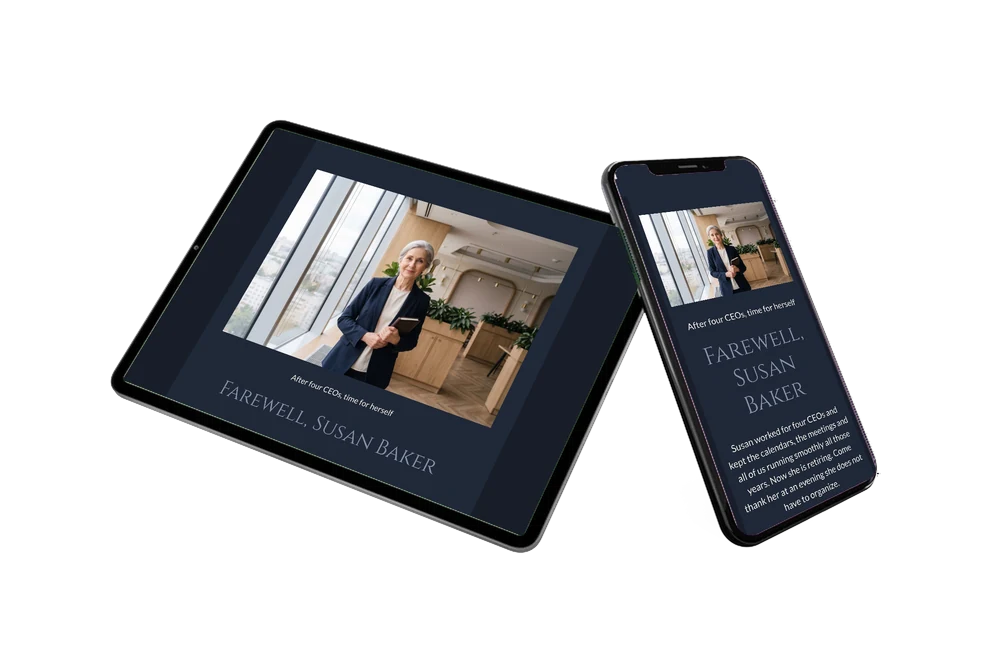
They confirm with the RSVP button, open the route, save the date and write in the guestbook. The messages stay on the page, so she can read them all after her last working day.
What makes this design fit an office farewell?
The wide photo of a modern office with a city view, the navy blazer and the leather diary say executive assistant at a glance. The dark card, light text and stately headings give the evening a formal, respectful tone, fitting for someone who served four directors.
Can I change text and photo?
Yes. In the editor you adjust every line, the colours and the photo, so you can add her nickname, years of service or department.
Can I remind colleagues who have not replied?
Yes. In your dashboard you see who has answered and can send a reminder to the others before the reply date. That way you can give the restaurant the right number of guests in good time.
Design details: fonts and colors
Fonts
- Header 1 — Lato
- Header 2 — Cinzel
- Text — Lato
Colors
- #F4EFE6 — Header 1
- #8791A8 — Header 2
- #F4EFE6 — Text
- #202838 — Card
- #181E2A — Background
Use this design
Copy this design to your dashboard to use it as a starting point.
All example invitations are fictional. Photos of people are AI-generated; illustrations are licensed or AI-generated.