A classic seaside wedding
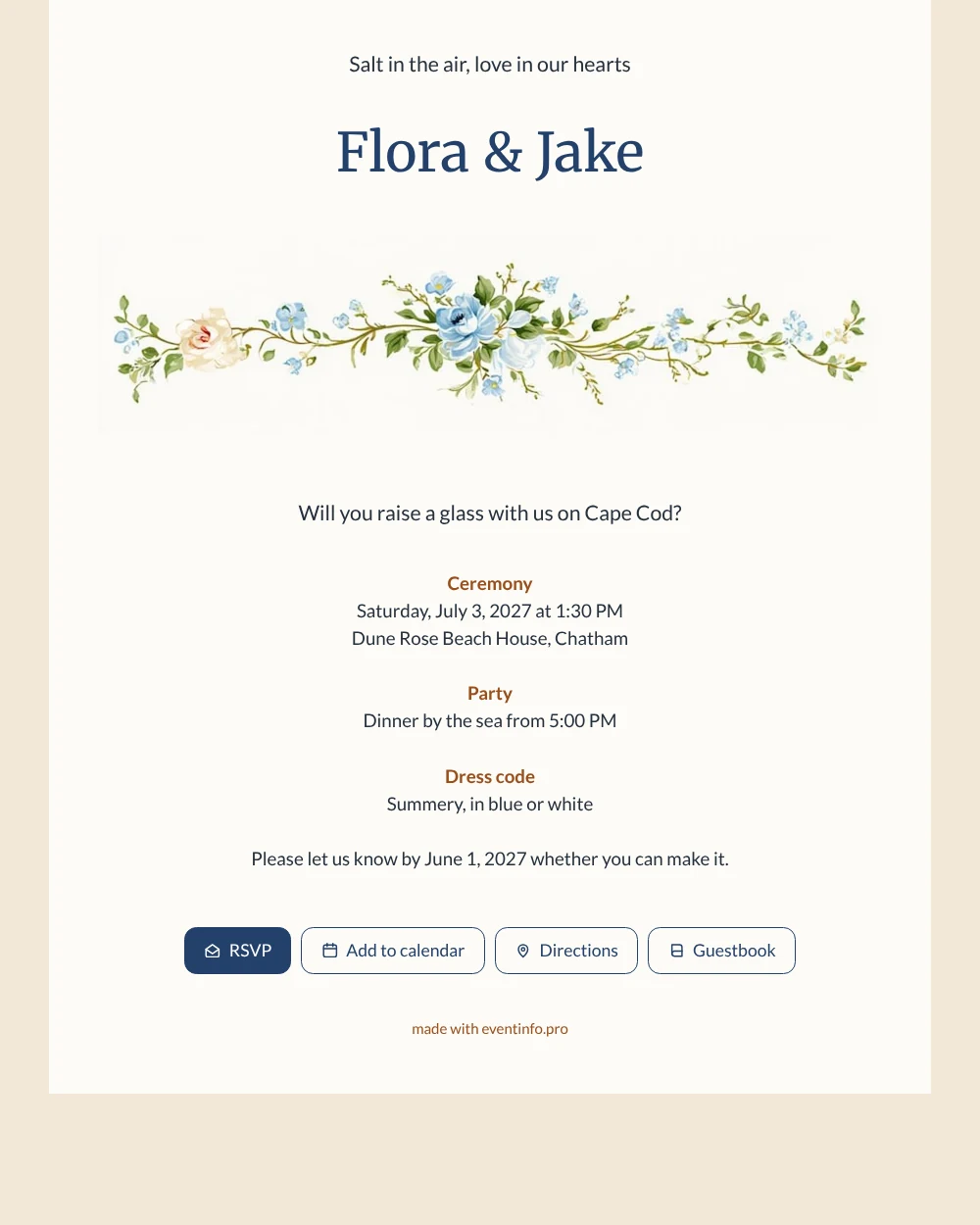
An online wedding invitation gives your guests one link with everything they need for your big day, from the start of the ceremony to the reply date. This sand-coloured design welcomes them with your names, a soft band of blue watercolour flowers and a short, poetic opening about salt air and love. The warm beige tones and rust details feel relaxed and grown-up, a good fit for a coast or dune wedding with family and friends of all ages.
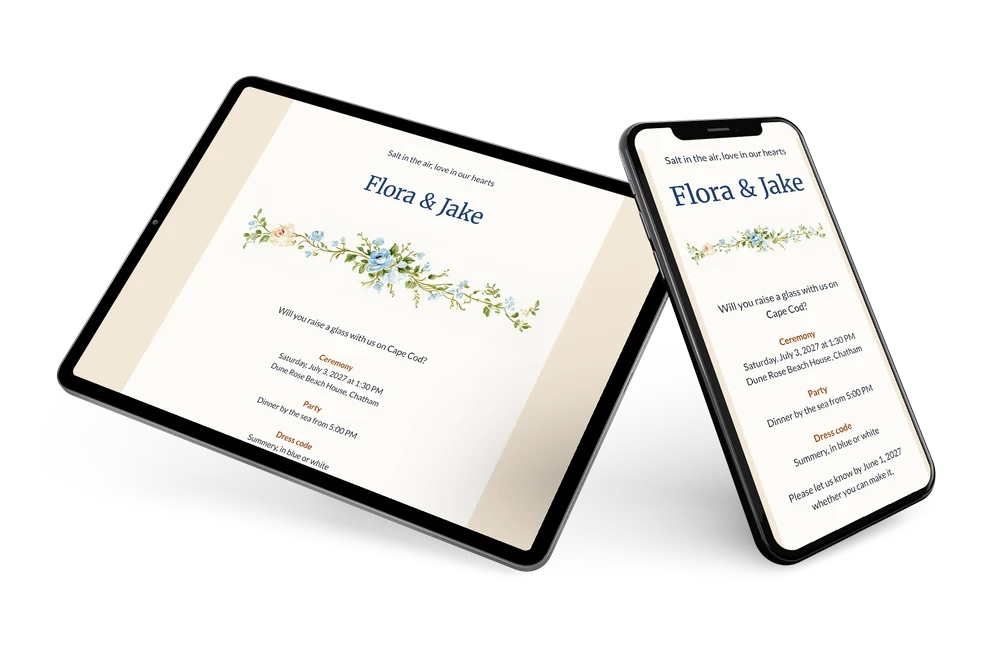
Guests read the invitation on their phone and answer with a single tap through the online RSVP. You no longer keep a list on paper: the dashboard shows who is coming, who is not and who has yet to answer. Anyone still undecided gets a reminder from you, with the same link.
Create your own online wedding invitation
Use this design as a starting point and create a fitting wedding invitation within minutes.
Frequently asked questions
How quickly can we send it to our guests?
As soon as you have entered your own names, date and venue. Share the link through WhatsApp, email, text message, social media or a QR code.
What can guests do with the invitation?
They confirm through the RSVP button, open the route to the venue, save the date in their calendar and leave a congratulation in the guestbook.
Is the sand background only for beach weddings?
Not at all. The warm sand tone and blue flowers suit any summer wedding near water, a dune restaurant, a lake or a garden. If you want something cooler and brighter, the sky blue version of the same flower border is an alternative, with the flowers at the top instead of under your names.
Can we add our own photo or wording?
Yes. In the editor you replace the flower border with a photo or illustration of your own and change colours as you like. For the wording, see the guide on replacing the example text. Details stay editable after sharing; guests keep the same link.
What does an online wedding invitation cost?
You can design and preview the invitation first and decide afterwards. The pricing page lists the packages and what each one includes.
Design details: fonts and colors
Fonts
- Header 1 — Lato
- Header 2 — Merriweather
- Text — Lato
Colors
- #26303C — Header 1
- #23406A — Header 2
- #26303C — Text
- #FCFBF7 — Card
- #F3E7D6 — Background
Use this design
Copy this design to your dashboard to use it as a starting point.
All example invitations are fictional. Photos of people are AI-generated; illustrations are licensed or AI-generated.