A bright, sociable card
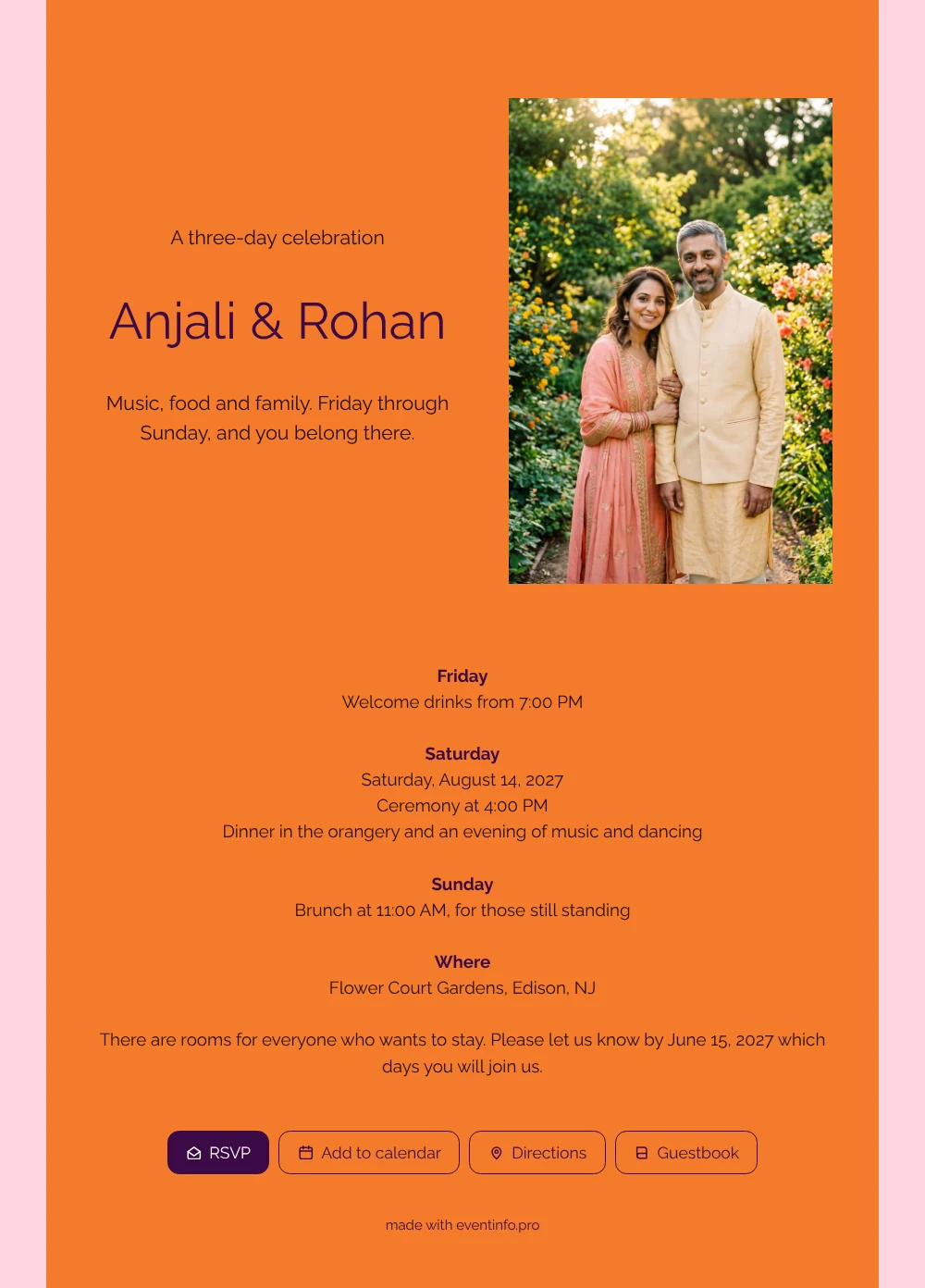
For guests, this online wedding invitation answers the big weekend questions in one place: which days, what happens when and where they can sleep. The tangerine card with its pink border feels modern and upbeat, and the short opening sets the mood: music, food and family, Friday through Sunday, and you belong there. Next to it, the photo of a couple in festive clothes in a summer garden makes it personal from the very first glance.
Guests tap RSVP and tell you which days they will be there, so you know how many come on Friday and how many stay for brunch. They can see how to get to the venue, save the date in their calendar and leave a congratulation in the guestbook. You follow every answer in your dashboard.
Create your own online wedding invitation
Use this design as a starting point and create a fitting wedding invitation within minutes.
Frequently asked questions
Can I send it today?
Yes. Fill in your names, the venue, the date and the times for Friday, Saturday and Sunday. As soon as you share the link, guests can open it on their phone.
What do my guests see when they open it?
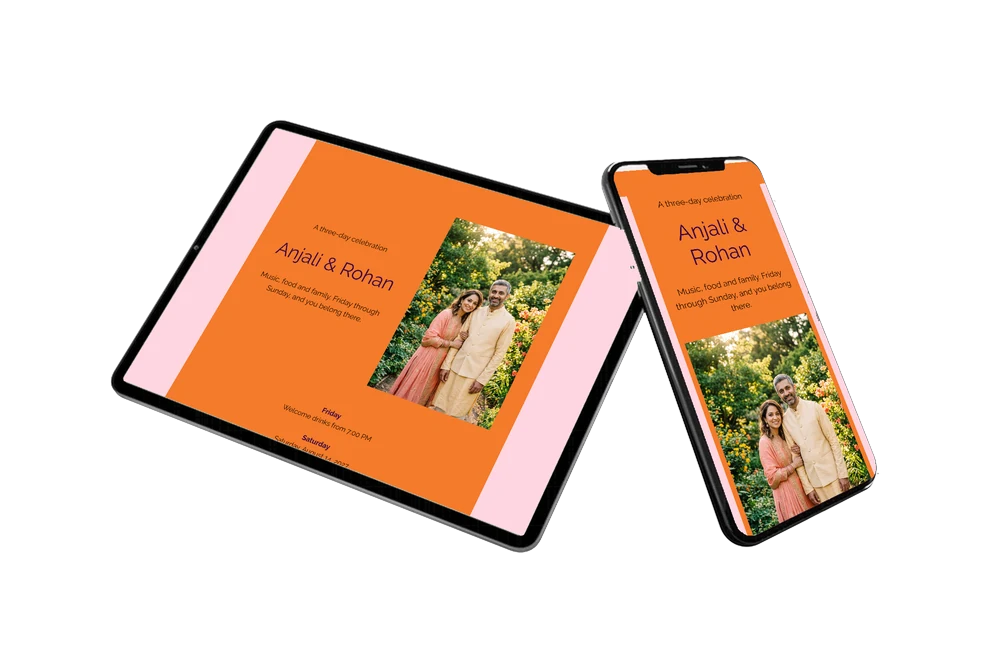
The full invitation on their phone, with the tangerine card, the garden photo, a block for each day of the weekend and the venue. From there they reply with the RSVP button, open the route, add the date to their calendar and leave a message in the online guestbook.
Can guests say they only come on one day?
Yes. The closing text asks guests to let you know which days they will join, and they reply with the RSVP button. In your dashboard you see all answers together, which helps you plan drinks, dinner and brunch.
Can I still change details after sending?
Yes. You change details on the same link, so guests always see the latest version. Prefer something calmer than tangerine and pink? Choose other colors, swap the garden photo for your own or rename the days. Here is how to customise a ready-made design.
What does an online wedding invitation cost?
That depends on what you need. You will find the options on the pricing page. You can first adapt this design calmly and preview it before you share it.
Design details: fonts and colors
Fonts
- Header 1 — Raleway
- Header 2 — Raleway
- Text — Raleway
Colors
- #240C00 — Header 1
- #3B0A45 — Header 2
- #240C00 — Text
- #F47B2A — Card
- #FFD6E0 — Background
Use this design
Copy this design to your dashboard to use it as a starting point.
All example invitations are fictional. Photos of people are AI-generated; illustrations are licensed or AI-generated.