A cheerful, informal party
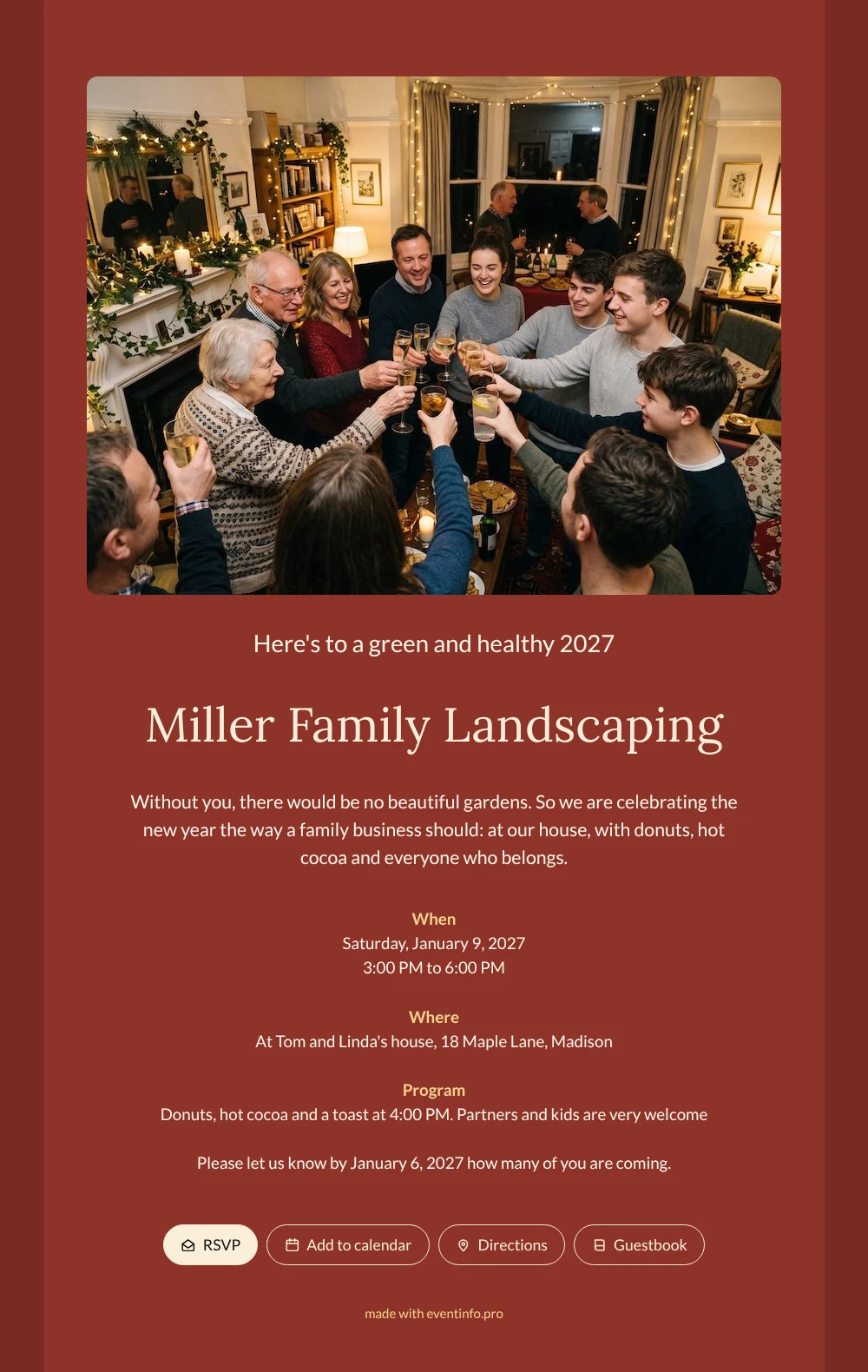
For your guests, an online New Year’s invitation is simply a link that opens on their phone and tells them everything they need: when, where and who is welcome. Here they see a room full of people they know, glasses raised, fairy lights in the window and candles on the mantelpiece. That photo sits above a warm red card with cream lettering that reads easily on any screen.
Employees can bring the whole family, and the card says so: partners and kids are very welcome. Because the party is at the owners’ home, the address matters. Guests can open the location and directions straight from the invitation and park without calling you first. The reply line asks how many of them are coming, so you know how many mugs of cocoa to warm up.
Create your own online New Year’s invitation
Use this design as a starting point and create a fitting New Year’s invitation within minutes.
Frequently asked questions
Can people reply quickly?
Yes. One tap on the RSVP button is enough, and they can add a note with the number of people. You see every reply in your dashboard as it comes in, and you can send a reminder to anyone who forgets.
What else can guests do?
They can add the party to their calendar, open the route to your door and leave a New Year’s wish in the guestbook. Nothing needs to be installed; the link opens in any browser.
Does it work for children and grandparents too?
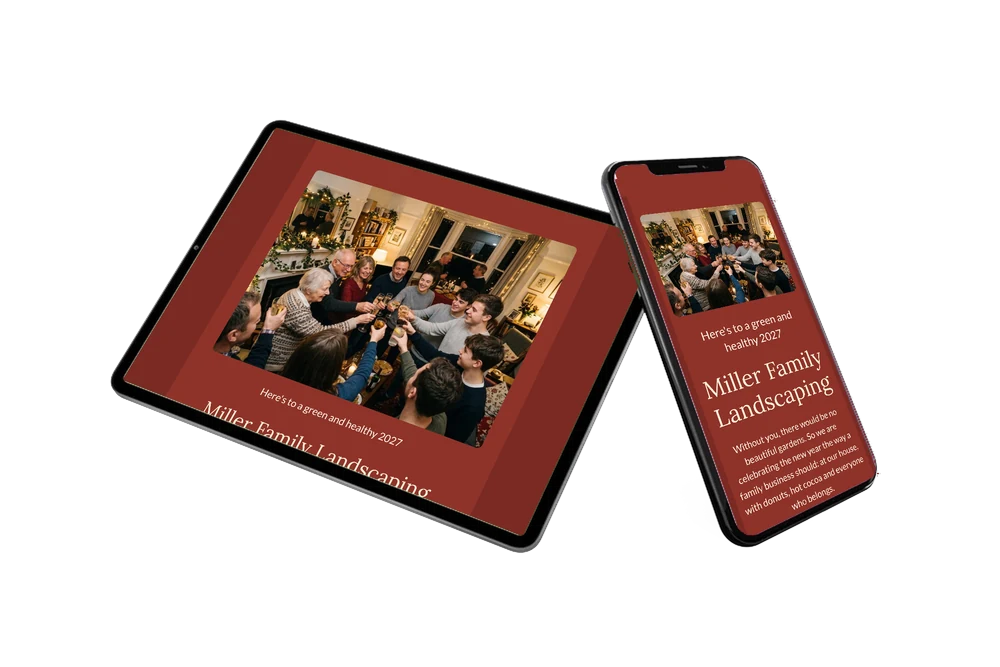
The photo shows exactly that mix of ages, so everyone feels invited. The large, clear text on the red background is easy to read, also for older relatives who open the link on a tablet.
Can I write my own welcome?
Of course. Thank your team in your own words and follow this guide to replace the example text. Swap donuts for whatever you will serve.
Is it cheaper than sending cards?
Yes, you save on printing and postage, and you can still change details after sending. See the options on the pricing page.
Design details: fonts and colors
Fonts
- Header 1 — Lato
- Header 2 — Lora
- Text — Lato
Colors
- #FFF6EA — Header 1
- #FBEFD9 — Header 2
- #FFF6EA — Text
- #8E3329 — Card
- #7A2A24 — Background
Use this design
Copy this design to your dashboard to use it as a starting point.
All example invitations are fictional. Photos of people are AI-generated; illustrations are licensed or AI-generated.