A bright, informal send-off
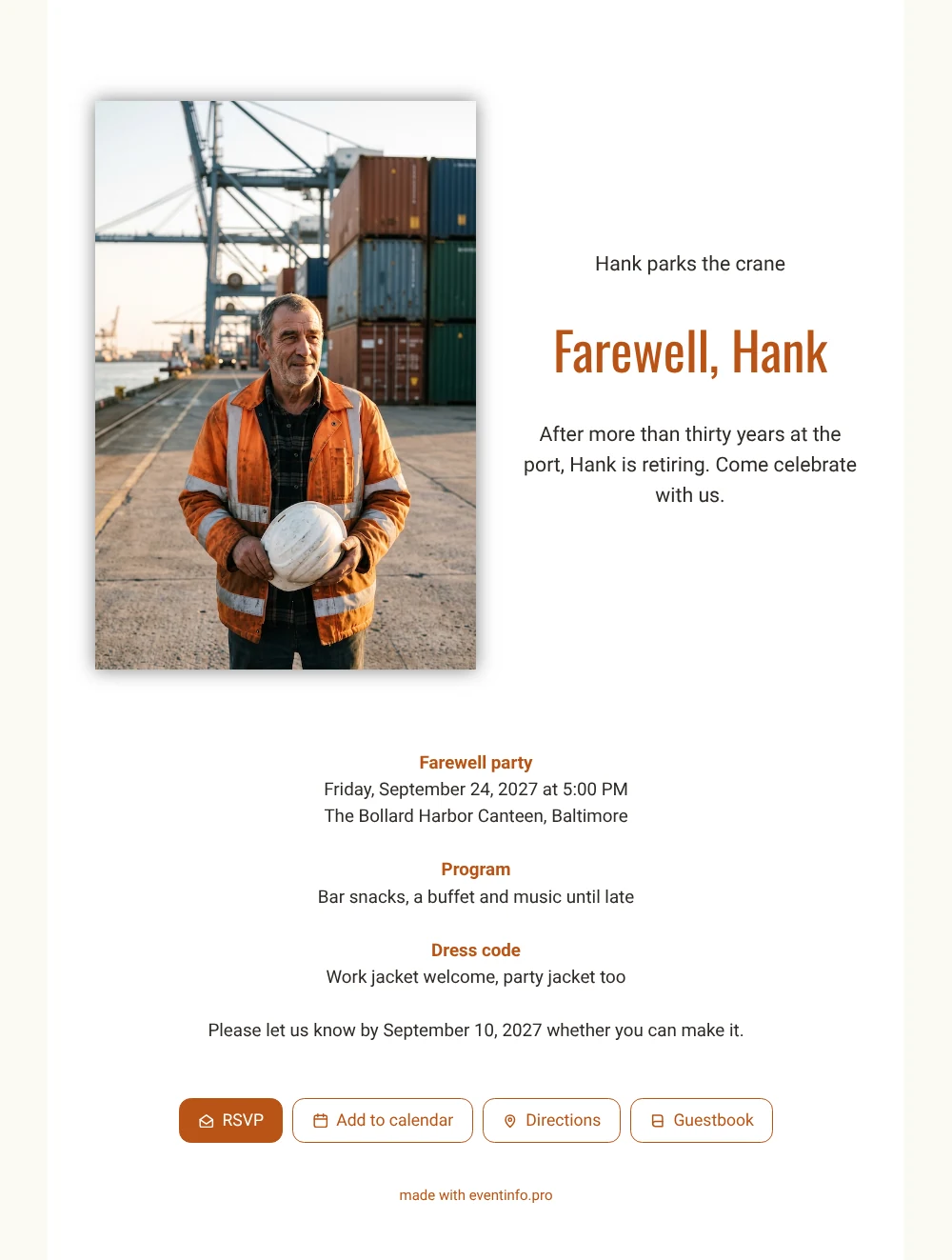
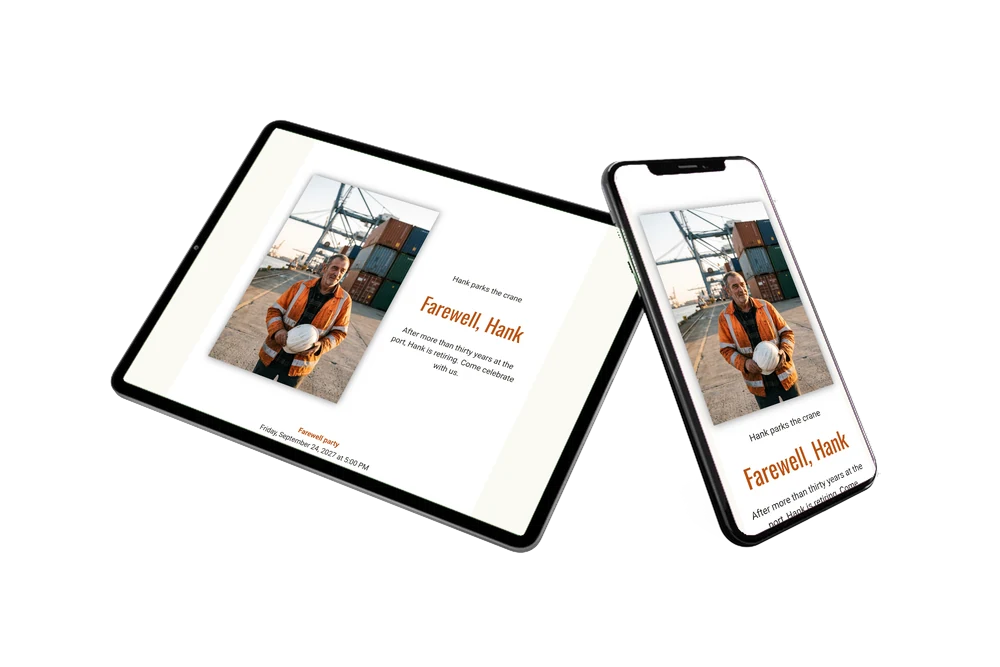
With an online retirement party invitation, every guest gets the same link and finds the time, the place and the reply button on one page. In this white version, the portrait of a smiling crane operator in his orange work jacket sits beside a short, cheerful text and three clear blocks: the party itself, a program with bar snacks, a buffet and music, and a dress code that welcomes work jackets and party jackets alike.
For guests, a farewell like this is mostly about stories: the night shifts, the storms, the first ship they unloaded together. In the online guestbook they leave those memories before or after the party, and the colleague who retires can read them back later. Guests also save the date in their calendar with one tap, so the party does not clash with a shift.
Create your own online farewell invitation
Use this design as a starting point and create a fitting farewell invitation within minutes.
Frequently asked questions
How fast can I send it to the whole team?
As soon as the name, date and venue are right. Share the link by email, text message, WhatsApp or social media, or show a QR code at the gate. That takes a few minutes at most.
Can guests reply and find the venue?
Yes. They use the RSVP button to say whether they are coming, open the route to the venue on the map and add the party to their calendar. In your dashboard you see who has replied and who has not.
Which kinds of farewell suit this photo?
Mainly a retirement after many years in one job, but also a colleague moving to another terminal or starting a business of their own. The relaxed dress code line and the snacks in the program set an informal, friendly tone.
Can I add a longer schedule?
Yes. If there are speeches, a toast and a band, you can add a day schedule with times. Text, colors and the photo can all be changed in the editor, also after you have shared the link.
What if some colleagues forget to reply?
Send a short reminder to everyone who has not answered yet. Their replies then appear in your dashboard next to the others, so you know in time how many people to expect.
Design details: fonts and colors
Fonts
- Header 1 — Roboto
- Header 2 — Oswald
- Text — Roboto
Colors
- #2E2A26 — Header 1
- #B95417 — Header 2
- #2E2A26 — Text
- #FFFFFF — Card
- #FBF9F4 — Background
Use this design
Copy this design to your dashboard to use it as a starting point.
All example invitations are fictional. Photos of people are AI-generated; illustrations are licensed or AI-generated.