A sober, timeless boat celebration
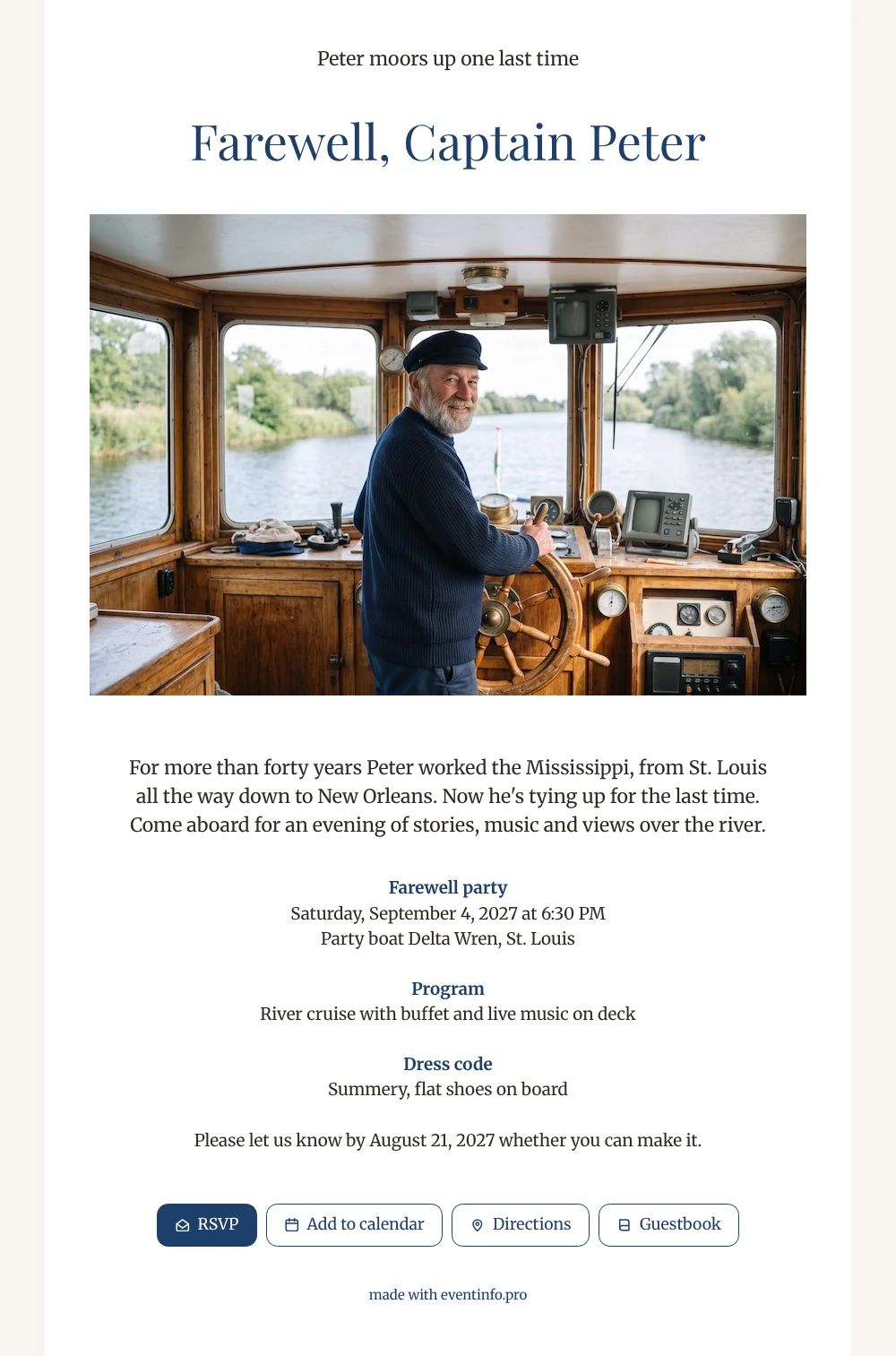
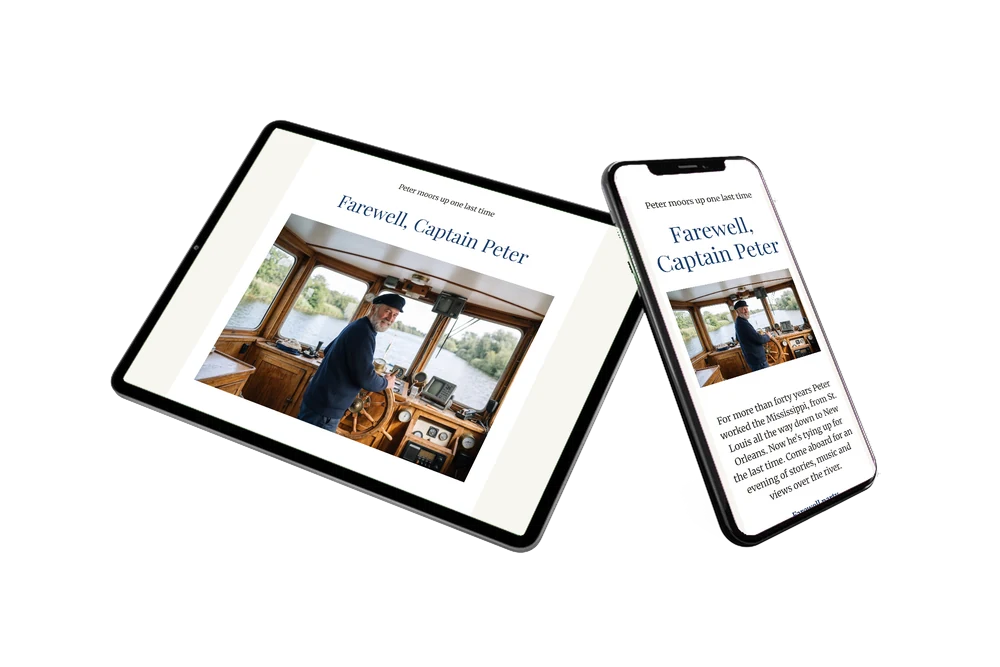
An online retirement party invitation gives guests everything at once: the reason for the party, the place, the time and a button to reply. In this white design, right under the large name, they see Peter smiling at the wheel, green riverbanks in the windows, and then read why they are invited. That photo sets the tone for a relaxed evening where old colleagues, lock keepers and family swap stories about life on the water. Use your own photo of the guest of honor; the captain in the example is AI-generated.
On the night itself, guests want to know where to board and when the boat leaves. One tap opens the location and route in their map app, so nobody misses the pier. Beforehand they can leave a memory in the guestbook, from the first day on board to the funniest stories, which the captain can read back for years.
Create your own online farewell invitation
Use this design as a starting point and create a fitting farewell invitation within minutes.
Frequently asked questions
Is the invitation quick to make?
Yes, you start from a finished layout. Change the name and the story, choose the date, add the boarding point and upload your own photo. Then share the link and you are done.
How do guests reply and remember the date?
They tap the RSVP button and choose yes or no. With one more tap they can add the event to their calendar, so the boat trip does not slip their mind.
What makes this version different from the blue one?
This is the white edition: the large name in navy first, then a wide landscape photo, for a crisp, classic look. The light river blue version uses a tinted card with a standing photo to the left of the text. Pick the one that matches the mood of the farewell.
Can I add a full program for the evening?
Yes. Next to the cruise and the buffet you can add times for speeches, a toast or the moment the boat returns. See how to add a day schedule to your invitation.
Can I remind guests who have not replied?
Yes. Your dashboard shows who has responded, and you can send a reminder to everyone else, so you know in time how many people will come aboard.
Design details: fonts and colors
Fonts
- Header 1 — Merriweather
- Header 2 — Playfair Display
- Text — Merriweather
Colors
- #2E2A26 — Header 1
- #1F3F6B — Header 2
- #2E2A26 — Text
- #FFFFFF — Card
- #F7F5F0 — Background
Use this design
Copy this design to your dashboard to use it as a starting point.
All example invitations are fictional. Photos of people are AI-generated; illustrations are licensed or AI-generated.