A relaxed, earthy farewell
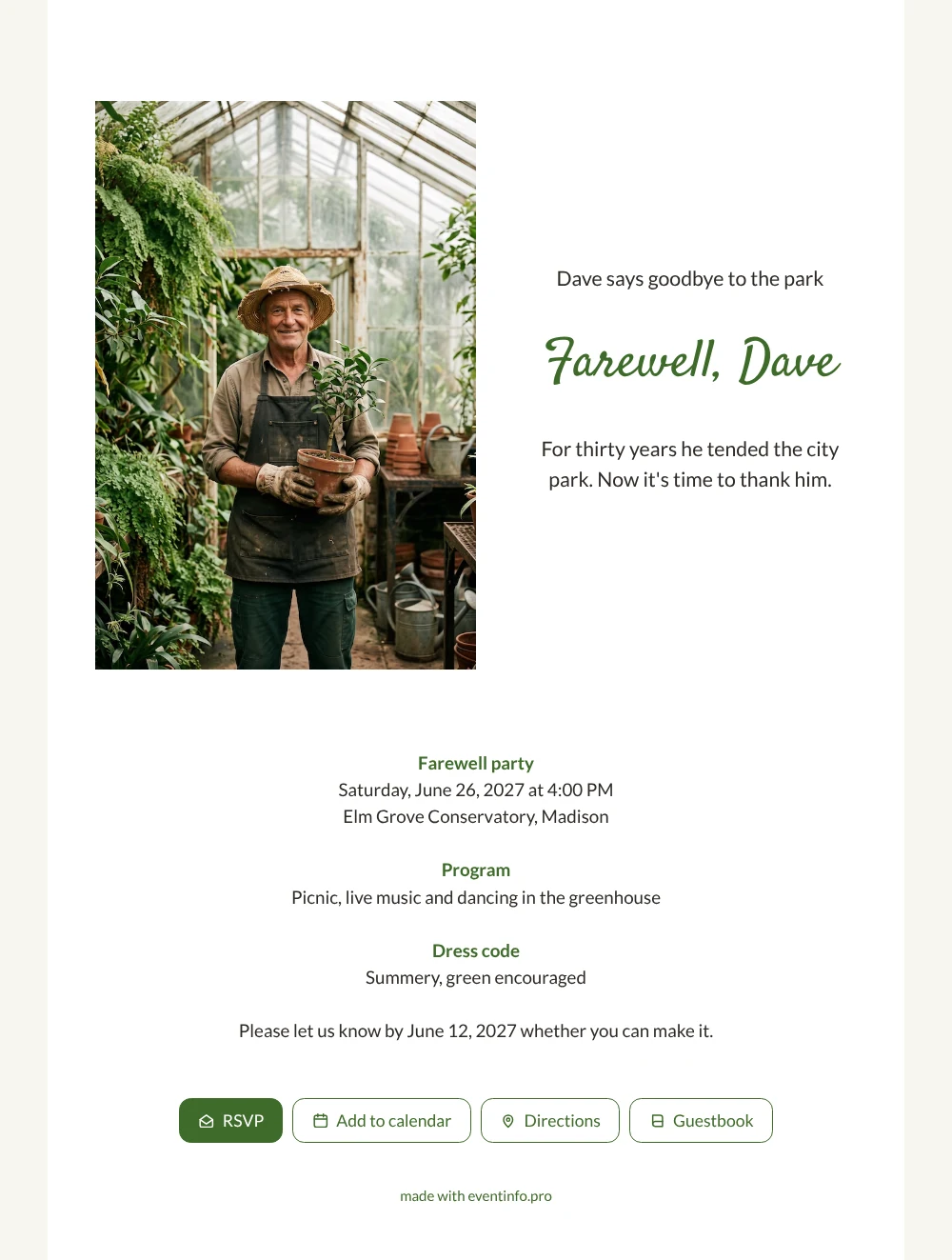
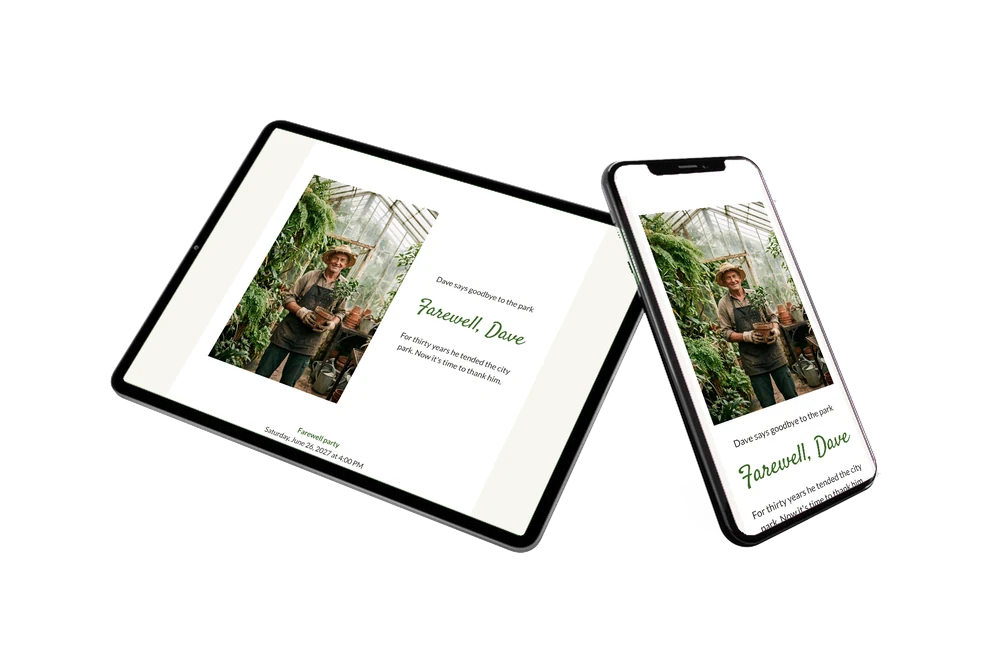
With an online farewell party invitation you invite people through a link that shows every detail and lets them reply in one go. Here a smiling gardener in a straw hat holds a potted sapling in his greenhouse, framed on a crisp white card with a deep green heading. The look is light and natural, a good choice for colleagues, friends and family who want to say goodbye to someone who made a park, garden or nursery a little greener every day.
Think of all the people who worked alongside him: fellow gardeners, volunteers, the café owner by the pond, regular walkers who greeted him every morning. When they open the invitation they read that it is time to thank him, and they can write a message in the online guestbook. Those stories about planting days and storms survived together become a keepsake he can read again later.
Create your own online farewell invitation
Use this design as a starting point and create a fitting farewell invitation within minutes.
Frequently asked questions
How long does it take to set everything up?
Usually a quarter of an hour or less. Change the name and the venue, add your own photo if you have one and share the link with colleagues and friends.
What can invited guests do with it?
They reply with the RSVP button, use the map for the route to the greenhouse or park, add the date to their calendar and post a memory in the guestbook. You see all replies in your dashboard.
What makes this card fit a summer garden party?
The white background, the green script heading and the leafy greenhouse photo give it a fresh, outdoor feel. The dress code line ’Summery, green encouraged’ invites guests to join in, and you can easily change it.
How do I replace the sample text?
Click a line in the editor and type your own words. The article on replacing the example text walks you through the heading, the programme and the reply date.
Can I still change details after sending?
Yes. If the weather forces you indoors or the time shifts, you update the same link and guests always see the latest version. Your dashboard keeps track of who has replied.
Design details: fonts and colors
Fonts
- Header 1 — Lato
- Header 2 — Satisfy
- Text — Lato
Colors
- #2E2A26 — Header 1
- #3E6B2A — Header 2
- #2E2A26 — Text
- #FFFFFF — Card
- #F7F5F0 — Background
Use this design
Copy this design to your dashboard to use it as a starting point.
All example invitations are fictional. Photos of people are AI-generated; illustrations are licensed or AI-generated.