A warm, grateful team gathering
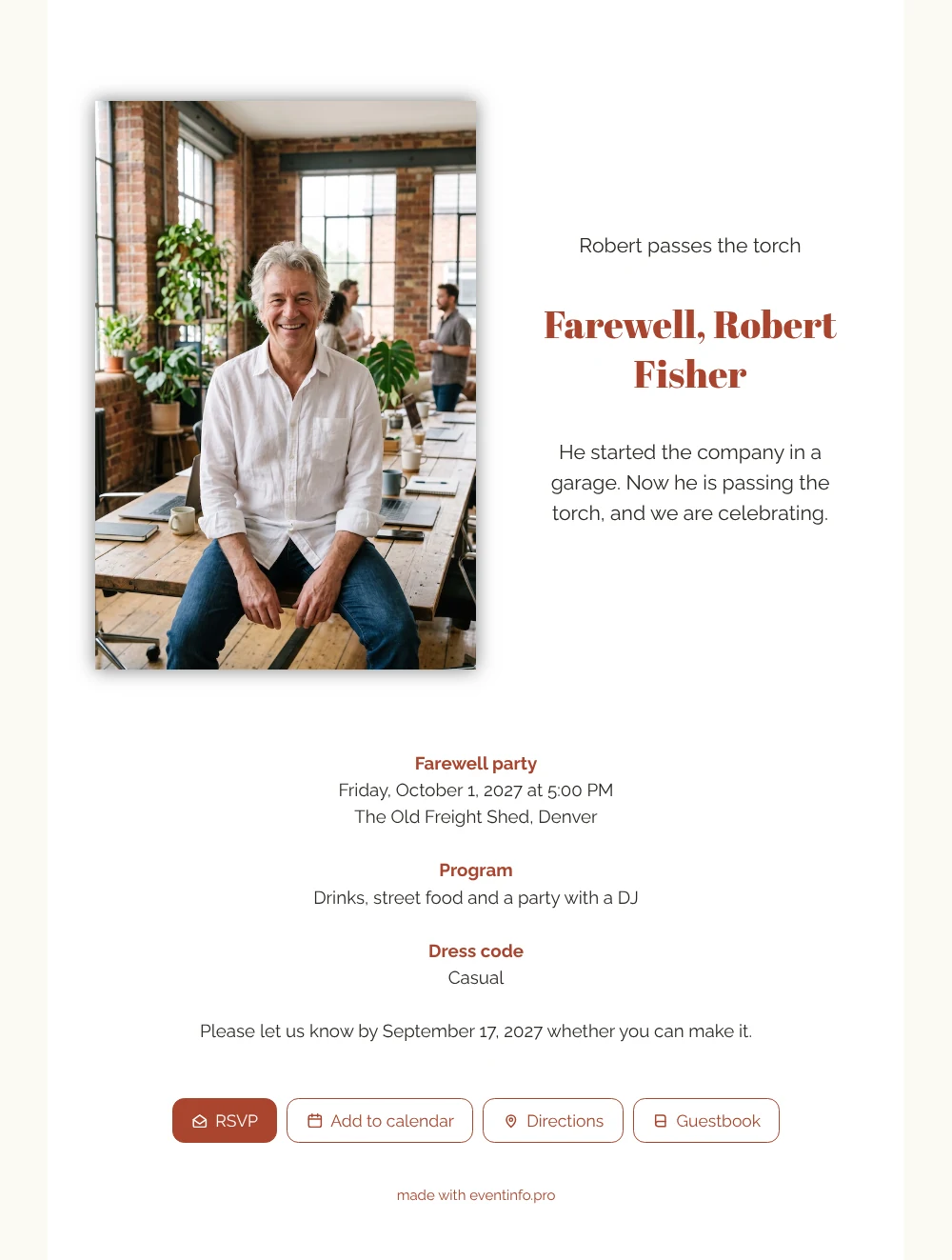
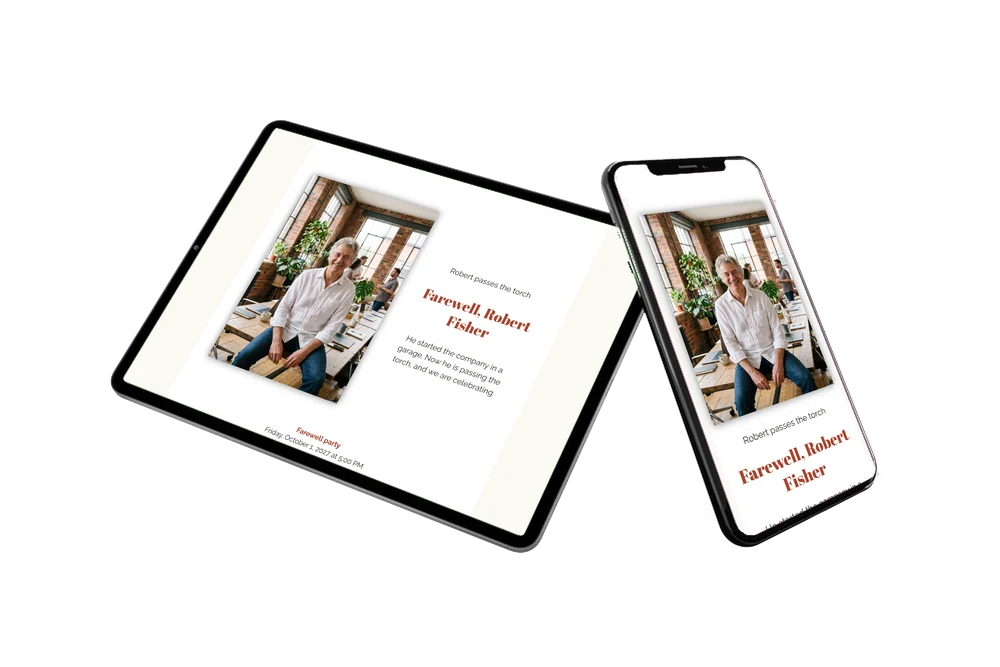
For the people who worked with a founder for years, an online farewell party invitation is a simple way to say yes and to say thank you: they open one link, read the story and reply in seconds. The first thing they see here is a portrait of a cheerful grey-haired man on a wooden table, surrounded by laptops, mugs and plants, in a brick office with large windows. The white card with brick red headings is easy to read on any phone. It suits a team, a board or a family that wants to celebrate everything one person has built.
Guests come with memories: the first office, the first big client, the late nights before a launch. Give them a place for those stories in the guestbook, and let them add the party to their calendar straight from the invitation so nobody forgets. The card text keeps it short and personal, with a casual dress code and a party with a DJ. Want to adjust colours, photo or text first? The guide to customising a ready-made design walks you through it.
Create your own online farewell invitation
Use this design as a starting point and create a fitting farewell invitation within minutes.
Frequently asked questions
How quickly can I share this invitation?
Usually within fifteen minutes. The layout is ready, so you mainly replace the name, the photo and the details, and then share the link.
What can guests do besides replying?
They open the route to the venue, add the date to their calendar and write in the guestbook. For a founder, a page full of thanks from colleagues and clients is a gift to keep.
How is this design different from the denim blue one?
This version is light: a white card, brick red headings and a portrait photo next to the text. The denim blue version is dark with light text and a wide photo below the opening line and the name, and its example text tells the full story from garage to big company.
Can I write my own story instead of the example?
Of course. Replace the heading and the short text with your own words, for example how many years the founder led the company or what the team wants to say.
Can I remind people who have not replied?
Yes. In your dashboard you see who has responded, and you can send a reminder to guests who have not answered yet.
Design details: fonts and colors
Fonts
- Header 1 — Raleway
- Header 2 — Abril Fatface
- Text — Raleway
Colors
- #2E2A26 — Header 1
- #A9452F — Header 2
- #2E2A26 — Text
- #FFFFFF — Card
- #FBF9F4 — Background
Use this design
Copy this design to your dashboard to use it as a starting point.
All example invitations are fictional. Photos of people are AI-generated; illustrations are licensed or AI-generated.