A dignified, fresh memorial card
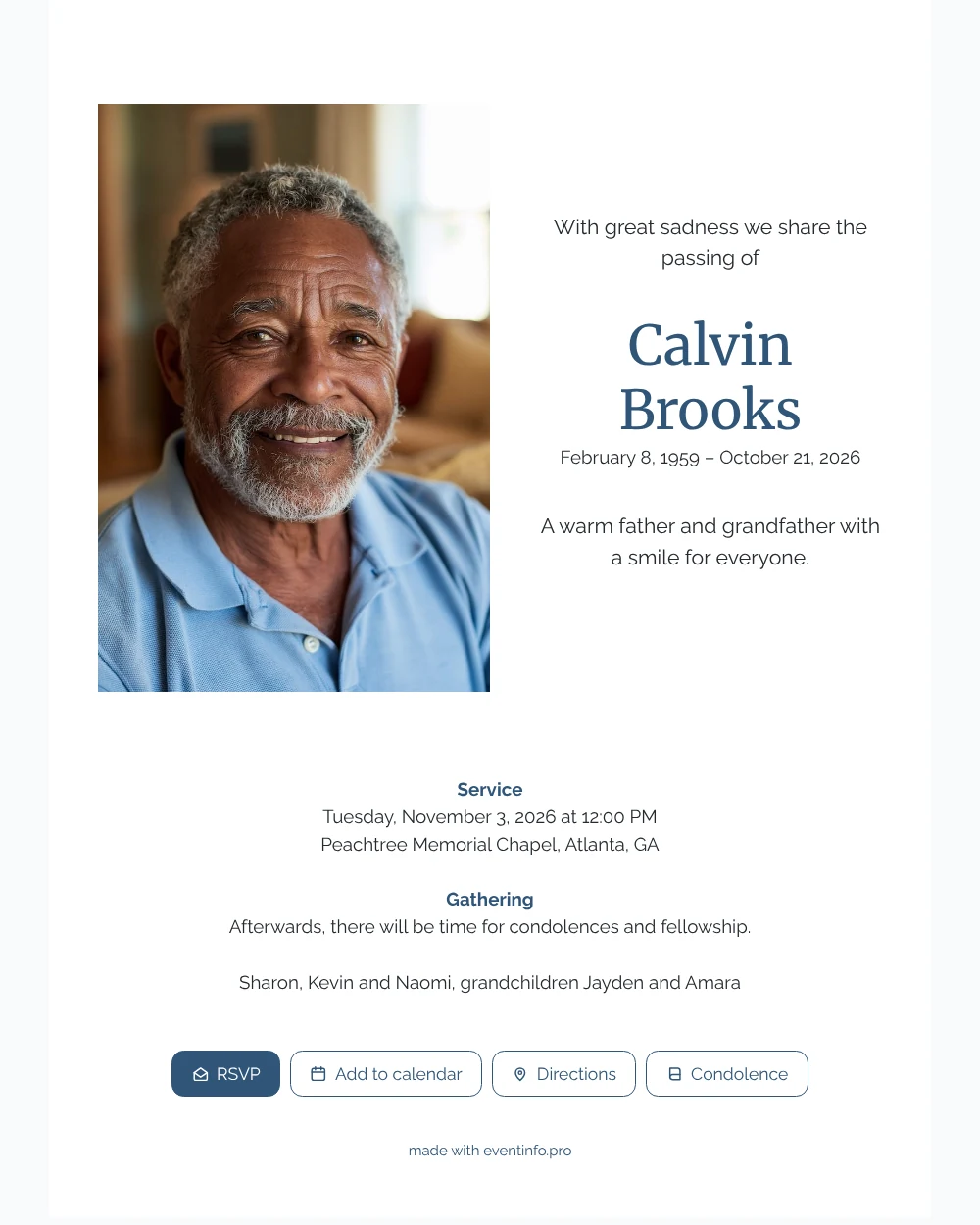
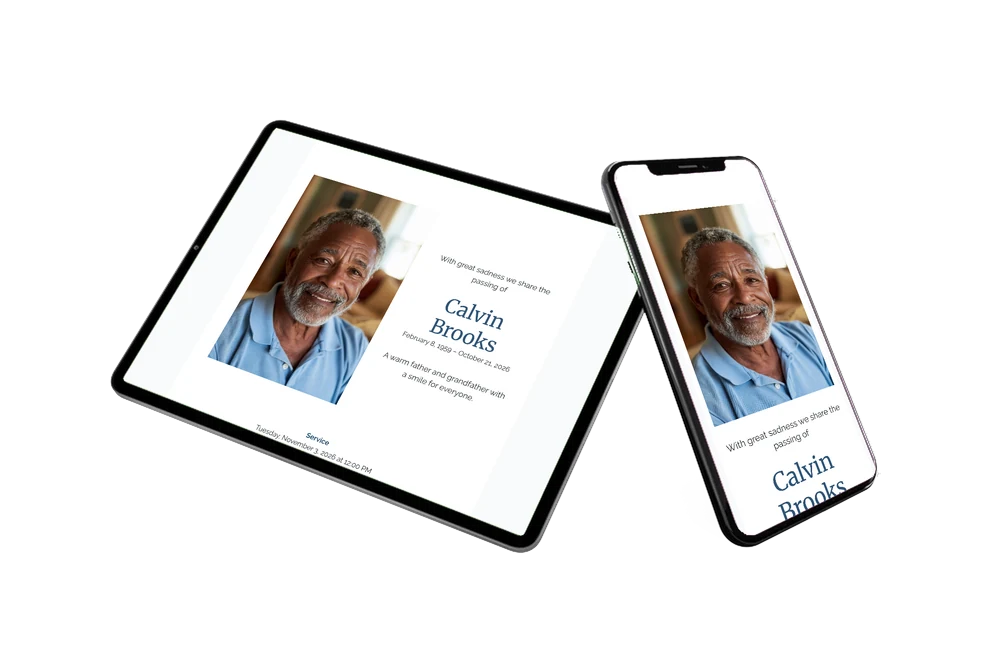
An online funeral card reaches family and friends as a single link: they tap it and the whole card opens on their phone. With this design they first see a white page with a smiling portrait on the left, and beside it the name in blue with the dates.
They read the service details, open the route and add the service to their calendar with one tap. Nobody has to keep a paper card to remember the time.
Create your own online funeral card
Use this design as a starting point and create a fitting funeral card within minutes.
Frequently asked questions
How soon will everyone receive it?
The moment you share the link. Most families have the card ready within a few minutes and then send it to several group chats, by email and by text message, always with the same link.
Can guests find the venue easily?
Yes. The address of the service is on the card, and a button opens it in the maps app on their phone. Read how sharing the location works for your guests.
Is the text easy to read on a small screen?
Yes. Dark text on white and the large blue name stay clear, even in sunlight or for older eyes. The blocks for the service and the gathering are centered and well spaced, so nobody has to zoom in.
Can I choose a different portrait?
Yes. Replace the example photo with one of your own, a recent picture or one from years ago that everybody recognizes. The help article on adding or replacing a photo shows how.
Is it cheaper than printed cards?
Usually, yes. There are no printing costs, envelopes or stamps, and one link can be shared with everyone. The options are listed on our pricing page.
Design details: fonts and colors
Fonts
- Header 1 — Raleway
- Header 2 — Merriweather
- Text — Raleway
Colors
- #262B30 — Header 1
- #2F5578 — Header 2
- #262B30 — Text
- #FFFFFF — Card
- #F9FAFB — Background
Use this design
Copy this design to your dashboard to use it as a starting point.
All example invitations are fictional. Photos of people are AI-generated; illustrations are licensed or AI-generated.