A serene and organised invitation
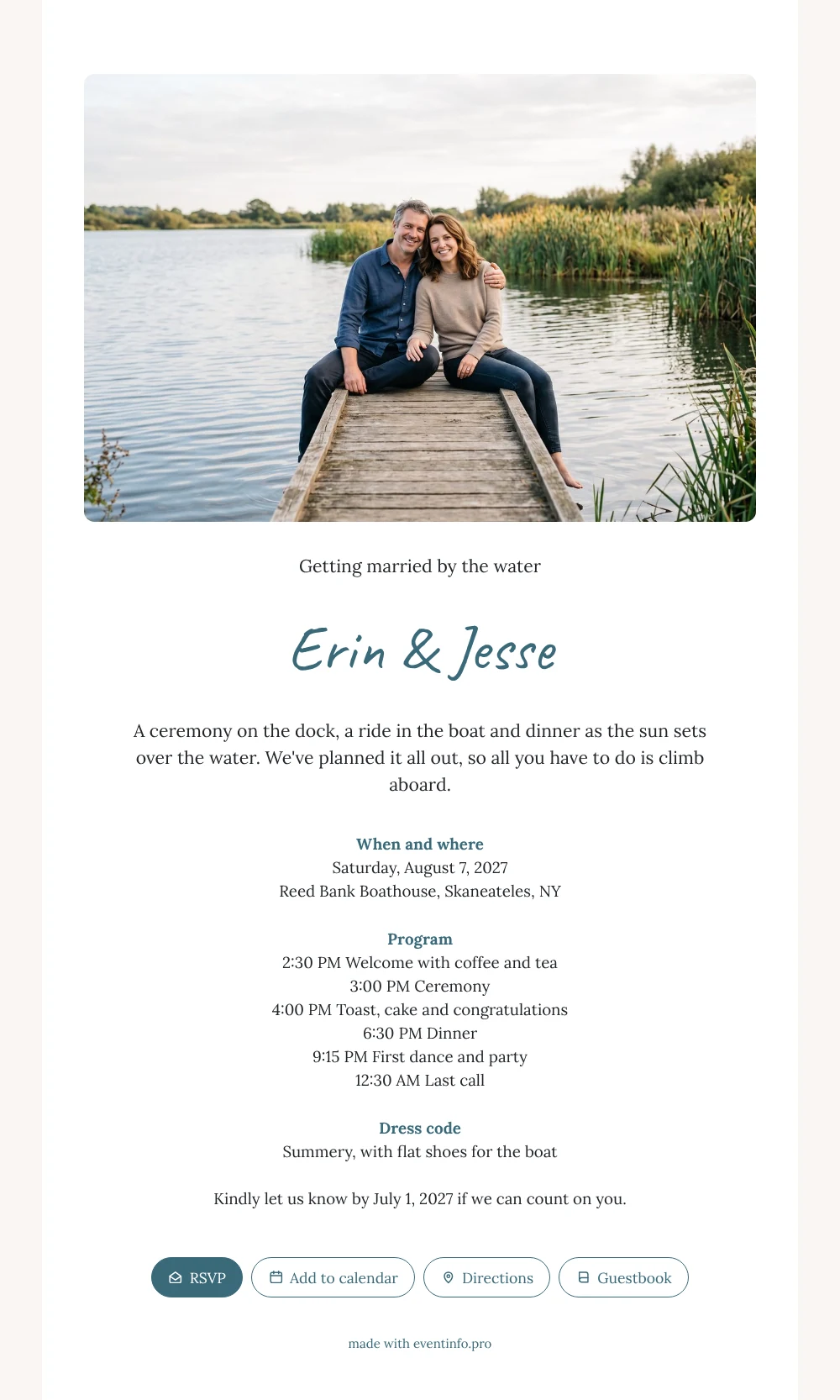
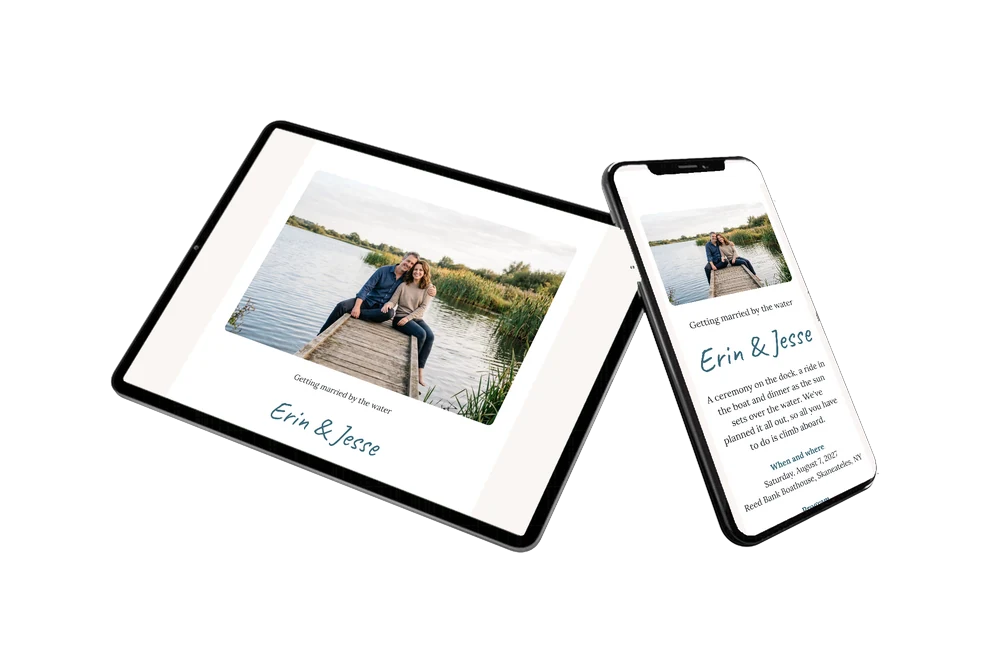
For your guests, an online wedding invitation is the link they open on their phone whenever they wonder what time the boat leaves or which shoes to wear. When they tap this one, a wide photo of a relaxed couple on a jetty by the lake fills the screen first. Below, on a white card, they find the date, the venue, the full timetable and a friendly line telling them all they have to do is climb aboard.
Guests see at a glance that this is a summer day by the water, from the welcome to a late last round. With one tap on the online RSVP they let you know whether they are coming. You share the link via WhatsApp or email, and afterwards their messages stay with you in the online guestbook.
Create your own online wedding invitation
Use this design as a starting point and create a fitting wedding invitation within minutes.
Frequently asked questions
How fast can my guests have it?
The same day. Add your names, date, venue and own photo, then share the link by message, email or QR code. Guests receive it on their phone right away and can reply instantly.
How do guests reply and find the venue?
They tap the RSVP button and choose yes or no. The route button opens directions to the boathouse, and the calendar button saves the date. They can also leave a congratulation in the guestbook.
Will guests know what to wear on the boat?
Yes. The dress code says summery, with flat shoes for the boat, and the program tells them how long the day lasts, so they can bring a warm layer for the evening. You can rewrite this line however you like.
Can I add extra details for guests?
Absolutely. Add a block about parking, accommodation nearby or a gift tip. Change the text and colors in the editor, and guests see everything on the same page.
When should I send this invitation?
For a summer wedding, many couples share the link a few months ahead. Because you can still change the details on the same link, you can send early and fill in the final times later.
Design details: fonts and colors
Fonts
- Header 1 — Lora
- Header 2 — Caveat
- Text — Lora
Colors
- #23262B — Header 1
- #3A6A7A — Header 2
- #23262B — Text
- #FFFFFF — Card
- #FAF5F3 — Background
Use this design
Copy this design to your dashboard to use it as a starting point.
All example invitations are fictional. Photos of people are AI-generated; illustrations are licensed or AI-generated.