A light, restrained memorial card
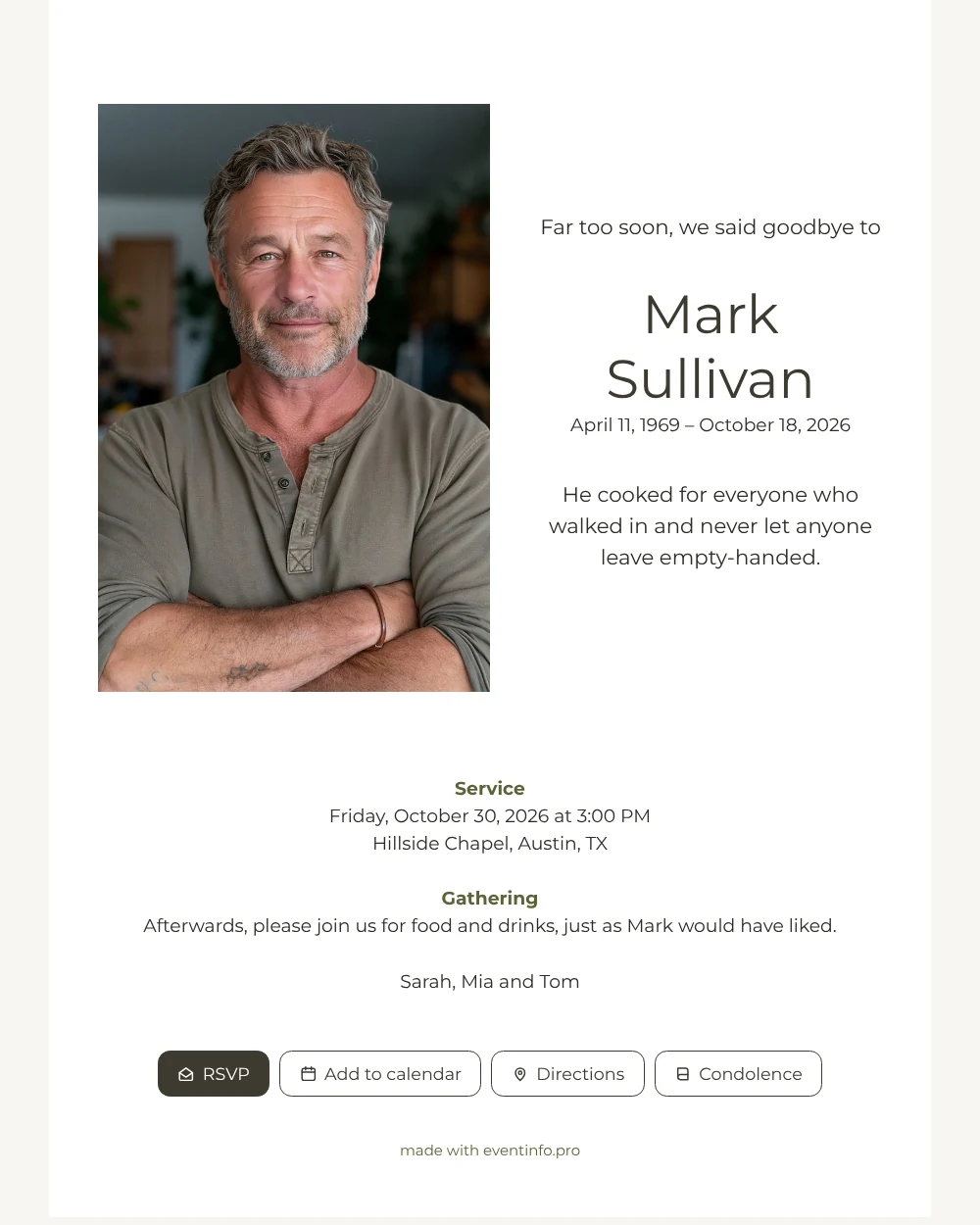
For the people receiving it, an online funeral card is a message on their phone with everything they need to say goodbye. Here they first see a portrait on the left of a white page, then the name in large, light lettering and a single line about who he was.
Further down they find the day, time and place of the service and an invitation to stay afterwards. With one tap they add the funeral to their calendar, so nobody has to write it down.
Create your own online funeral card
Use this design as a starting point and create a fitting funeral card within minutes.
Frequently asked questions
How fast can friends and family be told?
As soon as you share the link. Filling in the card takes only a few minutes, and you can send it in one go to a group chat or a mailing list.
Can people respond to the card?
Yes, through the condolence book. Friends write a few words or a memory, and the family can read all messages together.
How does the portrait sit next to the name?
The photo fills the left half of the top section, with the name, dates and short sentence centered on the right. Underneath, the practical details run across the full width, so the card stays tidy on any screen.
Which photo should I choose?
A clear, recent picture in which the face is easy to recognize. Read how to choose the right photo for more advice, and change it later if a better one turns up.
Design details: fonts and colors
Fonts
- Header 1 — Montserrat
- Header 2 — Montserrat
- Text — Montserrat
Colors
- #2E2C28 — Header 1
- #3E3A30 — Header 2
- #2E2C28 — Text
- #FFFFFF — Card
- #F7F5F1 — Background
Use this design
Copy this design to your dashboard to use it as a starting point.

All example invitations are fictional. Photos of people are AI-generated; illustrations are licensed or AI-generated.