A fresh, kindly memorial card
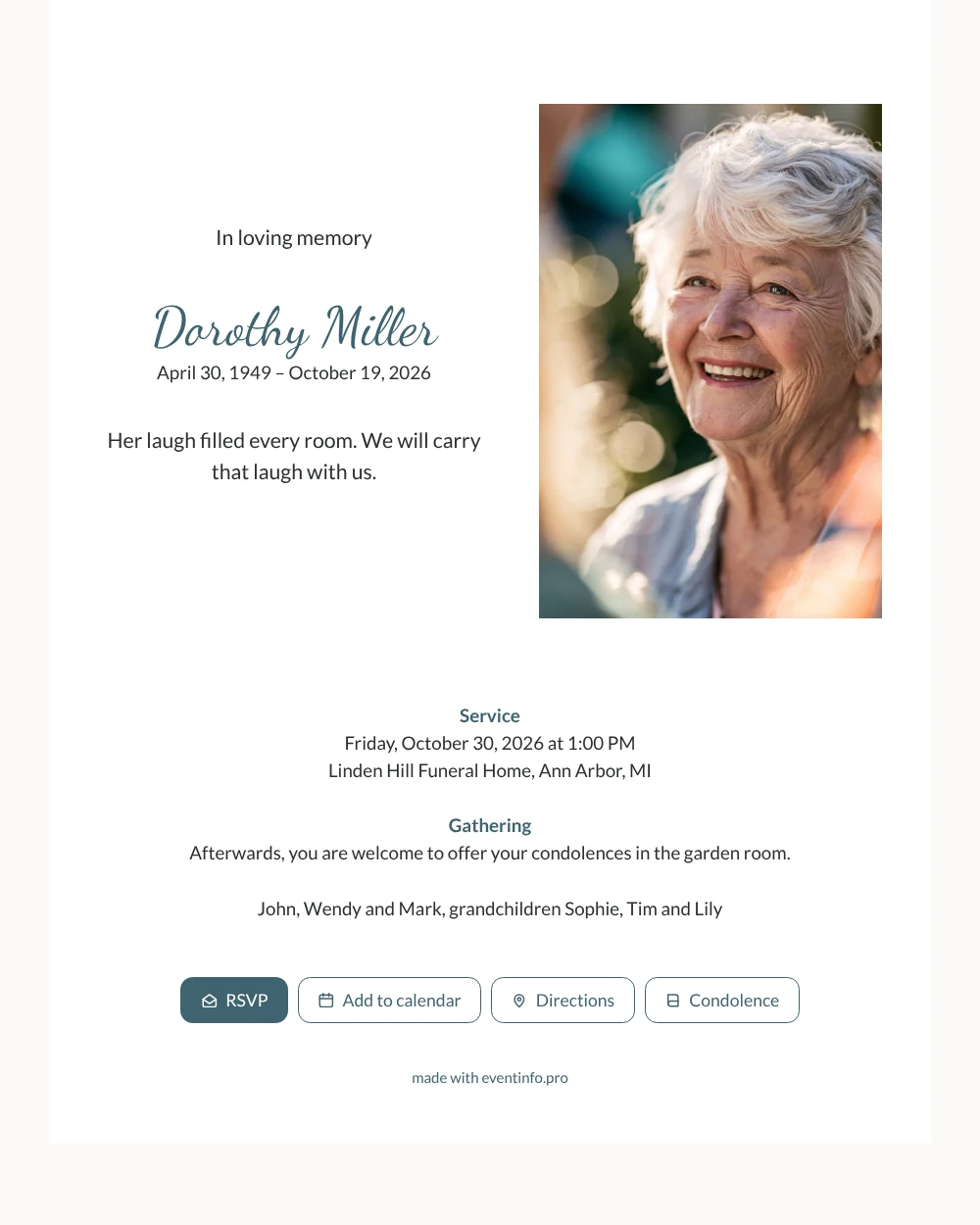
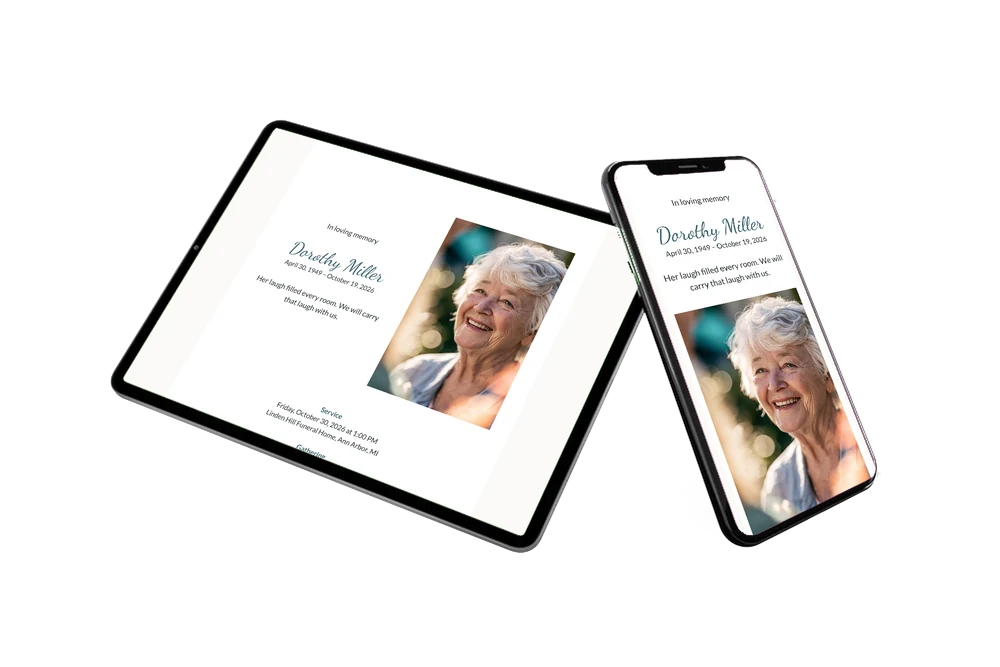
An online funeral card reaches people where they already are, in their messages and inbox, as a link to a page about the funeral. When they open this one, they see ‘In loving memory’ and a name in teal handwriting on the left, and a laughing portrait on the right.
Below are the service, the gathering and the names of the family. Anyone who wants to print it for a neighbor or a notice board can use the QR code for the card.
Create your own online funeral card
Use this design as a starting point and create a fitting funeral card within minutes.
Frequently asked questions
How soon will everyone know?
Within minutes of finishing the card. Send the link to a group chat, by email or by text, and all relatives and friends receive the same information.
What can recipients do with the buttons?
Open the route, write a condolence message and add the funeral to their calendar, so they have the time and place at hand on the day itself.
What kind of photo fits on the right?
An upright picture with the face clearly visible. The portrait is quite tall and narrow, so a photo taken from the shoulders up works best. Warm, sunny pictures go well with the teal details.
Can I still edit the card after sending it?
Yes. Correct a time, add a detail or change the photo, and everyone who opens the link sees the new version.
Design details: fonts and colors
Fonts
- Header 1 — Lato
- Header 2 — Dancing Script
- Text — Lato
Colors
- #2B3033 — Header 1
- #3E6470 — Header 2
- #2B3033 — Text
- #FFFFFF — Card
- #FBFAF7 — Background
Use this design
Copy this design to your dashboard to use it as a starting point.
All example invitations are fictional. Photos of people are AI-generated; illustrations are licensed or AI-generated.