A bright, hardworking celebration
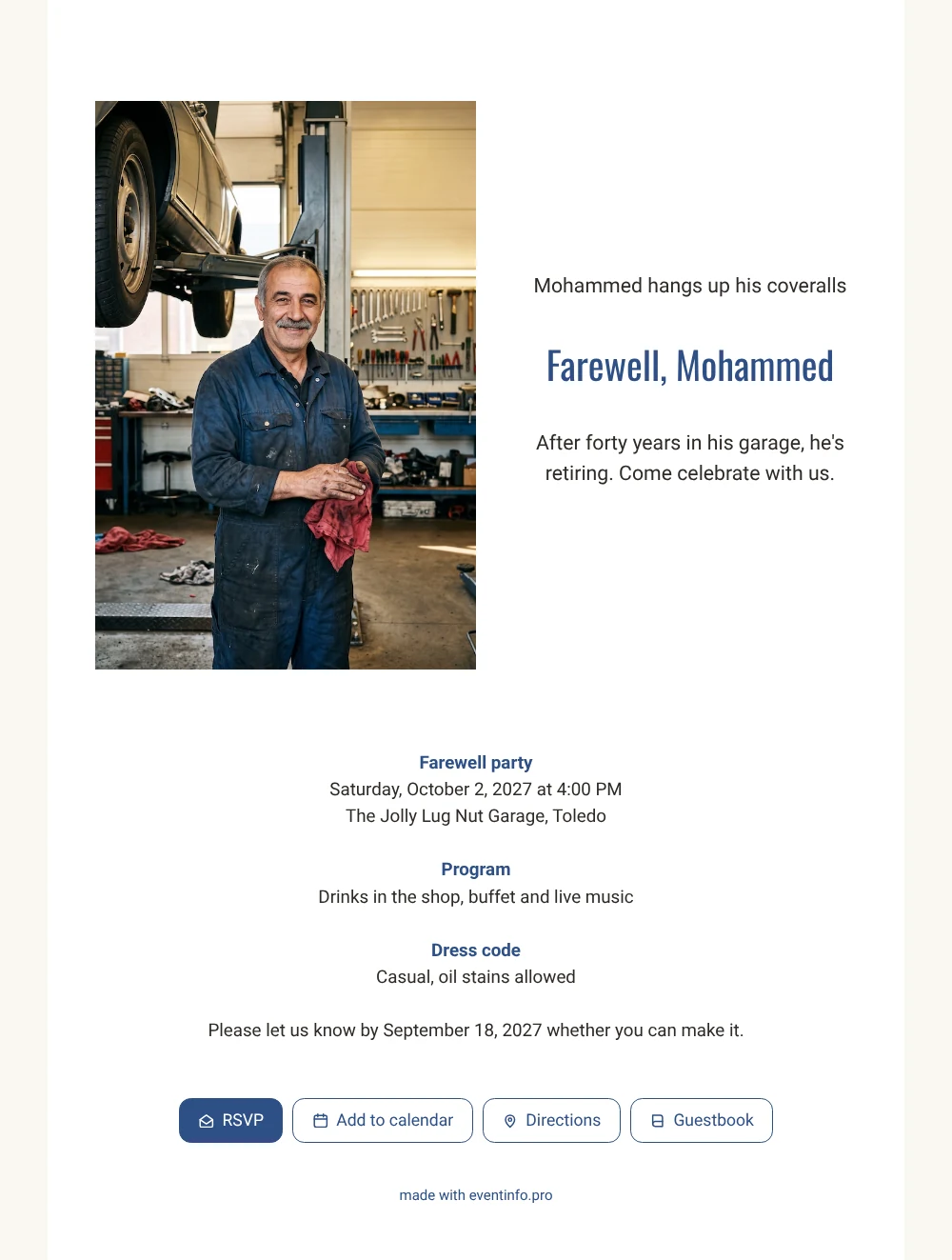
With an online retirement party invitation, guests have the invitation, the address and the reply button on their phone in one go. On this white card they see Mohammed standing in his workshop, wiping his hands with a red rag and smiling, with the tool wall behind him. For colleagues and customers who have known him for years, that picture brings back a lot: the first car he fixed for them, the coffee at the counter, the honest advice. The photo is AI-generated and the man fictional, so add a picture of your own colleague or father.
Ahead of the party, guests can leave a message in the online guestbook on the invitation. That is where the stories land, from the old van he kept running far too long to the advice he gave apprentices, and he can read them again long after the last tool is packed away.
Create your own online farewell invitation
Use this design as a starting point and create a fitting farewell invitation within minutes.
Frequently asked questions
Is the invitation quick to put together?
Yes. Start from this finished layout, change the name and date, add your photo and share. Most of the work has already been done, and details can still be changed later on the same link.
How do guests reply and keep the date?
They tap yes or no on the RSVP button and can add the event to their calendar right away, so the party is in their diary from day one.
What does the white layout with a side photo add?
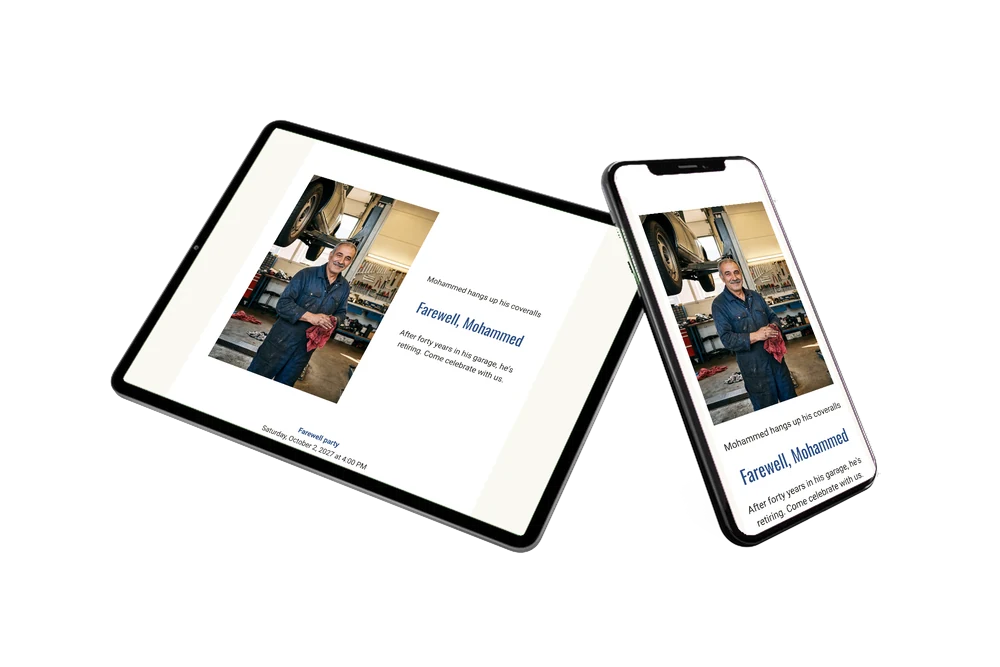
The tall photo on the left of the text keeps Mohammed in view while guests read the invitation, and the blue headings stand out on the white background. The practical details run across the full width underneath, easy to find at a glance. Prefer a dark look? There is a charcoal version with a wide photo at the top.
Can I add a program for the afternoon?
Yes. Add times for the drinks, a speech, the buffet and the live music. See how to add a day schedule to the invitation.
Can I see who has replied?
Yes. Your dashboard shows all answers, and you can send a reminder to guests who have not replied yet.
Design details: fonts and colors
Fonts
- Header 1 — Roboto
- Header 2 — Oswald
- Text — Roboto
Colors
- #2E2A26 — Header 1
- #2D4F86 — Header 2
- #2E2A26 — Text
- #FFFFFF — Card
- #FAF8F3 — Background
Use this design
Copy this design to your dashboard to use it as a starting point.
All example invitations are fictional. Photos of people are AI-generated; illustrations are licensed or AI-generated.