A warm, dignified invitation
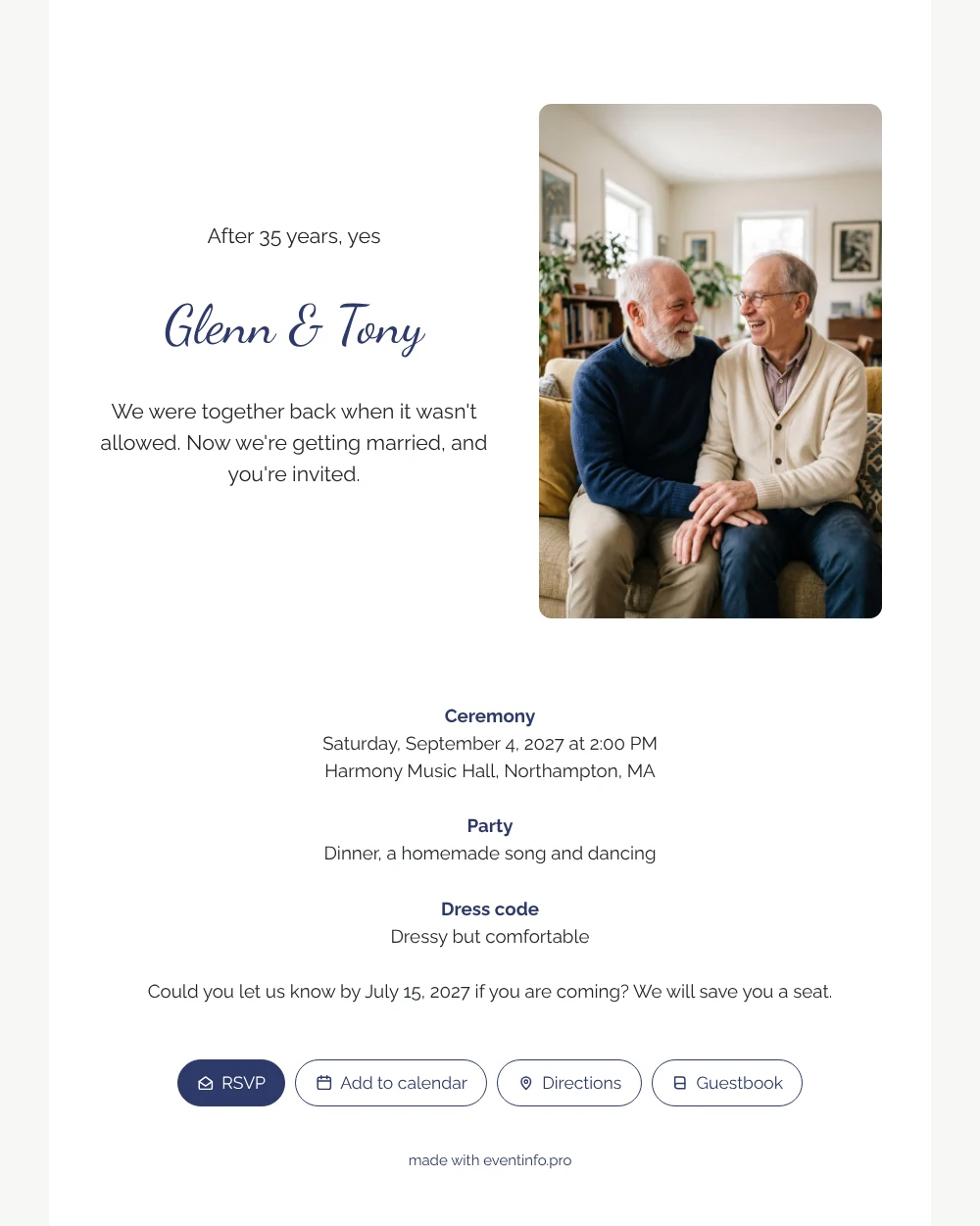
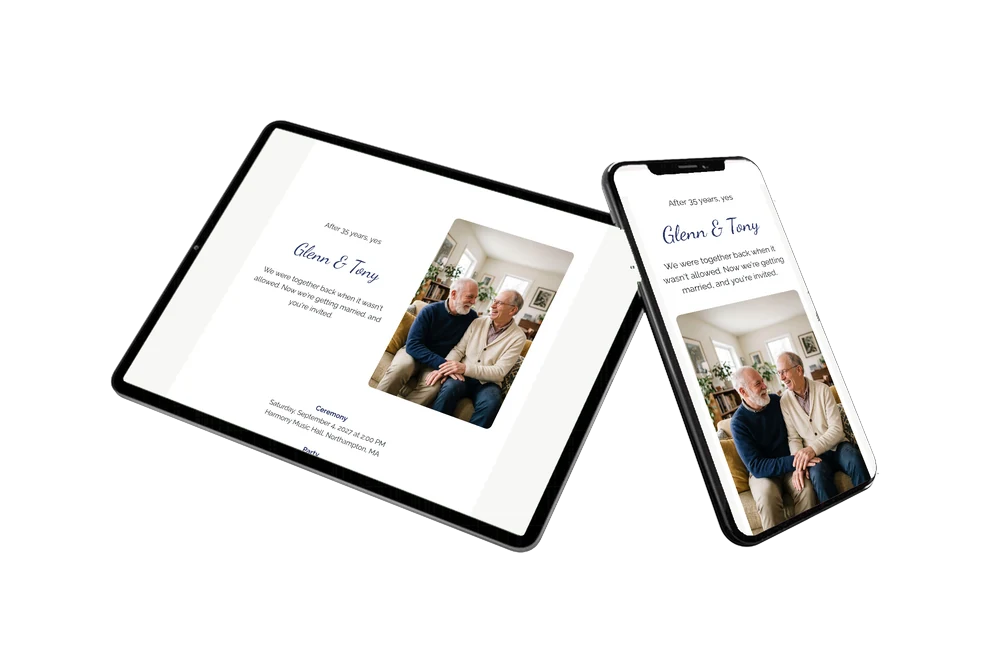
Receiving an online wedding invitation means guests get one link on their phone that tells them everything and lets them answer in seconds. For guests this design is moving in a quiet way: a photo of two men laughing together on their sofa, a white card with navy headings, and a short line that tells a long story. Old friends who have known you for decades will recognise it at once, and younger family members will understand why this day matters so much.
The practical side is just as clear. Guests see the ceremony time, the party with dinner and dancing, and a dress code that keeps them comfortable. One tap opens the route to the venue, another adds the event to their calendar. For relatives who prefer paper, you can print a QR code that opens the same invitation. That way every generation can join in, whichever way suits them best.
Create your own online wedding invitation
Use this design as a starting point and create a fitting wedding invitation within minutes.
Frequently asked questions
How fast can guests respond?
In a few seconds. They tap the RSVP button, enter their name and say whether they’re coming. You see each answer immediately.
What else can guests do?
Open the venue in their maps app, add the wedding to their calendar and write a message in the guestbook, which you can read back together after the day.
How does it differ from the navy version with the same photo?
This white version is romantic and classic, with a ceremony, a party and a dress code. The navy version is for couples who already married quietly and only throw a party, with a lighter, cheerful tone.
Can I use a photo of us at home?
Yes. Upload any photo of the two of you and it replaces the example couple. A relaxed photo at home suits this design beautifully.
When should I send it?
Two to four months ahead is common. If something changes, edit it on the same link and guests see the update.
Design details: fonts and colors
Fonts
- Header 1 — Raleway
- Header 2 — Dancing Script
- Text — Raleway
Colors
- #23262B — Header 1
- #2E3A6A — Header 2
- #23262B — Text
- #FFFFFF — Card
- #F7F7F5 — Background
Use this design
Copy this design to your dashboard to use it as a starting point.
All example invitations are fictional. Photos of people are AI-generated; illustrations are licensed or AI-generated.