A heartfelt invitation for caregivers
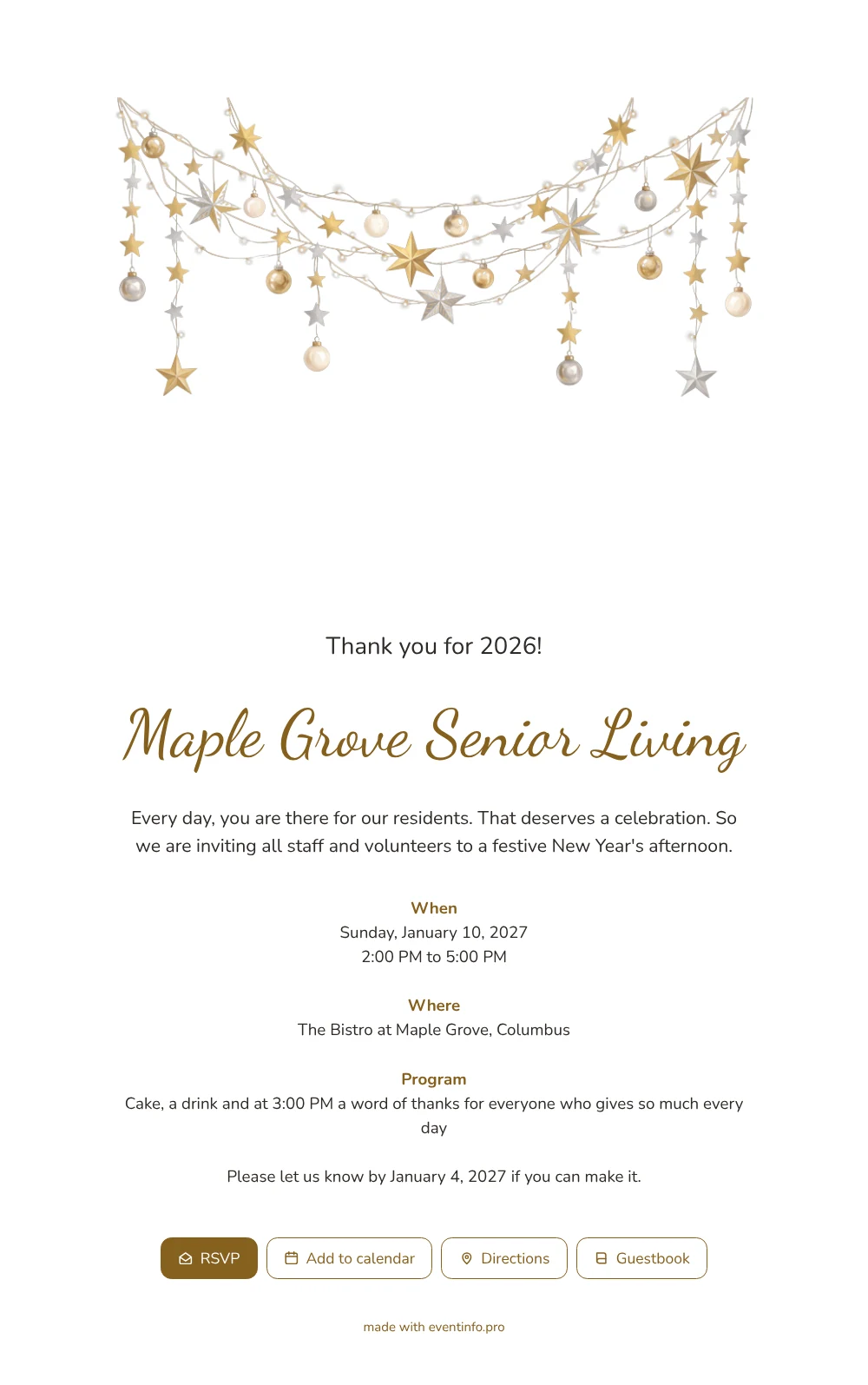
For your colleagues and volunteers, an online New Year’s invitation is simply a link that opens on their phone and tells them when, where and why, with a button to say they are coming. The first thing they see with this design is a white page with a garland of shiny gold and silver stars hanging along the top, mixed with pale baubles and small lights. Under it, Thank you for 2026! appears in golden calligraphy. It feels like a handwritten note on the staff room board, warm and personal.
For staff, it should take seconds. They read the date and time at a glance, see the address on the map and reply with one tap. The page can also hold a guestbook where residents’ families or colleagues leave a few kind words. And for people who have not answered yet, you can remind guests who have not replied straight from your dashboard.
Create your own online New Year’s invitation
Use this design as a starting point and create a fitting New Year’s invitation within minutes.
Frequently asked questions
How quickly does everyone receive it?
As soon as you share the link. Post it in the team chat, send it by email or print a QR code for the staff room, and people can reply within a minute.
Which actions does the page give staff?
An RSVP button to say yes or no, the location on the map, a calendar link so the Sunday afternoon is not forgotten, and a guestbook if you turn it on. All of it works in the phone’s browser without an app.
How does the white card with stars come across?
Light, friendly and a little festive. The gold and silver stars add sparkle, while the white background keeps it clean and easy to read, even for older volunteers on a small screen.
Can I adjust the program and the colors?
Yes, every line and color can be changed in the editor. Add a raffle, a choir or a toast, change the time, or tone down the gold if you prefer something quieter.
Can volunteers without a smartphone join in?
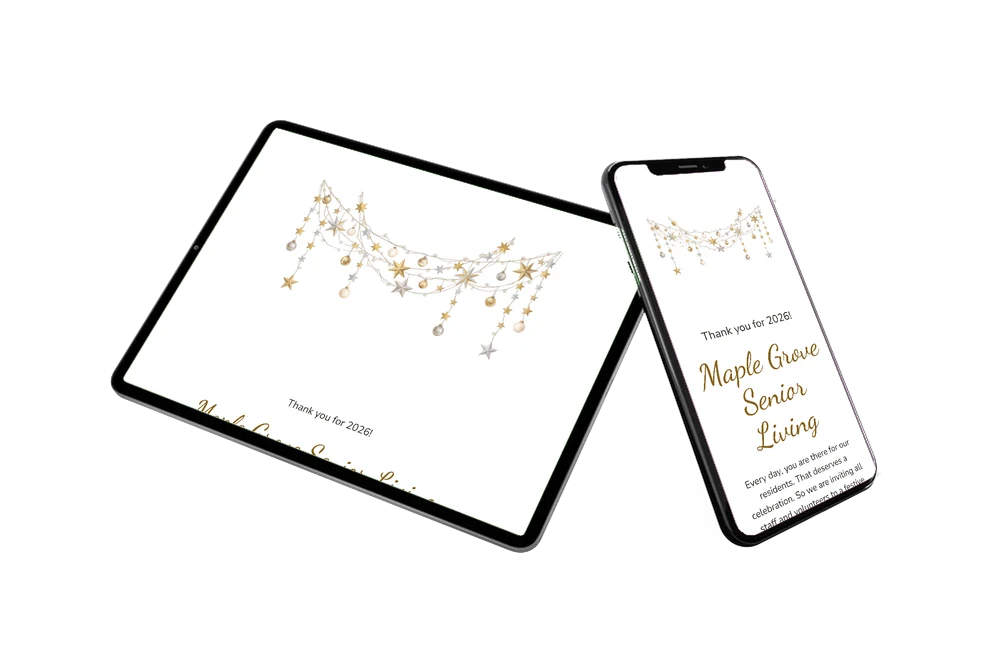
They can open the same link on a computer or tablet. You can also print the QR code and pin it up, so anyone can scan it with a colleague’s phone and reply.
Design details: fonts and colors
Fonts
- Header 1 — Nunito
- Header 2 — Dancing Script
- Text — Nunito
Colors
- #2E2A26 — Header 1
- #86601E — Header 2
- #2E2A26 — Text
- #FFFFFF — Card
- #FFFFFF — Background
Use this design
Copy this design to your dashboard to use it as a starting point.
All example invitations are fictional. Photos of people are AI-generated; illustrations are licensed or AI-generated.