A cozy, close-knit invitation
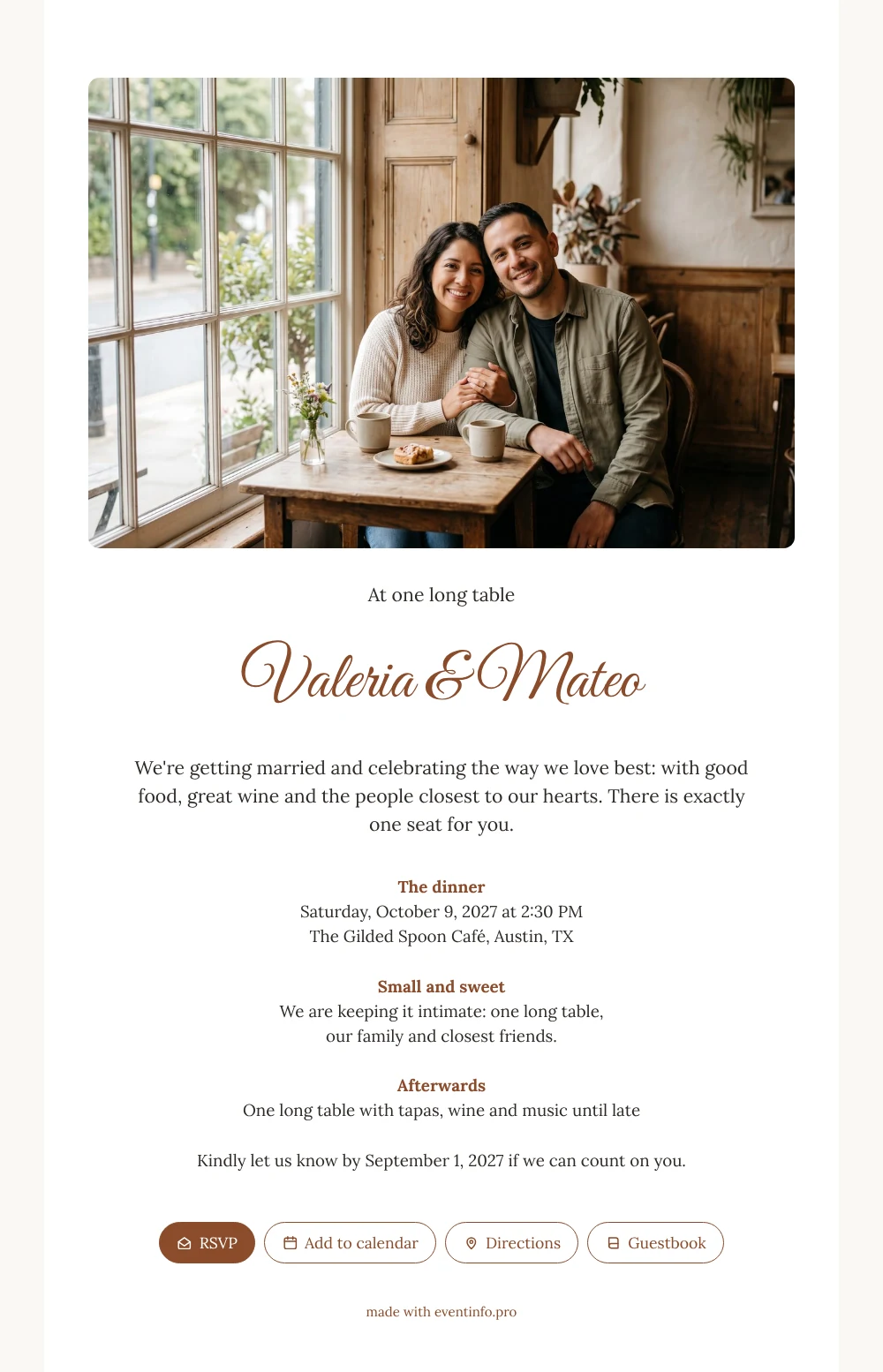
With an online wedding invitation, your guests get one link that tells them where, when and how to reply, ready to open on any phone. For the people on your list, this white card feels like being asked to sit down at your own table: a wide photo of a smiling couple at a café window, a warm opening line and the promise that there is one seat waiting just for them. Use it with a photo of the two of you.
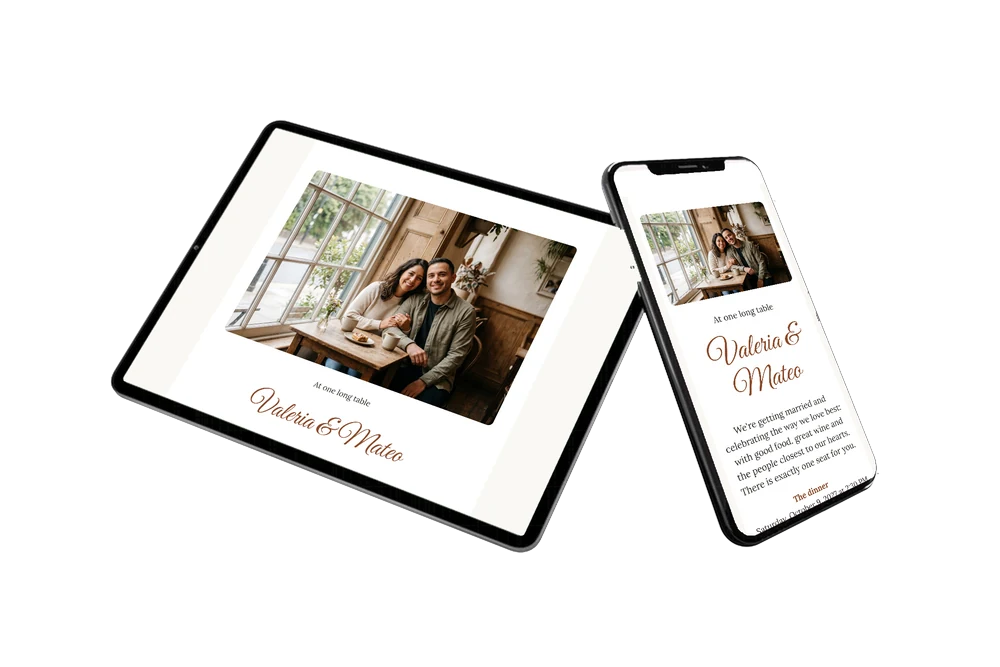
Guests receive the link by message or email, or you share it on WhatsApp in your family chat. They see the dinner details at a glance, open the route to the venue and reply with one tap. After the wedding many of them like to leave a few words in the online guestbook, a nice keepsake from an evening with the people closest to you.
Create your own online wedding invitation
Use this design as a starting point and create a fitting wedding invitation within minutes.
Frequently asked questions
How quickly is the invitation ready to send?
Within minutes if you keep the example layout. Change the names and details, upload a photo you love and preview it once. Then copy the link.
What can my guests do with it?
Reply via the RSVP button, find the venue, add the dinner to their calendar and congratulate you in the guestbook. You follow every answer in your dashboard.
Why does the photo sit across the top?
A wide photo gives the café feel room: the window, the table and the two of you together. Guests see your faces first and the details right below, so the card reads easily on a phone.
Can I adjust the white and brown colours?
Yes. You can make the card a little warmer, choose another accent colour or keep it as it is. Text, colours and photo can all be changed in the editor.
Can I still change details after sending?
Yes. If the start time or the venue changes, you update it on the same link and every guest sees the new information.
Design details: fonts and colors
Fonts
- Header 1 — Lora
- Header 2 — Great Vibes
- Text — Lora
Colors
- #2E2A26 — Header 1
- #8A4B2B — Header 2
- #2E2A26 — Text
- #FFFFFF — Card
- #FAF8F4 — Background
Use this design
Copy this design to your dashboard to use it as a starting point.
All example invitations are fictional. Photos of people are AI-generated; illustrations are licensed or AI-generated.