A colorful, formal card
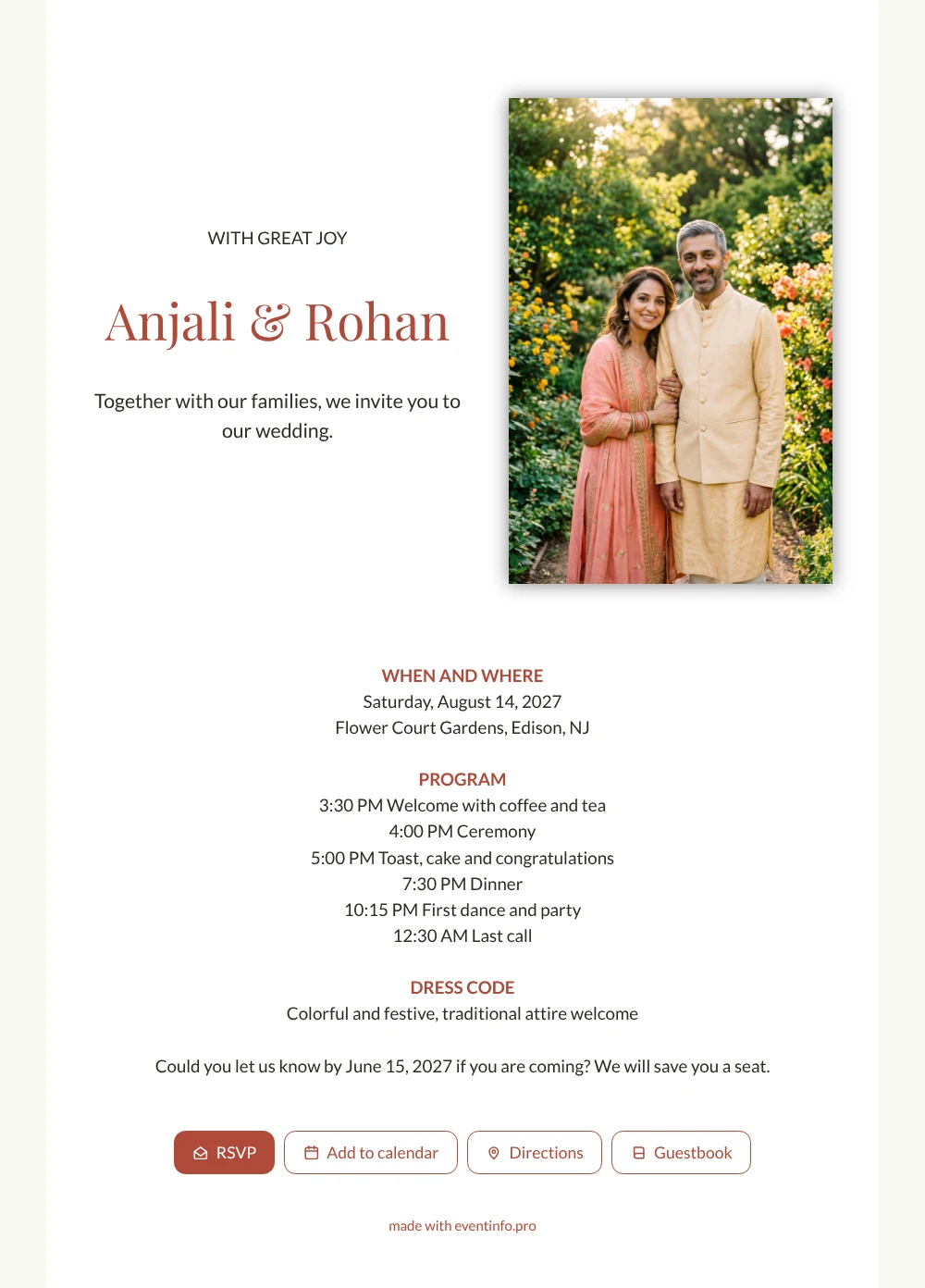
When guests open this online wedding invitation, they first see a smiling couple in a flowering garden and a warm sentence: together with our families, we invite you. Then they find everything they need in order: date and place, the full timetable and a dress code that tells them to dress festively. It suits a wedding where relatives travel from near and far, and where guests like to know exactly what the day will bring.
Guests reply with one tap and can add the event to their calendar, so the date is never lost among other plans. They open the route to the garden, read the dress code and leave a congratulation in the guestbook. Aunts, cousins and old friends all get the same clear page, and you see in one view who has answered.
Create your own online wedding invitation
Use this design as a starting point and create a fitting wedding invitation within minutes.
Frequently asked questions
Can I send it today?
Yes. Fill in your names, the date, the garden venue and check the times in the program. As soon as you share the link, guests can open it on their phone.
What do my guests see when they open it?
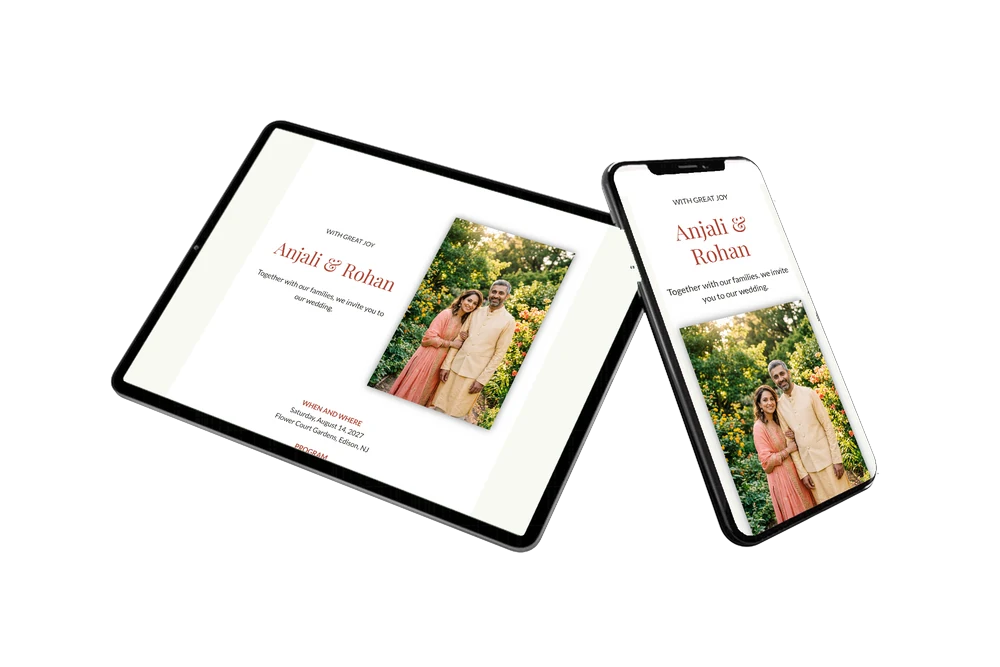
The full invitation on their phone, with the garden photo, the opening words, date and place, the timetable and the dress code. From there they reply with the RSVP button, open the route, add the date to their calendar and leave a message in the online guestbook.
What does the dress code say?
Colorful and festive, with traditional attire welcome. It tells guests that bright colors are part of the day and that they can come in what they would wear to a family celebration. Rewrite the line if your own wish is different.
Can I still change details after sending?
Yes. You change details on the same link, so guests always see the latest version. You can make the headings another color, replace the garden photo with your own or rewrite the opening words. Here is how to customise a ready-made design.
What does an online wedding invitation cost?
That depends on what you need. You will find the options on the pricing page. You can first adapt this design calmly and preview it before you share it.
Design details: fonts and colors
Fonts
- Header 1 — Lato
- Header 2 — Playfair Display
- Text — Lato
Colors
- #2E2A26 — Header 1
- #B04A3A — Header 2
- #2E2A26 — Text
- #FFFFFF — Card
- #F8F8F2 — Background
Use this design
Copy this design to your dashboard to use it as a starting point.
All example invitations are fictional. Photos of people are AI-generated; illustrations are licensed or AI-generated.