A cozy, heartfelt wedding card
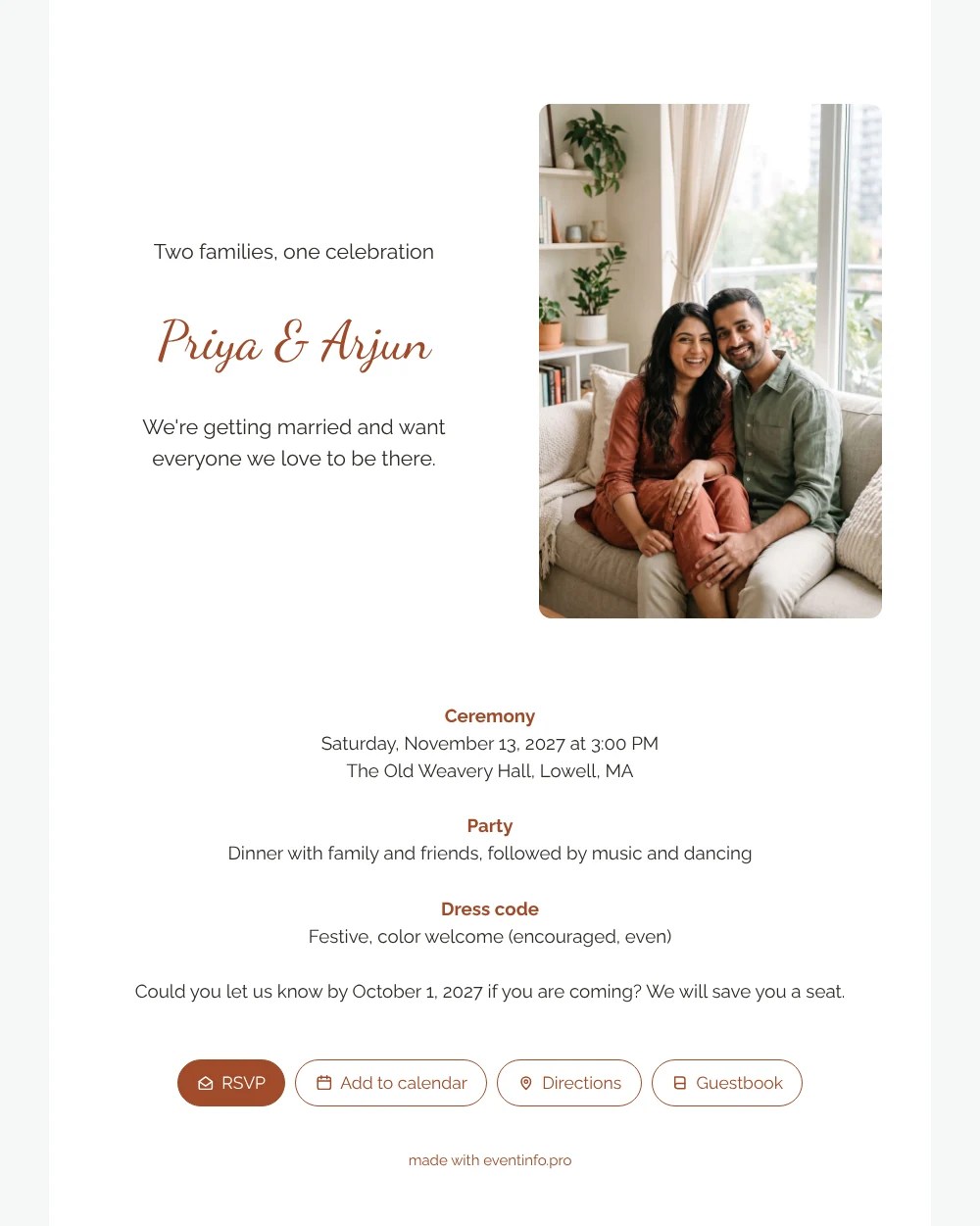
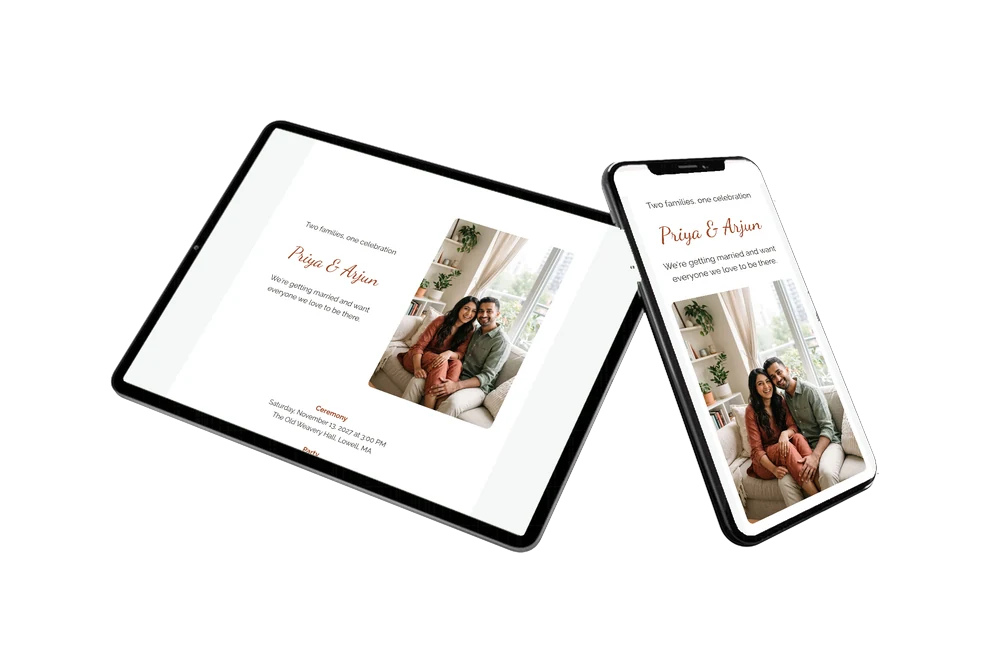
An online wedding invitation lets your guests read everything about your wedding on their phone and reply right away. For them this white card feels personal from the first glance: a laughing couple on a sofa at home, a short line about two families coming together, and terracotta headings that feel warm without shouting. It is a good choice when your guest list mixes older relatives and friends, because the text is clear and the outline is familiar.
Your guests do not need an app or an account. They open the link, read the ceremony details, see what the party holds and check the dress code. With the RSVP button on the invitation they reply in seconds, and you see their answer straight away in your dashboard. A tap on the venue opens directions, and another tap saves the date.
Create your own online wedding invitation
Use this design as a starting point and create a fitting wedding invitation within minutes.
Frequently asked questions
How fast can guests receive the invitation?
As soon as you have filled in your details. You copy the link and share it in a family group, by email or by text, so everyone has it the same day.
What can guests do once they open it?
They confirm whether they are coming, open the route to the venue, add the wedding to their calendar and leave a congratulation in the guestbook.
Will guests understand the dress code line?
The sample asks for something festive and adds that color is very welcome. You can keep that light tone, or write something more specific, such as a color you would love to see or a request for comfortable shoes.
Can I make it feel like our own card?
Yes. Swap the photo for one of yourselves, change the opening line and adjust the colors. The guide on customizing a ready-made design shows each step.
How do we share it with relatives who are not on WhatsApp?
Send the link by email or text message, or show them a QR code. The invitation opens in any browser, so nobody needs to install anything.
Design details: fonts and colors
Fonts
- Header 1 — Raleway
- Header 2 — Dancing Script
- Text — Raleway
Colors
- #2E2A26 — Header 1
- #A04A2A — Header 2
- #2E2A26 — Text
- #FFFFFF — Card
- #F5F7F7 — Background
Use this design
Copy this design to your dashboard to use it as a starting point.
All example invitations are fictional. Photos of people are AI-generated; illustrations are licensed or AI-generated.