A joyful, easy-going get-together invitation
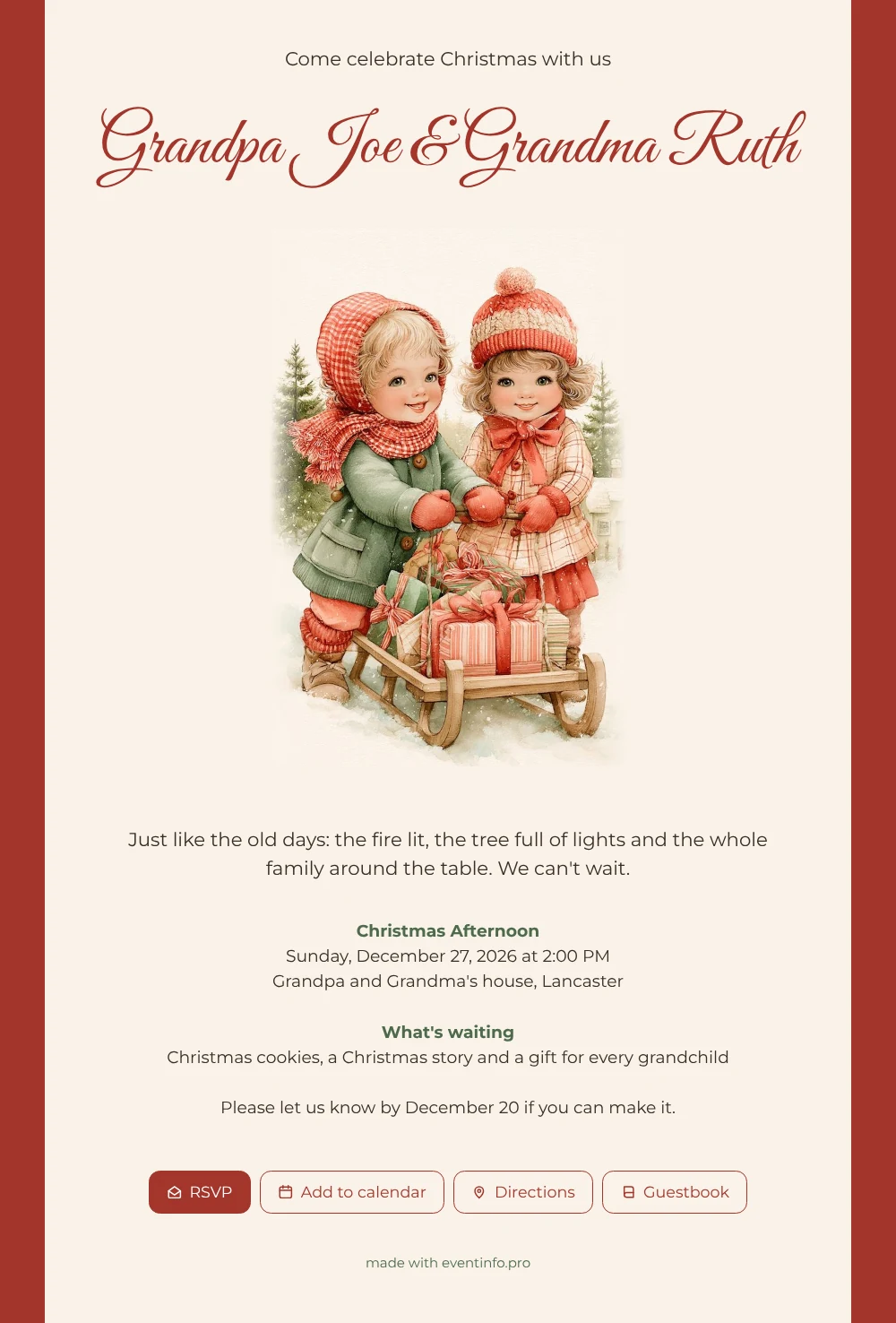
Guests tend to open a Christmas invitation with a coffee in one hand and a phone in the other, so the picture has to be clear in a second. Here it is: two small children and a sled piled high with presents, set against cream with a berry red border. The big script headline asks guests whether they would like to celebrate Christmas with the family, and the lines below say when and where. For the little ones, the sled is the star of the card, and for the adults the old-fashioned warmth does the talking in this online Christmas card.
The grandparents can send the card via WhatsApp to the family group, email it or text it. Parents reply on behalf of their household, open the route in the map app and add the afternoon to the family calendar. Children who still cannot read can tell from the picture that something exciting is coming, and parents will know exactly when to leave.
Create your own online Christmas card
Use this design as a starting point and create a fitting Christmas card within minutes.
Frequently asked questions
Can I make this card without design experience?
Yes. The layout, the picture and the text block are already in place. You only change the names, the place, the date and the time.
Can guests see who else is coming?
Guests answer with RSVP and can leave a message for you. You see the replies together and plan the table accordingly.
Will the red background look too heavy on a small screen?
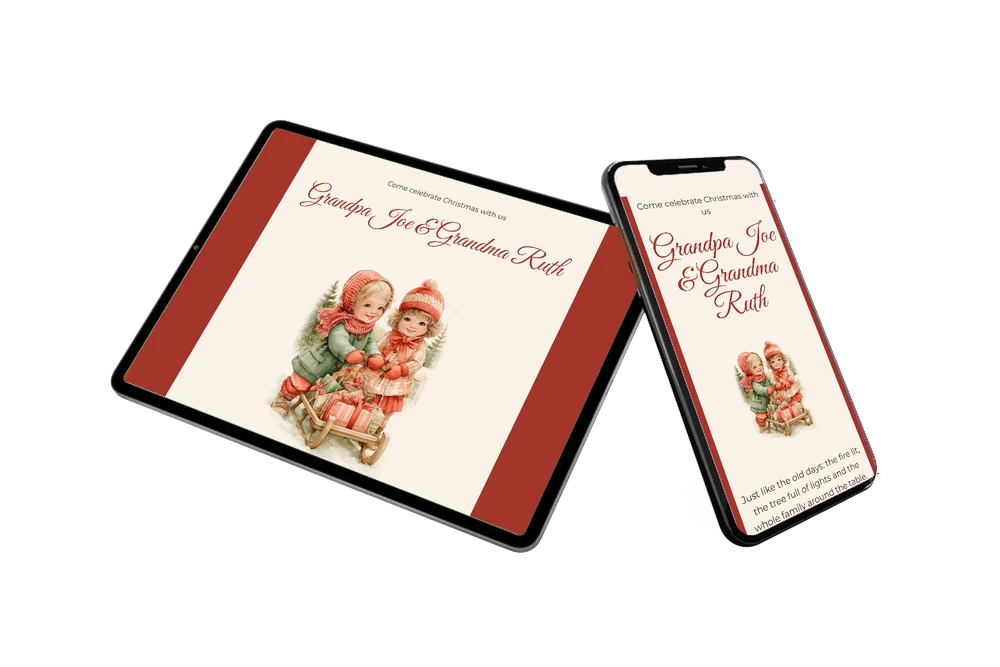
The picture sits on a cream card inside the red frame, so the large image and the text stay light while the red gives it colour. It works well on small screens.
Can I swap the children for a photo of my own?
Yes, the illustration can be replaced by a family photo. This guide shows how to use an illustration instead of a photo.
Is a digital card cheaper than printed ones?
Usually it is more affordable than printing and posting a card to every household. See the options on the pricing page.
Design details: fonts and colors
Fonts
- Header 1 — Montserrat
- Header 2 — Great Vibes
- Text — Montserrat
Colors
- #3A2E26 — Header 1
- #A3362C — Header 2
- #3A2E26 — Text
- #F9F2E8 — Card
- #A3362C — Background
Use this design
Copy this design to your dashboard to use it as a starting point.
All example invitations are fictional. Photos of people are AI-generated; illustrations are licensed or AI-generated.