A sincere, down to earth notice
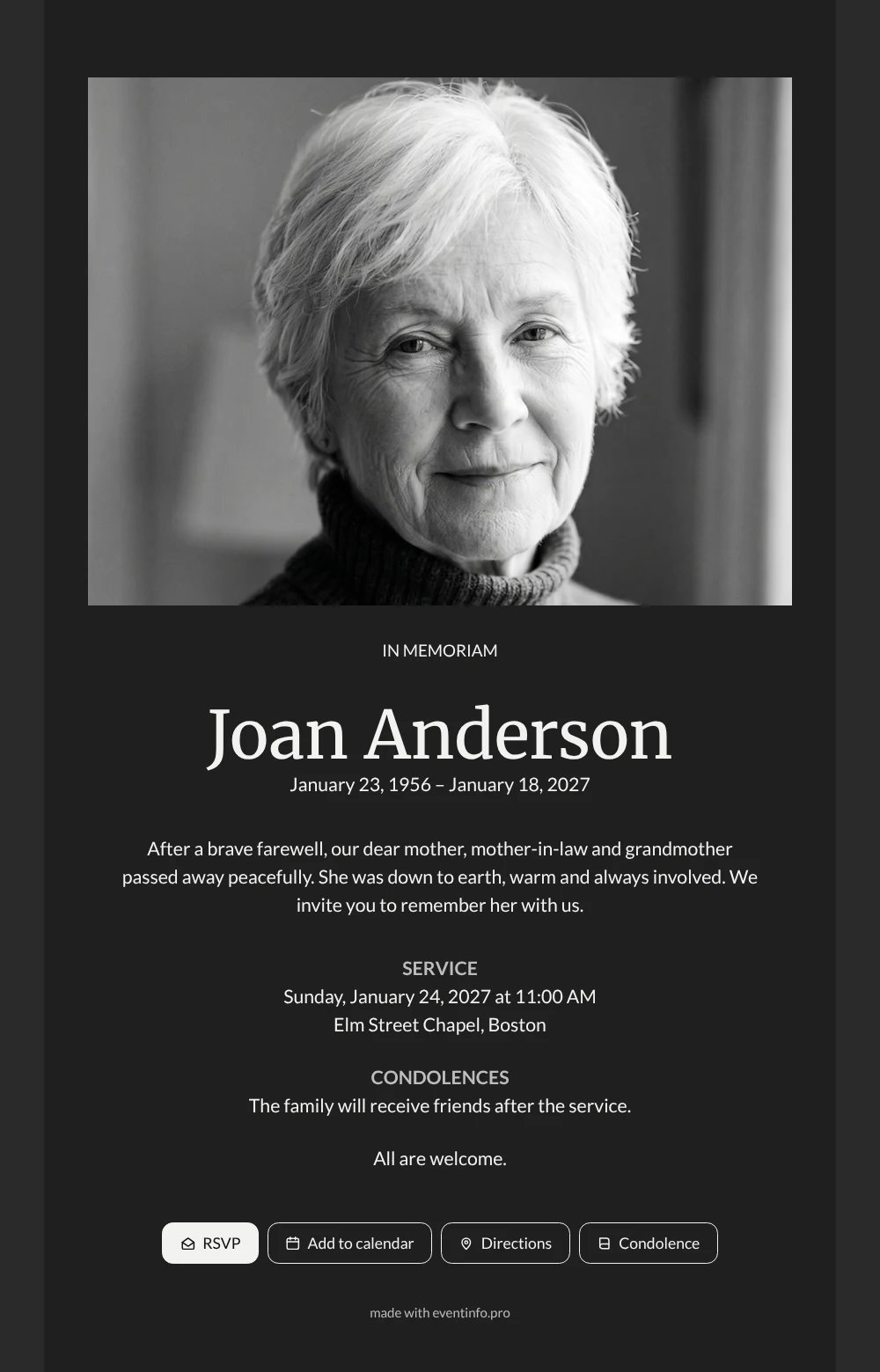
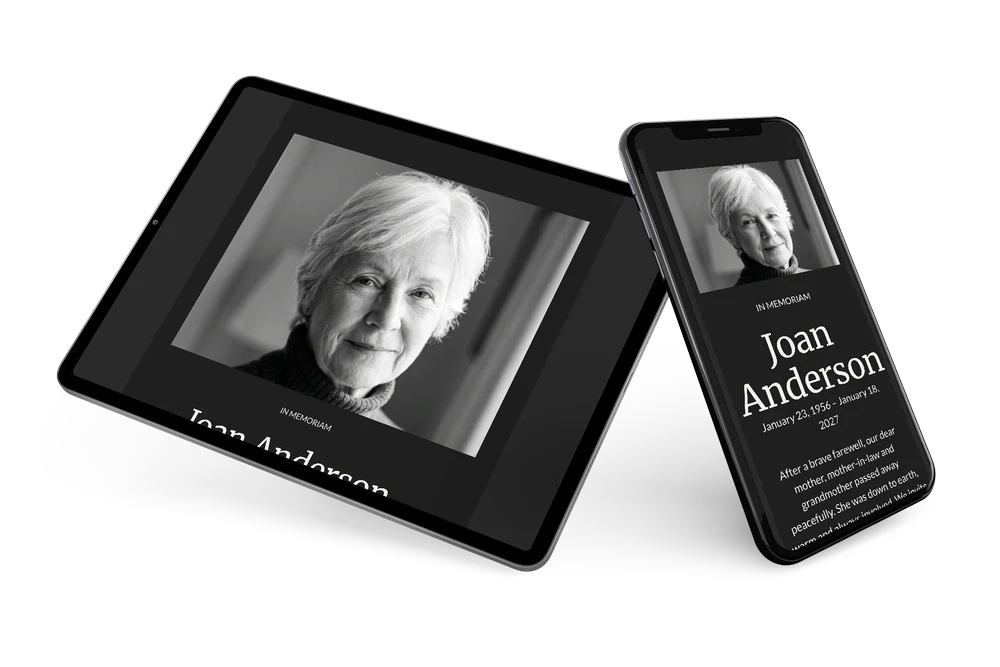
An online funeral card is the digital version of a printed notice: one link with her photo, her name, the dates, the service and space for condolences. This sincere design uses only black, white and gray and lets a wide portrait carry the message. It suits a woman who was practical and warm at the same time, who listened well and always knew what was going on in the lives of others.
Think of the people who will open this card: her children and in-laws, grandchildren, neighbours, friends from the club or the market. They recognise her look straight away and read in a few sentences how she lived and how she said goodbye. They can add the service to their calendar with one tap and find the chapel without searching. Afterwards they leave a few words that the family can read again.
Create your own online funeral card
Use this design as a starting point and create a fitting funeral card within minutes.
Frequently asked questions
Can the card be sent today?
Yes. Choose a photo, fill in the details, check the card on your phone and share the link. Later changes appear on the same link.
Can relatives abroad respond?
Yes. The condolence register is open to everyone with the link, wherever they live. Their messages appear in the same overview.
Why capitals for In Memoriam?
The capitals give the heading a calm, formal weight above the large photo. The name below in a softer serif keeps the card personal.
How do I make sure everyone sees it?
Share the link in family chats and by email, and send a reminder to those who have not opened it. A QR code on a printed note helps older guests.
When is the best time to send the card?
As soon as the date and place of the farewell are known, usually two to five days beforehand. If details are still open, you can share the card now and complete the information later on the same link, so nobody receives outdated details.
Design details: fonts and colors
Fonts
- Header 1 — Lato
- Header 2 — Merriweather
- Text — Lato
Colors
- #F2F2F0 — Header 1
- #F2F2F0 — Header 2
- #F2F2F0 — Text
- #1F1F1F — Card
- #2A2A2A — Background
Use this design
Copy this design to your dashboard to use it as a starting point.
All example invitations are fictional. Photos of people are AI-generated; illustrations are licensed or AI-generated.