A grounded, gentle funeral notice
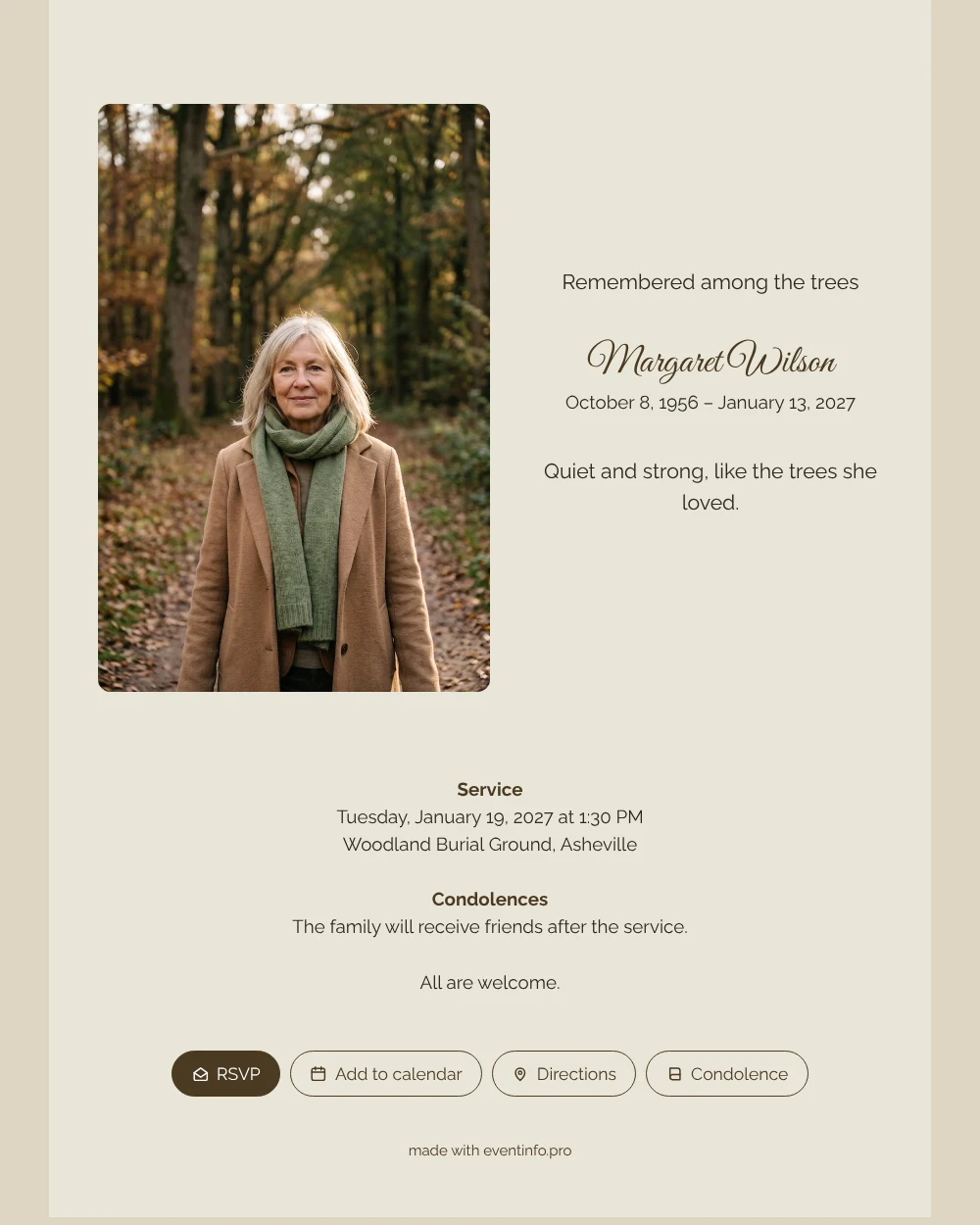
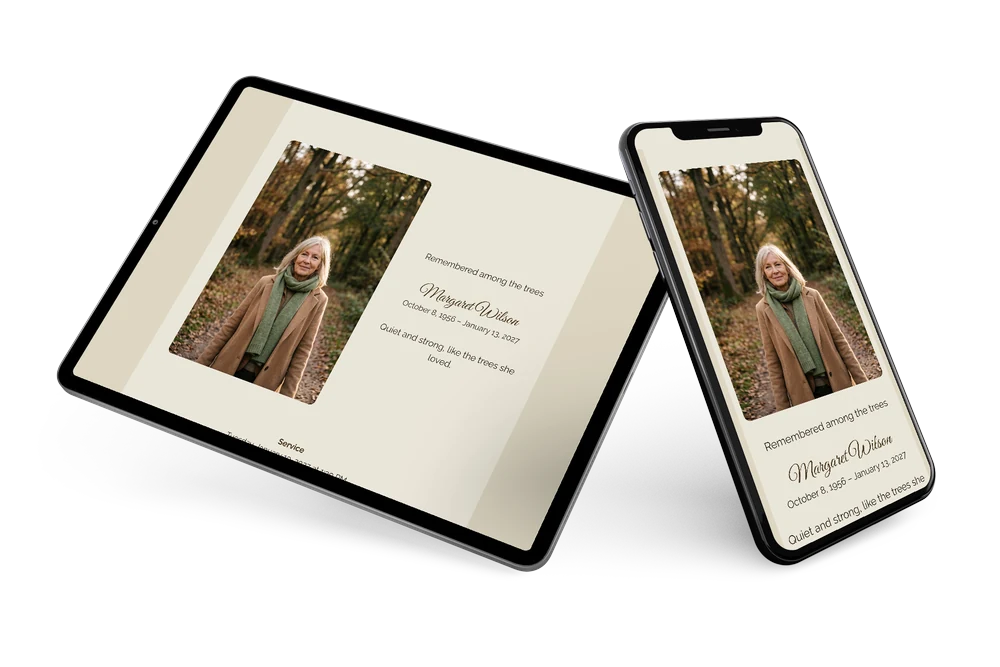
An online funeral card is the digital form of a printed notice: one link with her photo, her name, the dates, the farewell details and room for condolences. This design is grounded and gentle: a camel card, a flowing script for the name and a portrait on a forest path in warm autumn light. It feels like a slow walk in the woods, unhurried and full of air.
Think of the people who walked with her: friends from the walking club, neighbours, children and grandchildren who joined her on Sunday afternoons. They open the card, read one line about her love of trees and can add the date to their calendar with a tap. Afterwards they leave a memory of a walk or a conversation in the condolence register.
Create your own online funeral card
Use this design as a starting point and create a fitting funeral card within minutes.
Frequently asked questions
Can the card be ready today?
Yes. Choose a photo, fill in the details, read the card on your phone and share the link. Changes later are made on the same link.
Can people respond who cannot come to the woods?
Yes. The condolence register is open to everyone with the link, wherever they are. You find all messages in one overview.
Which photo works best for this earthy card?
An outdoor portrait in natural light, ideally with trees, leaves or a path in the background. Warm brown and green tones in the photo continue the colours of the card.
How do I reach everyone who knew her?
Share the link in group chats and by email, and remind people who have not opened it. A QR code on a note helps those who prefer paper.
When is the best time to send the card?
As soon as the date and place of the farewell are known, usually two to five days beforehand. If details are still open, you can share the card now and complete the information later on the same link, so nobody receives outdated details.
Design details: fonts and colors
Fonts
- Header 1 — Raleway
- Header 2 — Great Vibes
- Text — Raleway
Colors
- #2D281E — Header 1
- #4A3A22 — Header 2
- #2D281E — Text
- #EAE6D9 — Card
- #DDD6C2 — Background
Use this design
Copy this design to your dashboard to use it as a starting point.
All example invitations are fictional. Photos of people are AI-generated; illustrations are licensed or AI-generated.