A friendly, relaxed invitation
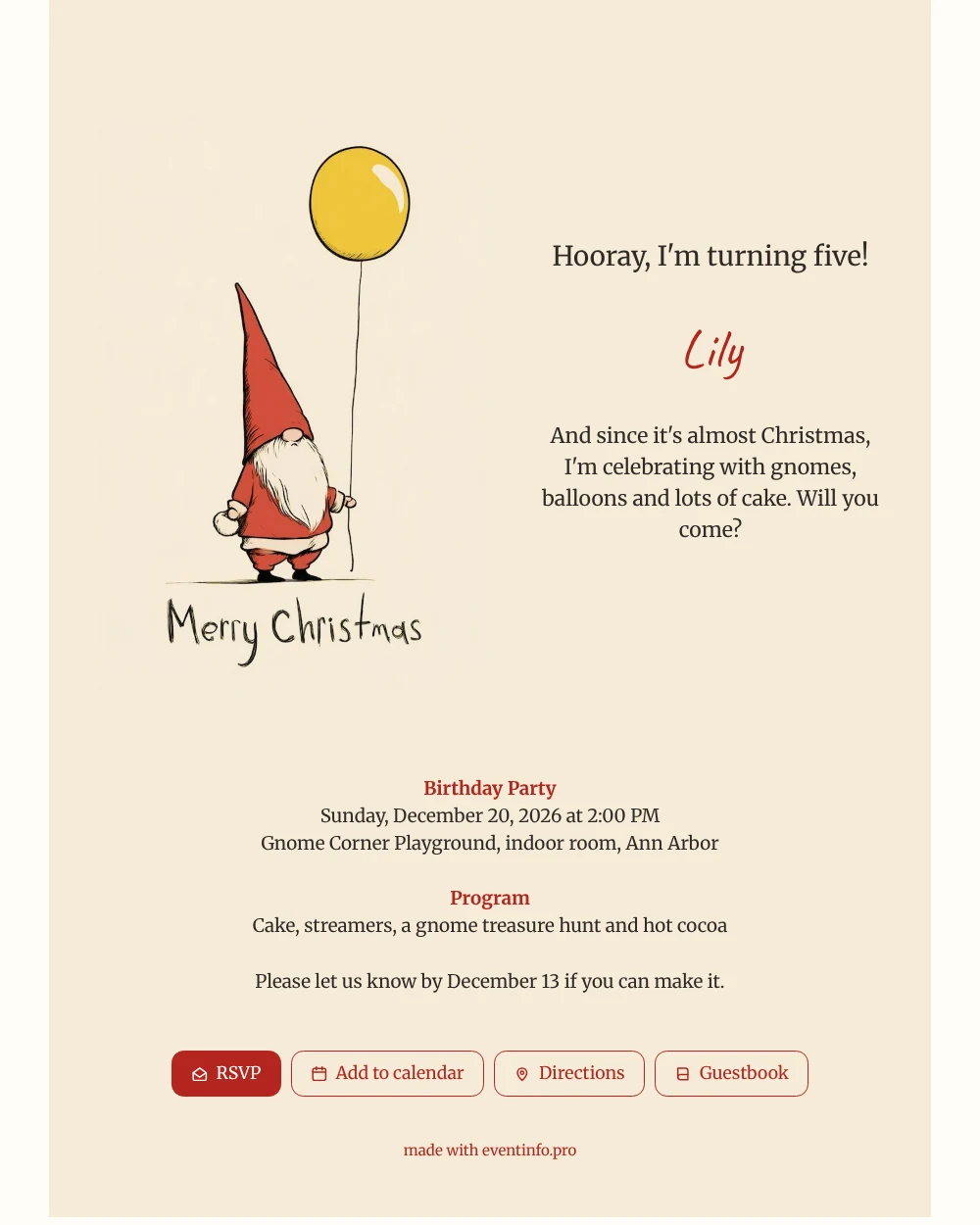
Parents get a lot of invitations in December, so the ones that are easy to understand get a quick yes. This online birthday invitation is easy on the eye: a single sketched gnome in a red hat, white beard and red clothes, a yellow balloon floating on its string, and “Merry Christmas” written by hand at the bottom. There is no clutter, and the headline, the date and the place follow in the same calm style.
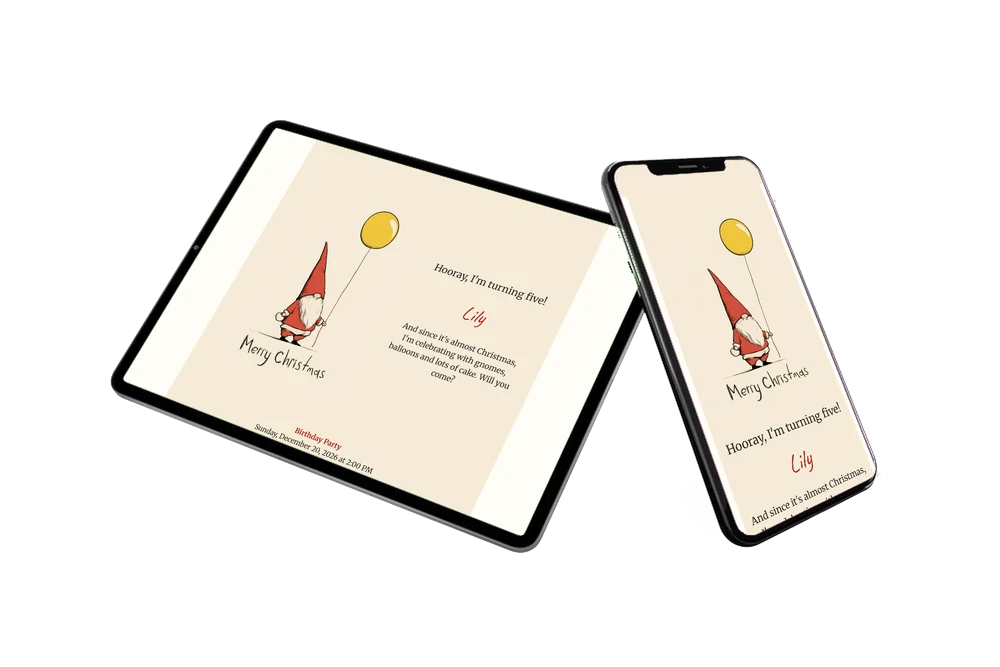
For the guests, the card does the practical work. Parents answer with the RSVP button, open the playground’s location on a map and save the day in their calendar. You can share the link in the class group on WhatsApp, by e-mail or by text message, and share it through a QR code on a paper note at school or the daycare.
The tone is warm and simple: a child who turns five, a few gnomes, cake and cocoa. Parents of the other children know within seconds what to bring and when to come. Because the guests are mostly parents, the wording stays short and practical: what, where, when, and a friendly line from the birthday child at the top.
Create your own online birthday invitation
Use this design as a starting point and create a fitting birthday invitation within minutes.
Frequently asked questions
Is it quick to send to a whole class?
Yes. One link goes into the class group or an e-mail, and every parent sees the same card.
How do parents say yes or no?
With the RSVP button on the card. They can also open the route and add the date to their calendar.
What if my child wants another picture?
The illustration can be replaced by another illustration or a photo, for example a photo of the birthday child with a gnome hat.
Can I change the colours and wording?
Yes. Text, colours and illustration are all editable. Read how to adapt a ready-made design.
Does a paper card still make sense?
Some families like to hand out a printed card. The link and the QR code can sit next to it, so every parent gets the full details.
Design details: fonts and colors
Fonts
- Header 1 — Merriweather
- Header 2 — Caveat
- Text — Merriweather
Colors
- #2E2A26 — Header 1
- #B3261E — Header 2
- #2E2A26 — Text
- #F6EBD7 — Card
- #FFFDF7 — Background
Use this design
Copy this design to your dashboard to use it as a starting point.
All example invitations are fictional. Photos of people are AI-generated; illustrations are licensed or AI-generated.