A refined, scholarly party
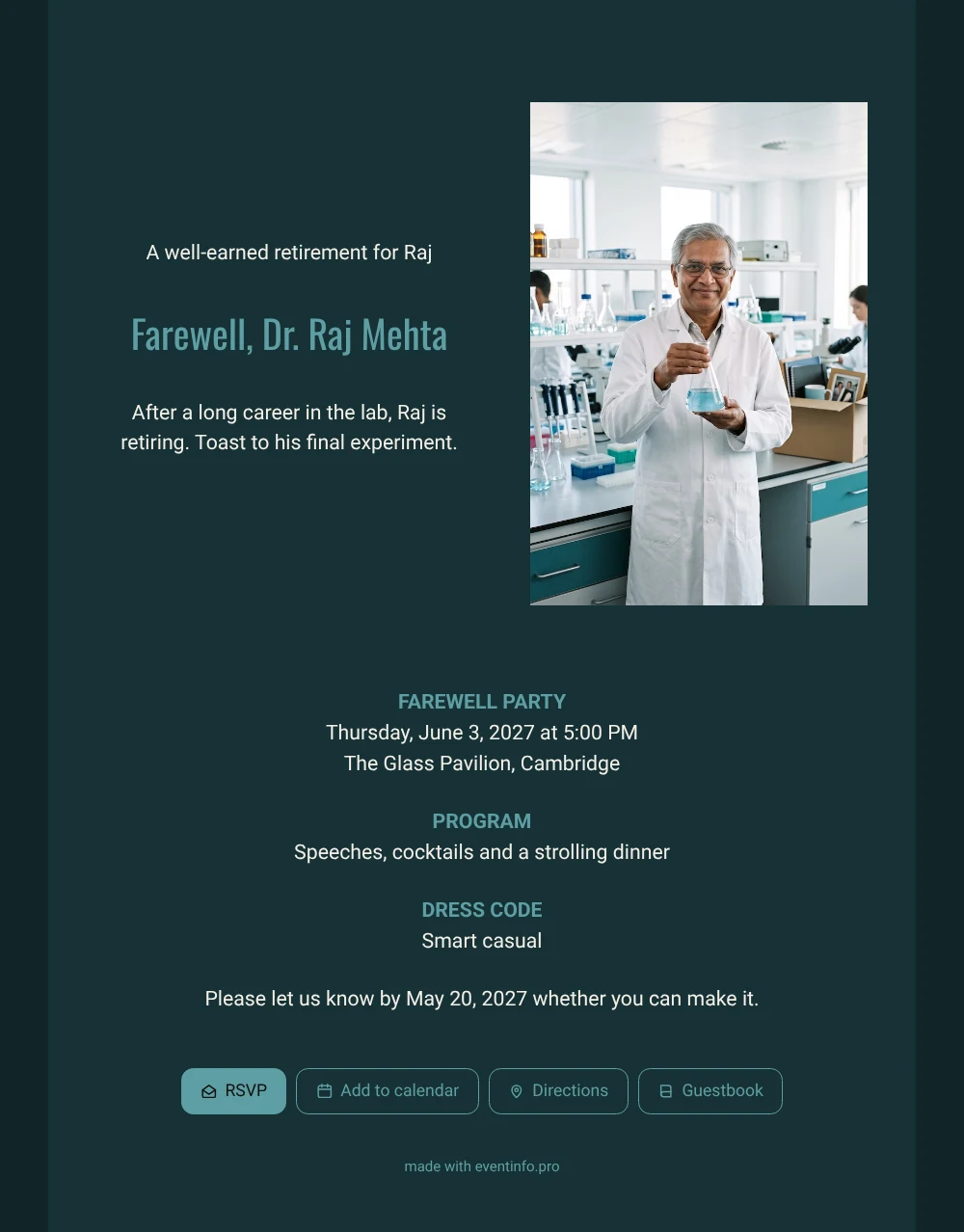
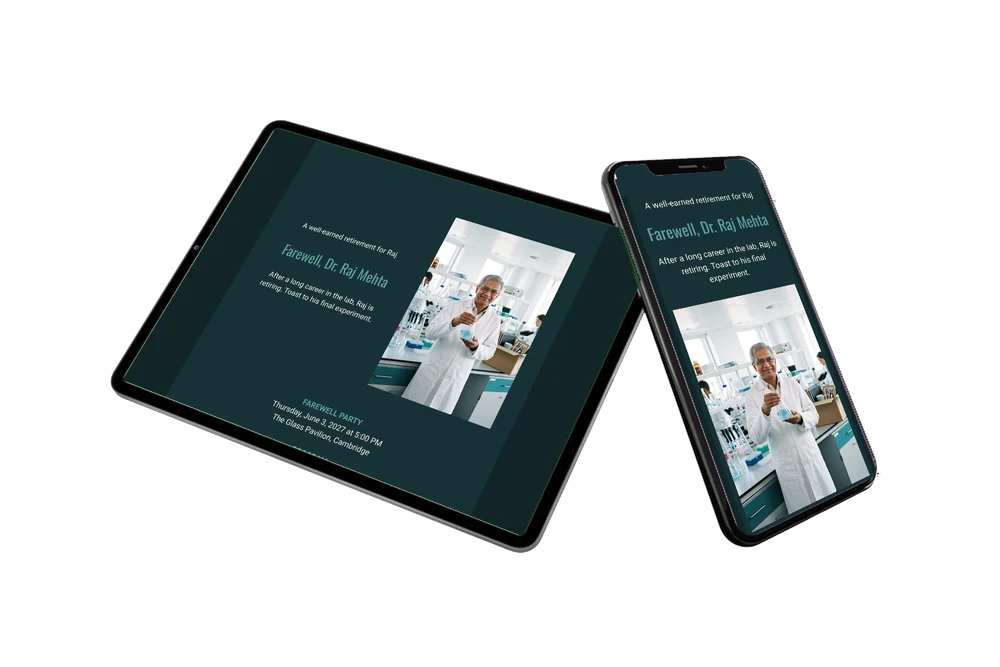
Picture the guests first: a group of colleagues who spent years in the same lab and now receive an online farewell party invitation, a web page that tells them where and when to say goodbye and lets them reply in seconds. They open it on their phone and see Raj in his familiar white coat, set against a deep teal card with light text. One look is enough to bring back the late nights, the coffee and the experiments that finally worked.
Each guest can leave a few words in the guestbook on the invitation: a thank you, a favourite story or wishes for the years ahead. Together those messages become a quiet tribute that stays online after the party, ready for Raj to read again at home.
Create your own online farewell invitation
Use this design as a starting point and create a fitting farewell invitation within minutes.
Frequently asked questions
How quickly can colleagues receive it?
As soon as you have entered the basics. Copy the design, fill in date and venue, and share the link the same afternoon. Guests open it straight in their phone’s browser.
What can guests do apart from replying?
Besides the RSVP button they can open the route, add the party to their calendar and write in the guestbook. Colleagues who cannot attend still have a place to share a memory.
Does the short text suit a retirement from research?
Yes. The heading wishes Raj a well-earned retirement and the text invites everyone to toast his final experiment. Below it, the blocks list the farewell party, speeches with cocktails and a strolling dinner, and a smart casual dress code.
Can I add a schedule for the evening?
Yes. If there are several speeches, a slideshow or a moment for gifts, you can add a day schedule to the invitation so guests know what to expect.
How do I nudge guests who have not answered?
In your dashboard you see who has not replied yet. From there you can remind those guests with a short message. It saves you chasing people in the corridor.
Design details: fonts and colors
Fonts
- Header 1 — Roboto
- Header 2 — Oswald
- Text — Roboto
Colors
- #F4EFE6 — Header 1
- #5E9FA4 — Header 2
- #F4EFE6 — Text
- #173236 — Card
- #112628 — Background
Use this design
Copy this design to your dashboard to use it as a starting point.
All example invitations are fictional. Photos of people are AI-generated; illustrations are licensed or AI-generated.